 NEWS
NEWS
Apple Says Face ID is Coming to More Devices, but Touch ID Continues
 09/10/2019
 3145
3145
Ahead of the official launch of iOS 13's improved Face ID, Apple has been promoting the security benefits of all its biometric systems and Greg Joswiak says that Touch ID isn't going away any time soon.
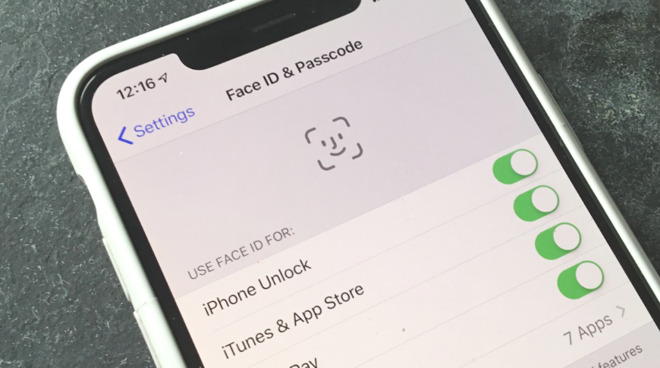
In an interview about biometric security, and the iPhone notch, Apple's vice president of Product Marketing, Greg Joswiak, has been promoting the company's Face ID and Touch ID. He says that Face ID will be coming to more Apple devices, but also that Touch ID will continue.
"Certainly, we'll continue to put [Face ID] on more devices but also Touch ID will continue to have a role," Joswiak told the UK's Daily Express. "It's a great technology on our iPad lineup and we don't see it going away anytime soon."
"Touch ID was the first mainstream biometric security system and customers loved it," he continues. "It changed the way that people secured their device, because at that time, even though it's hard to imagine, many didn't even have a passcode."
"But we wanted to improve biometric security even further with something more secure and convenient to use and that's why we came up with Face ID," he says. "We first shipped Face ID two years ago on the iPhone X and we thought it was even more natural than Touch ID with it unlocking your device with just a glance."
Asked about competitors and why, according to the Express, they have avoided face-scanning biometric security, Joswiak says it's down to expense.
"This is a pretty costly system," he says. "Our competitors think they can create something similar with a single camera and that's often what they want to do. Unfortunately, there's a reason why this is costly; there's a reason why it has all these components because security is night and day over someone trying to do this off a 2D image."
"It's good to take a step back and look at the technological beast of that tiny little notch area of your iPhone," he continues. "There's so much important and sophisticated technology inside. There's a speaker, a microphone, an ambient light sensor and a proximity sensor plus the all scanning components of the Face ID system."
He denied that Apple would be aping Samsung or others in adding a pop-up camera to allow face-scanning without a notch. "I would give people credit for trying new things," he said, "competition is what makes the world go round and makes us all better but that's not something we see coming anytime soon."
Joswiak concluded that Face ID is going to be 30% faster under iOS 13, which is to be officially launched alongside new iPhones on September 10.
Separately, Apple has again recently been rumored to be developing an in-display Touch ID for 2020's iPhone range.
Source: Appleinsider










