 NEWS
NEWS
Apple Stores to Run Free Coding Sessions December 1-14
 11/27/2018
 2575
2575
Hour of Code, Apple’s annual coding session events held at its retail stores around the world, is returning for the sixth year beginning Saturday, December 1, the company announced today.
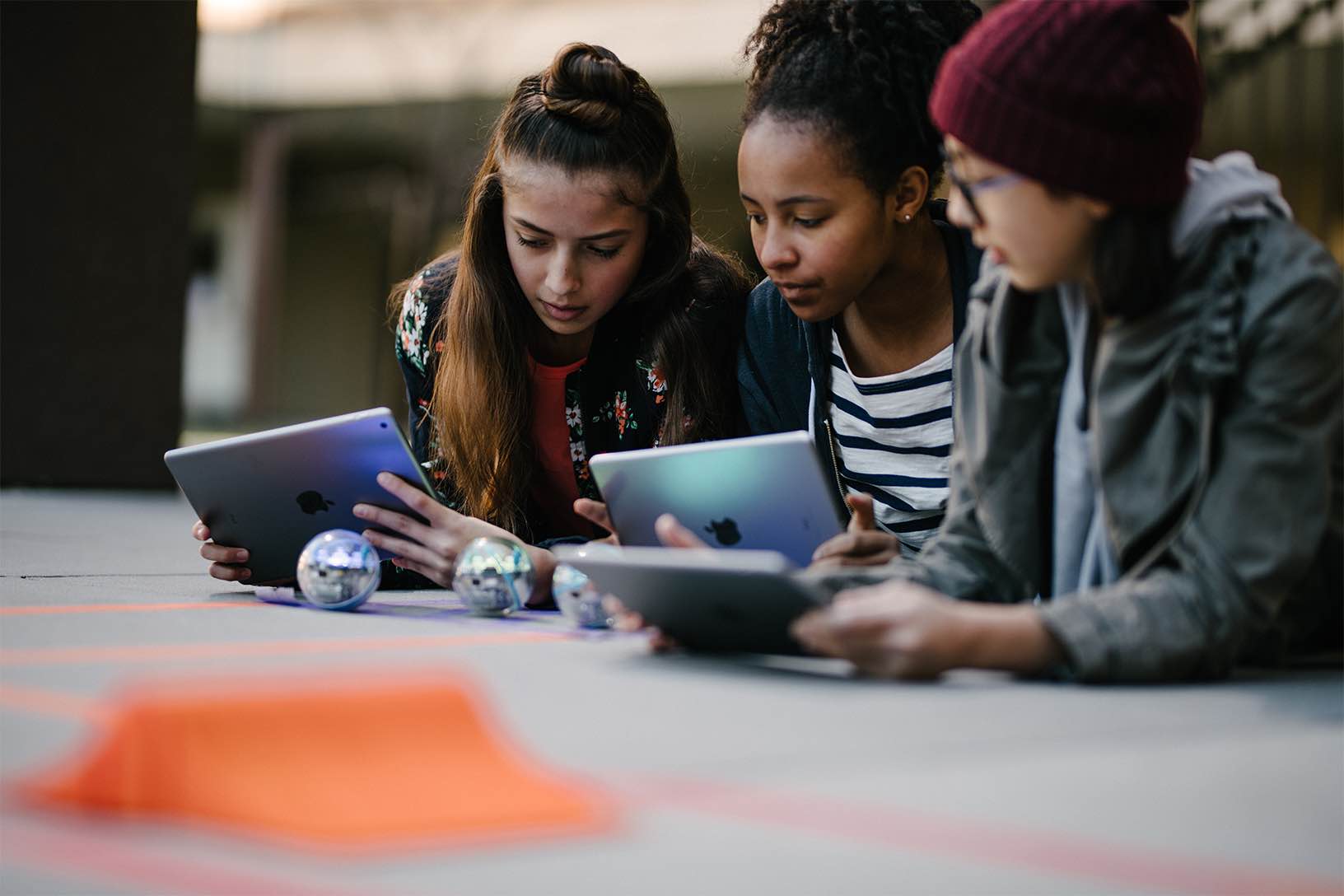
The daily Hour of Code sessions will be held through the “Today at Apple” initiative from December 1 through December 14. These coding sessions are designed for people at a variety of skill levels to learn coding, with children-focused Kids Hour sessions targeting young wannabe coders aged six to twelve. For those aged 12 and above, the program offers sessions revolving around learning coding concepts with Apple’s Swift Playgrounds app and iPad.
From the press release:
To celebrate Computer Science Education Week, Apple created a new Hour of Code Facilitator Guide to help educators host sessions in their classroom using Swift Playgrounds and other iPad apps. Swift Playgrounds is available as a free download in the App Store in 15 languages, including English, German, French, Spanish, Italian, Chinese and Japanese.
Apple also unveiled new resources designed to bring coding education through its Everyone Can Code program to even more students around the world. In the next school year, the company will release a free AP Computer Science Principles course syllabus and curriculum.
The new materials help teach coding outside of the classroom with Apple’s programming language Swift. In the next school year, the company will release a free AP Computer Science Principles course syllabus and curriculum and App Development with Swift certification recognizing their knowledge of Swift, app developer tools and core components of apps.
The Cupertino tech giant states that the App Development with Swift Level 1 certification exams offered through Certiport Authorized Testing Centers worldwide.
Source: idb










