NEWS

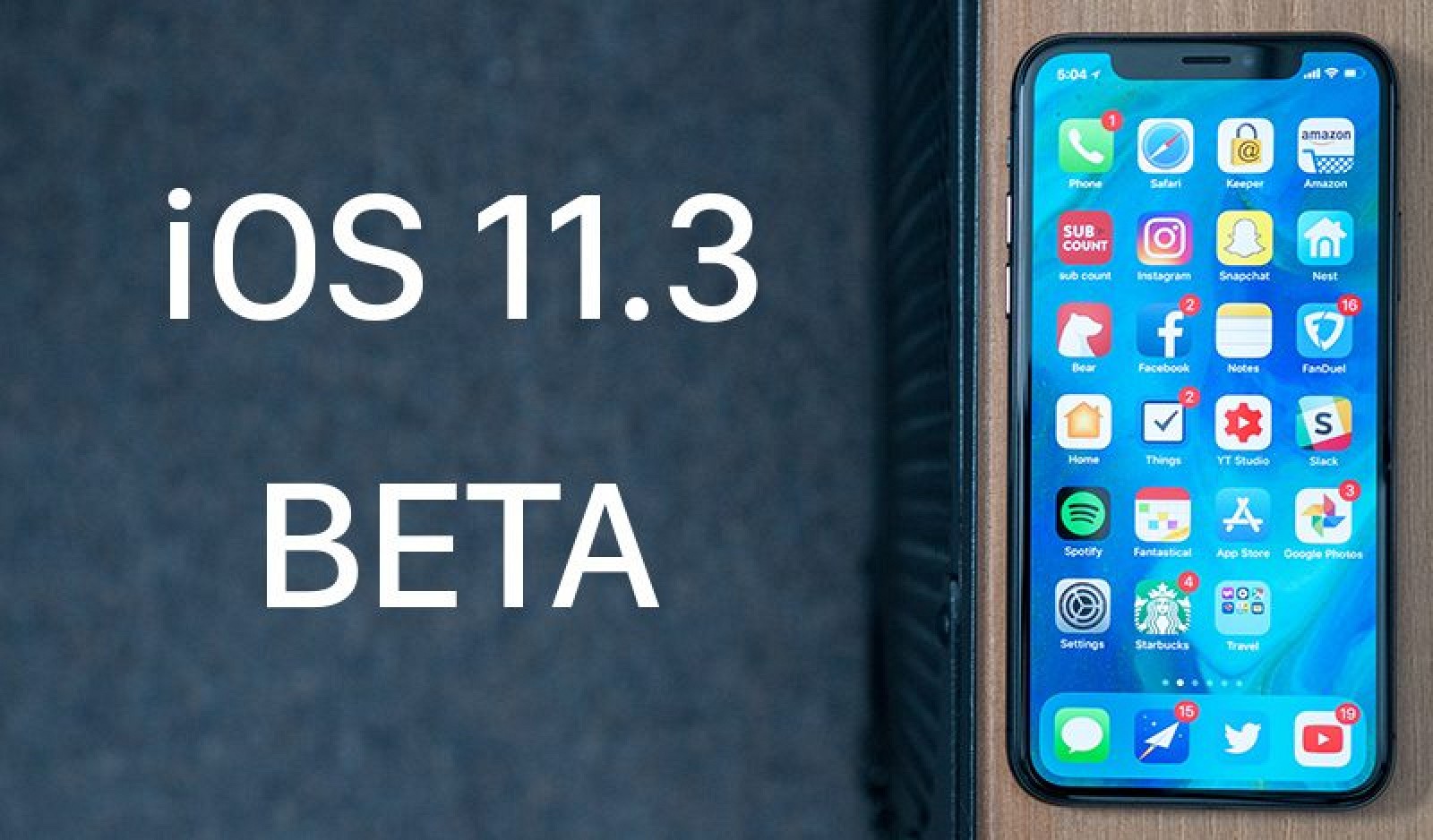
iOS 11.3 Beta 1 is out with iCloud Messages, New Animoji and More

01/25/2018

3553

iOS 11.3 Beta 1 is out with iCloud Messages, New Animoji and More


The first big iOS 11 beta of 2018 has finally arrived. Apple gave the public a preview of the new features coming in iOS 11.3 this morning. 3uTools would soon support iOS 11.3 Beta 1 flash.


Registered developers can grab iOS 11.3 beta 1 directly from the online Apple developer portal. It can be installed to iPhones and iPads as an over-the-air update once the proper installation profile has been downloaded to your device.


What’s new in iOS 11.3 beta 1

iOS 11.3 beta 1 contains a number of notable improvements, including iCloud Messages. Apple also added the ability to view your battery’s health and choose between increased performance or better battery life. The new feature is in response to criticism Apple received from customers after it was discovered that Apple throttles CPU speeds on iPhones with older batteries.


iPhone X owners are getting 16 new Animoji to play with in iOS 11.3 beta 1. Videos have been added to Apple Music and Apple News. Some big improvements have also been made to ARKit too. ARKit can now recognize horizontal surfaces, like tables and chairs, and place virtual objects on vertical surfaces, like walls and doors. It can also more accurately map irregularly shaped surfaces, like circular tables.


There are also a ton of bug fixes and security improvements baked into iOS 11.3. The update is slated to be released to the public this spring.


Source: cult of mac


Windows
Mac OS
iOS
Linux
3uTools
Win 64-bit For this device
V9.01 2025-12-27
Download
Win 32-bit For this device
V9.01 2025-12-27
Download
3uTools
Intel Chip How to Identify Chip Type
V9.01 2025-12-31
Download
Apple Silicon
V9.01 2025-12-31
Download
How to Identify Chip Type
1.  Click the Apple icon in the top-left corner of the screen and select About This Mac.
2.  Check the Processor or Chip field to determine if it is "Intel" or "Apple".
Please use the 3uTools PC client to install the iOS client:
1、 Install either the Windows or Mac version of 3uTools on your computer
2、 Open the PC client and connect your device to the computer via USB cable
3、 After the connection is successful, wait for the computer to automatically install the mobile app for the device, or locate “Install Mobile App” on the computer and manually click to install.
3uTools
deb file
V3.01 2025-11-20
Download
rpm file
V3.01 2025-11-20
Download
Windows
Windows
iOS
iOS
Android
Android
TV
TV
3uAirPlayer
Win 64-bit For this device
V6.0.2 2025-11-19
Download
Win 32-bit For this device
V6.0.2 2025-11-19
Download
iOS Device Mirroring (No App Required)
1、 Install 3uAirPlayer on the Windows PC
2、 Open Control Center and select Screen Mirroring
3、 From the list, choose your PC to start mirroring
4、 Or connect your iOS device to the PC via USB to begin mirroring
Scan to get "3uAirPlayer" App
3uAirPlayer TV V1.0.18
2025-11-28
TV System Requirements: Android 7.0 or later
Download the TV installation package, copy it to a USB drive, insert it into your TV or set-top box, then select the file from the home screen to install.