 NEWS
NEWS
Apple Creates Activity Rings-themed Watch Band for Second Internal Wellness Challenge
 01/24/2018
 3243
3243
Apple is kicking off its second-ever internal activity challenge company wide next month, and this year the competition includes a new prize. Employees who finish the challenge with gold will earn a special nylon Apple Watch band themed after the activity rings that isn’t sold in stores.
The activity challenge is intended to promote a healthy lifestyle through fitness and activity tracking among employees with the Apple Watch. Apple uses a third-party app called Challenges which works with the Apple Watch activity rings and health data to let teams compete.
Points are earned by completing the three activity rings on Apple Watch which include Move, Exercise, and Stand.
Move is customizable and measures active calories burned throughout the day, while the exercise goal is a fixed 30 minutes and is based on how many minutes your heart rate is accelerated throughout the day. Apple recommends moving around for at least one minute of twelve different hours each day which makes up the Stand goal.
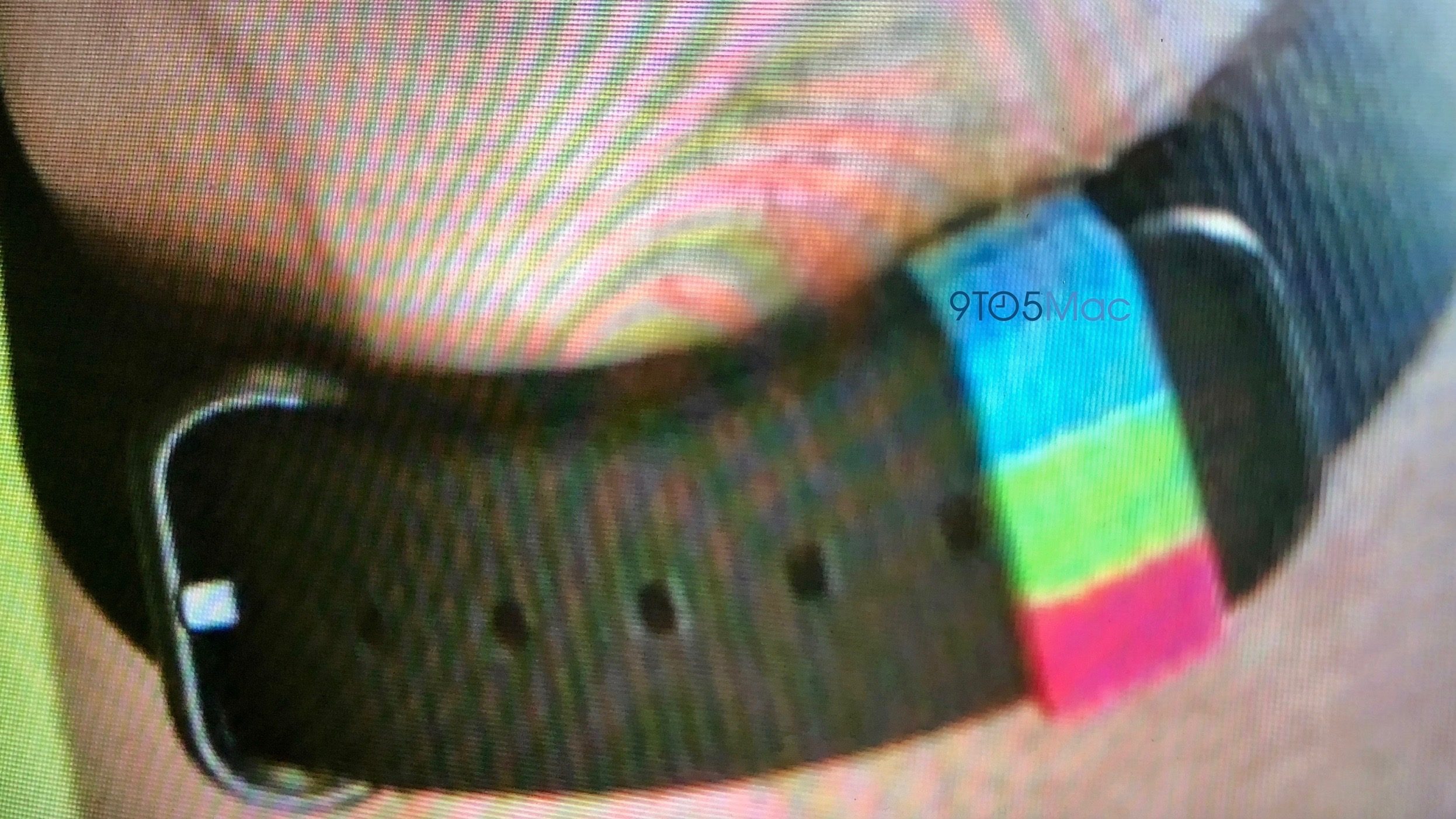
The special band appears to be a black woven nylon strap with black connectors and a special blue, green, and red accent on the loop that represents the three colors of the activity rings.
Apple has previously made special versions of its woven nylon band including the Pride edition and international flag versions. The Pride band was initially gifted to employees marching in the San Francisco PRIDE parade a few years ago before a version was made available to purchase from Apple for a limited period. The special flag-themed bands were never sold outside of Brazil during the 2016 Olympics.
Last year the main reward for winning the internal wellness challenge was a special activity rings shirtwith the Apple logo on the sleeve. Participants were also awarded with physical activity ring pins based on what status they reached through the wellness challenge.
The special activity rings-themed strap is a cool design for anyone like me who is obsessed with closing the rings, and one I hope becomes available to purchase in the future. For now, the strap will only be available to Apple employees who finish the wellness challenge on top.
Source: 9to5mac










