 NEWS
NEWS
Qualcomm Says That It Is Ready to Move on Without Apple
 12/08/2017
 3201
3201
Back in October, thanks to the various lawsuits between Apple and Qualcomm, Apple is in the process of designing the 2018 iPhone models without using Qualcomm's modem chips. Currently, the CDMA versions of the Apple iPhone 8, Apple iPhone 8 Plusand Apple iPhone X use the Qualcomm Snapdragon X16 modem chip. The GSM models of the same phones use the Intel XMM 7480. There is speculation that Apple will turn to MediaTek to replace Qualcomm.
Cristiano Amon, president of Qualcomm CDMA Technologies, ticks off a number of high growth areas that allow the company to thrive without sending invoices to Cupertino. There is heavy growth in China, growth with other phone manufacturers such as Samsung, growth with the upcoming 5G build outs coming soon, and growth in other business outside the wireless phone industry.
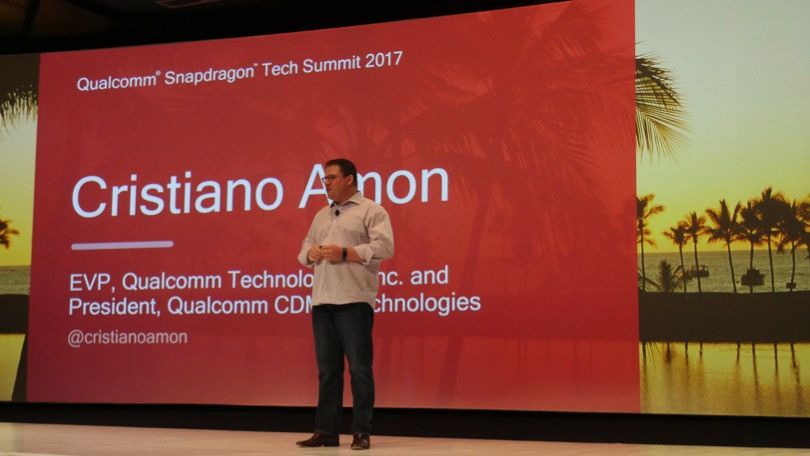
The executive noted that despite Apple using both Qualcomm and Intel to dual-source the iPhone modem chip over the last two tears, Qualcomm's CDMA Technologies business has been growing. This might be due to the chipmaker's decision early last year to model its future on the assumption that Apple would resort to using multiple sources for its modem chips.
One might wonder whether the "What, me worry?" philosophy spouted by Mad Magazineicon Alfred E. Neuman is being used by Qualcomm. Besides the numerous lawsuits, the Broadcom takeover bid, and the possibility that Apple will drop Qualcomm as a supplier, the company also needs to worry about phone manufacturers like Huawei, Apple, and Samsung producing their own chips.
While Qualcomm has focused on the rise of smaller domestic phone manufacturers in China, the company is also supplying Windows powered laptop manufacturers with Snapdragon chipsets. Amon also says that we should expect to see Qualcomm make one more big push with 4G before it starts releasing 5G broadband chips.
So overall, if you ask Qualcomm if it is ready for life without Apple, the answer is a resounding " Hell Yes!"
Source: phoneareana










