 NEWS
NEWS
TIME Names iPhone X 2nd Best Gadget of 2017
 11/21/2017
 3089
3089
TIME magazine has shared its list of the top 10 gadgets of 2017 today and two of Apple’s newest products have made the cut. The iPhone X just missed the number one spot, while the Apple Watch Series 3 coming in at number 9 is the only wearable on the list this year.
Last week, TIME named the iPhone X one of the top 25 inventions of 2017 and also sat down with Jony Ive and Dan Riccio, VP of hardware engineering to talk more about the revolutionary device, including some of the unique challenges.
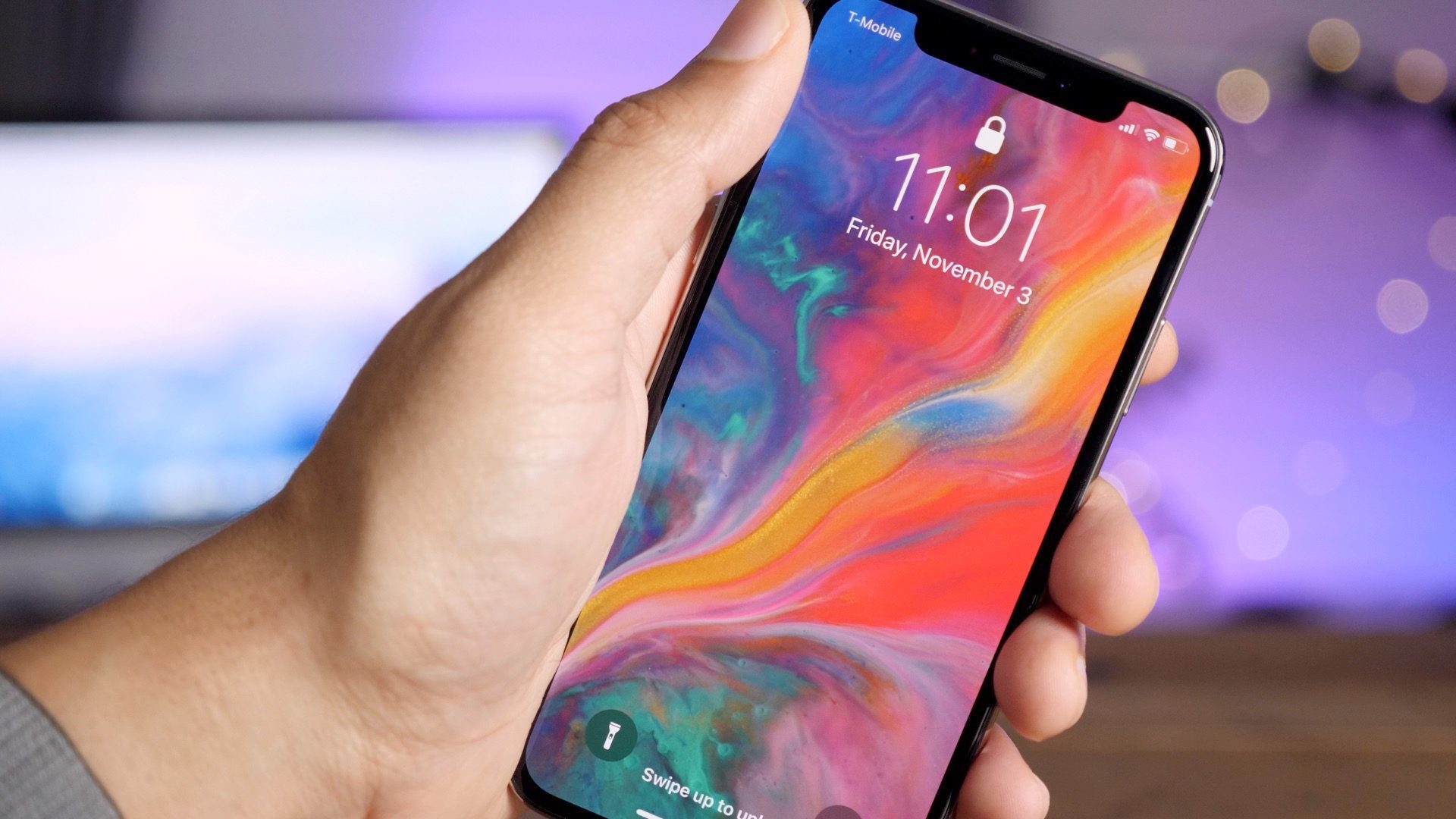
Now, iPhone X comes in second on TIME’s list of the top 10 gadgets of 2017, behind the highly popular Nintendo Switch. Even though Samsung’s Galaxy S8 also made the list at number 5 (and had features like facial scanning first), here’s why TIME ranked iPhone X higher.
Yes, it’s expensive. Yes, you’ll probably have a hard time getting your hands on one. And yes, Android did it first. But the iPhone X’s edge-to-edge screen and facial recognition system will undoubtedly set a new standard for phones to come. For one, Apple’s Face ID system, even despite the security concerns, is already being used in more creative ways than Samsung’s facial identification tech. Third-party apps like Snapchat and Warby Parker are taking advantage of the iPhone X’s face-mapping technology to project realistic masks over your eyes or select glasses that suit your face’s shape. That, combined with a sharp camera, long battery life, and large screen packed into a more palatable size, make Apple’s iPhone X a top pick.
Source: 9to5mac










