 NEWS
NEWS
Facebook not Launching Media Tool Because of Apple
 10/20/2017
 3206
3206
Facebook not launching media and news subscription tool on iPhone because of Apple's 30% take
Facebook is on the verge of launching a way to allow companies to sell subscriptions through the social media venue —but a dispute over Apple's mandated 30 percent of revenue derived through apps distributed on its store appears to have scuttled the launch on the iPhone.
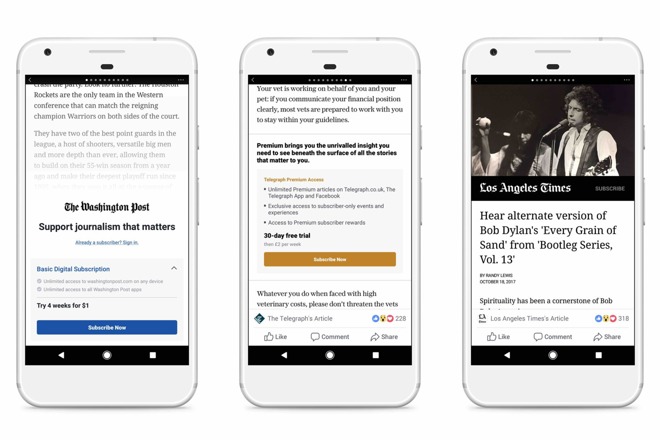
A report on Thursday from Recode notes that the debate has been going on between Apple and Facebook for months, according to sources familiar with both companies. The tool seeks to enforce paywalls associated with shared content in one of two ways.
The first, a metered index, prompts users to pay for the content after users have read 10 of the publisher's articles over a set period of time universally. A "freemium" version allows publishers to gate off certain content, and not require payments for everything.
Facebook claims that it will not take any revenue from the payments gathered, and reportedly Google will not take any funds generated from users who get the Facebook app through Google Play. However, Apple requires up to 30 percent of revenue generated from in-app purchases, including paywall funds generated as a result of the Facebook app.
Apple does not allow app developers to suggest that users pay for service outside of the app in question.
"We know subscriptions are an important business model for many in the news industry, that's why we've been working hand-in-hand with publishers to create a product that will drive real value for them," said a blog post penned by Facebook's Campbell Brown. "We're committed to this effort and optimistic that we'll launch a test on all mobile platforms soon."
The Facebook subscription feature is rolling out in the next few weeks with Hearst, Tronc, and the Washington Post involved. Specifically not participating in the rollout are the New York Times, and the Wall Street Journal.
Source: appleinsider










