 NEWS
NEWS
FCC Asks Apple to Activate the iPhone’s Hidden FM Radio to Aid Public Safety
 09/29/2017
 3196
3196
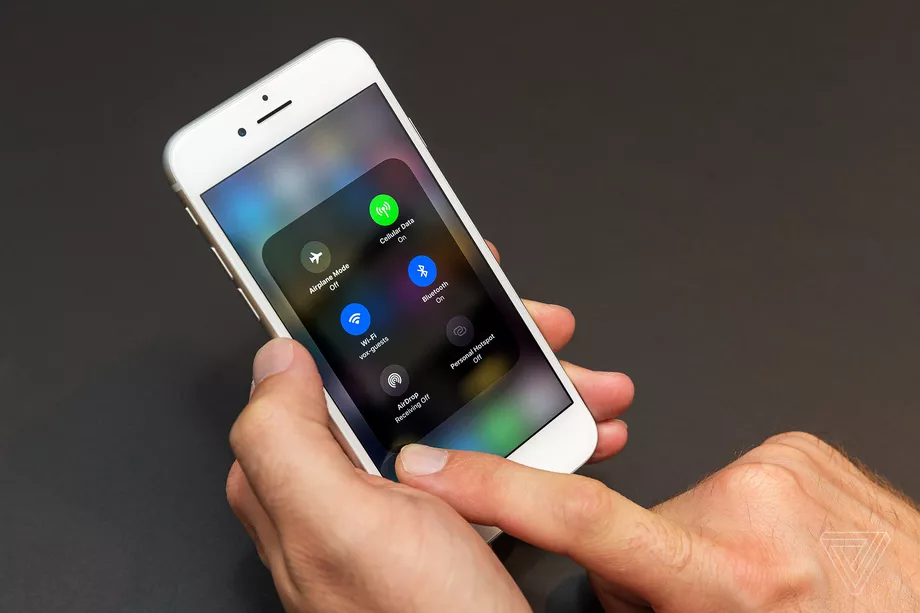
FCC chairman Ajit Pai wants Apple to turn on the FM radio that’s hidden inside of every iPhone. In a statement today, he asked that Apple “reconsider its position, given the devastation wrought by Hurricanes Harvey, Irma, and Maria.” The FM radio, he said, can be used to receive “life-saving information” during disasters.
Apple said Pai’s request wasn’t possible for its newest phones. “iPhone 7 and iPhone 8 models do not have FM radio chips in them nor do they have antennas designed to support FM signals, so it is not possible to enable FM reception in these products,” an Apple spokesperson said in a statement. Apple seemed to indicate that it had no plans to enable FM radio on older phones either, saying that the iPhone already includes other safety features.
Most smartphones have an FM radio inside, and they have for a long time. Until recently, however, most of those radios were deactivated, so that owners couldn’t use them. There were a handful of reasons for this, but two of the more obvious ones were that if your phone receives FM radio, you’re going to be less likely to pay for music and extra wireless data — instead, you’d just tune into the radio for free.
As Pai points out, most wireless carriers and phone manufacturers have backed down on that in recent years and offered access to FM. “Apple is the one major phone manufacturer that has resisted doing so,” Pai says.
In the past, Pai has made it clear that he doesn’t want the FCC to mandate that phone manufacturers enable FM radios, in part because it goes against free market policies. And in this case, he’s not — he’s just asking. But despite having no plans to mandate their activation, Pai has also said that “you could make a case for activating [FM] chips on public safety grounds alone.”
And that’s really what’s going on here. While cell networks may go down or be hard to reach during emergencies, traditional radio tends to be easier to receive. FM signals can travel farther than data signals, which means that radio remains the best way to distribute information during an emergency. With extreme weather events increasingly hitting the US, it becomes ever more important for people to have radio access.
“When wireless networks go down during a natural disaster, smartphones with activated FM chips can allow Americans to get vital access to life-saving information,” Pai says. “I applaud those companies that have done the right thing by activating the FM chips in their phones.”
All four major wireless carriers now allow phones to ship with activated FM radios; AT&T, T-Mobile, and Sprint are even encouraging smartphone companies to activate them. You can view the list of phones that currently offer FM radio support over at the website of NextRadio, a broadcaster-backed company behind a smartphone radio app. The list currently includes phones from Samsung, Motorola, LG, and HTC, among others.
“I am asking Apple to activate the FM chips that are in its iPhones,” Pai says. “It is time for Apple to step up to the plate and put the safety of the American people first.”
Update September 28th, 4:18PM ET: This story has been updated to include a statement from Apple.
Source: the verge










