
NEWS

Apple Store Goes Offline Ahead of iPhone 8, Apple Watch Series 3 Pre-orders

09/15/2017

3264

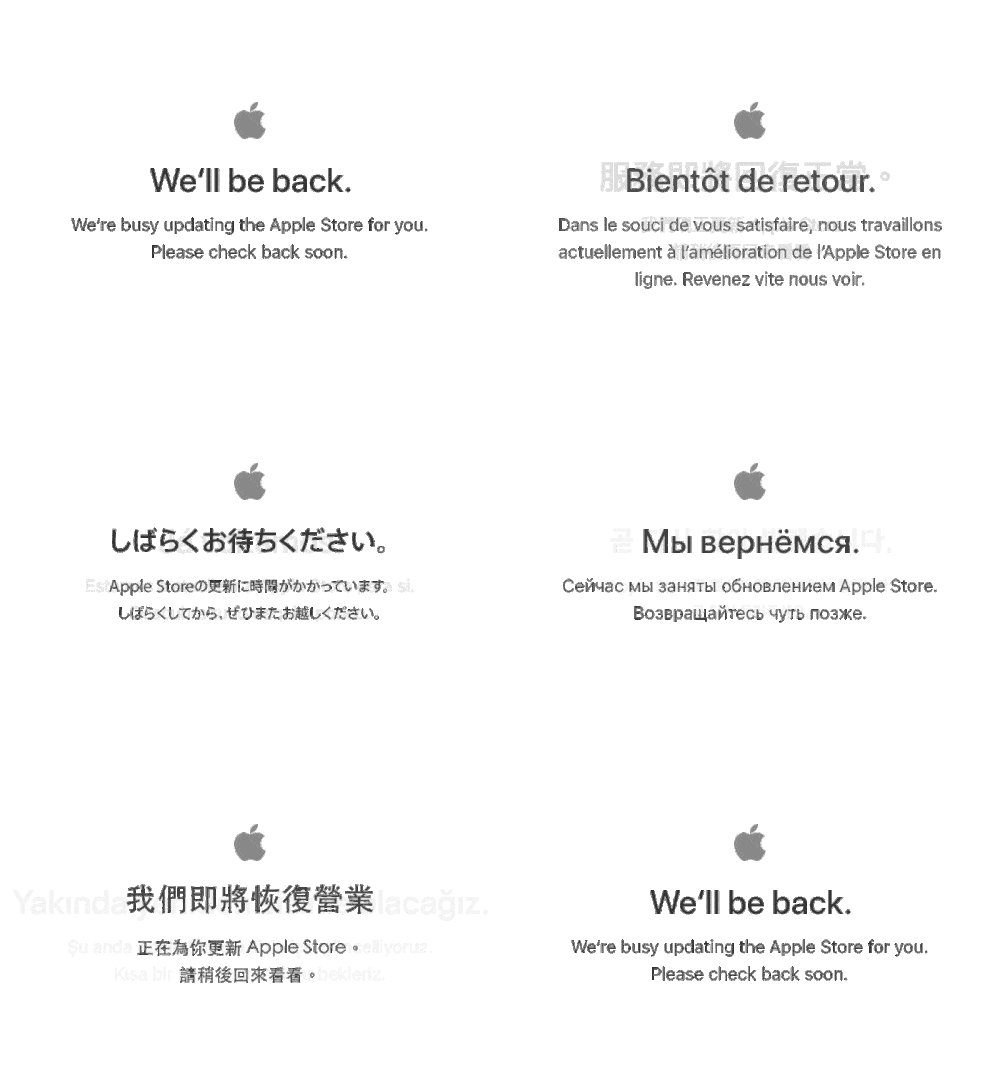
Apple’s online store changed to the “We’ll be back” message Thursday evening in preparation for Friday morning’s iPhone 8, iPhone 8 Plus, and Apple Watch Series 3 pre-orders.


Apple showed off the iPhone 8 and 8 Plus, along with Apple Watch Series 3 at a special media event earlier this week. The company said pre-orders will begin at 12:01 pacific time Friday morning for delivery on Friday, September 22.


The new iPhone models sport glass front and back panels, A11 processor, 12-megapixel camera, True Tone Retina Display, Touch ID fingerprint sensor, wireless charging support, and more. The iPhone 8 has a 4.7-inch LCD display and is priced starting US$699, and the iPhone 8 Plus has a 5.5-inch LCD display starting $799.

Apple Store Goes Offline Ahead of iPhone 8, Apple Watch Series 3 Pre-orders


Apple Watch Series 3 includes a built-in GPS a barometric altimeter, Apple Music streaming, improved battery life, and LTE cellular calling and data on some models. Pricing starts at $329.


Pre-orders will start just after midnight pacific time on Apple’s website, in the Apple Store app, and through iPhone cellular carriers.


Source: macobserver

Windows
Mac OS
iOS
Linux
3uTools
Win 64-bit For this device
V9.0 2025-11-11
Download
Win 32-bit For this device
V9.0 2025-11-11
Download
3uTools
Intel Chip How to Identify Chip Type
V9.0 2025-12-02
Download
Apple Silicon
V9.0 2025-12-02
Download
How to Identify Chip Type
1.  Click the Apple icon in the top-left corner of the screen and select About This Mac.
2.  Check the Processor or Chip field to determine if it is "Intel" or "Apple".
Please use the 3uTools PC client to install the iOS client:
1、 Install either the Windows or Mac version of 3uTools on your computer
2、 Open the PC client and connect your device to the computer via USB cable
3、 After the connection is successful, wait for the computer to automatically install the mobile app for the device, or locate “Install Mobile App” on the computer and manually click to install.
3uTools
deb file
V3.01 2025-11-20
Download
rpm file
V3.01 2025-11-20
Download
Windows
Windows
iOS
iOS
Android
Android
TV
TV
3uAirPlayer
Win 64-bit For this device
V6.0.2 2025-11-19
Download
Win 32-bit For this device
V6.0.2 2025-11-19
Download
iOS Device Mirroring (No App Required)
1、 Install 3uAirPlayer on the Windows PC
2、 Open Control Center and select Screen Mirroring
3、 From the list, choose your PC to start mirroring
4、 Or connect your iOS device to the PC via USB to begin mirroring
Scan to get "3uAirPlayer" App
3uAirPlayer TV V1.0.18
2025-11-28
TV System Requirements: Android 7.0 or later
Download the TV installation package, copy it to a USB drive, insert it into your TV or set-top box, then select the file from the home screen to install.




