 NEWS
NEWS
iPhone 8 and 8 Plus Announced with Glass Back
 09/12/2017
 3303
3303
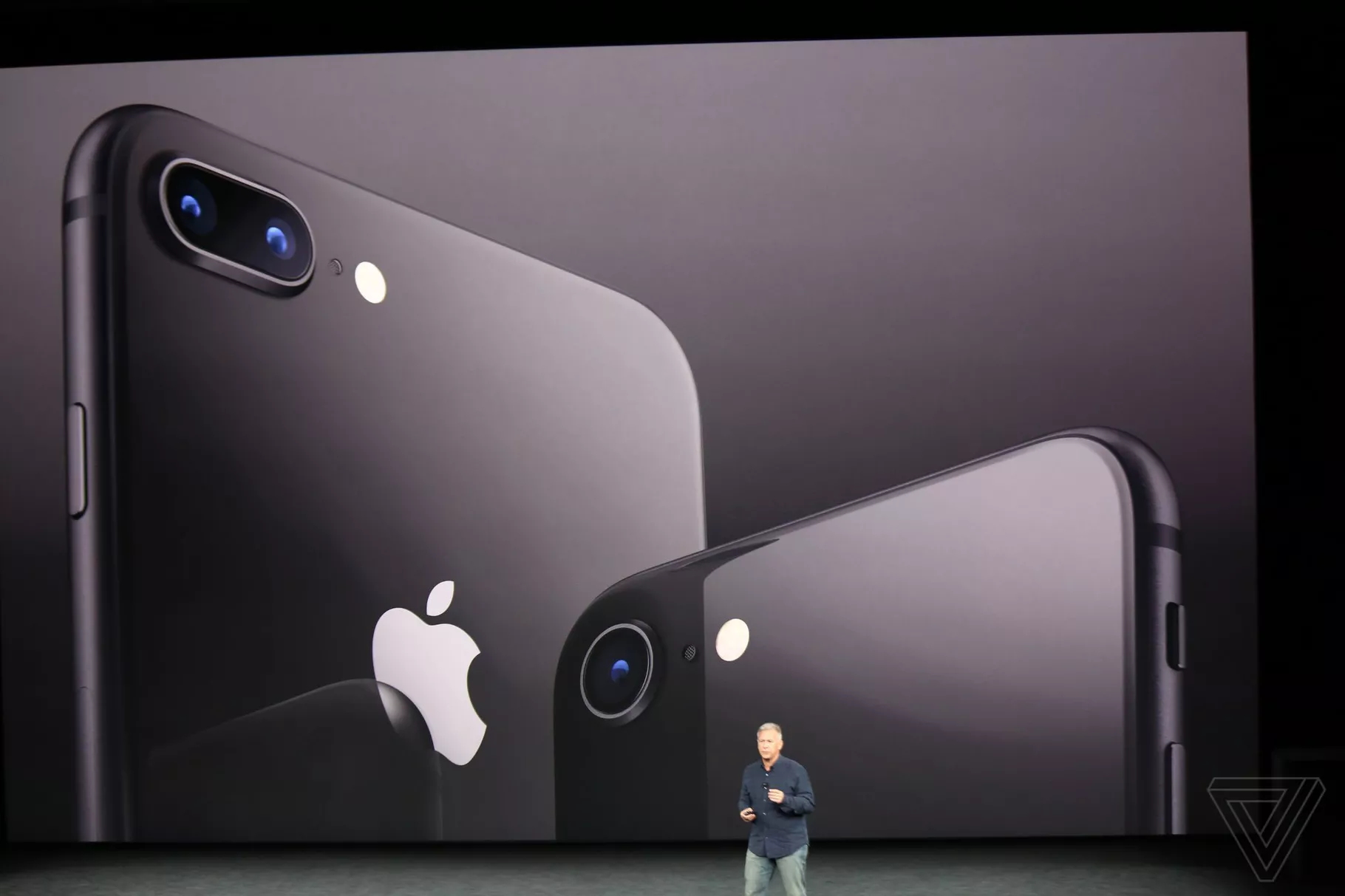
Apple has officially announced the iPhone 8 and 8 Plus, which are updated versions of last year’s iPhone 7 and 7 Plus models featuring with faster processors, a True Tone display, and upgraded cameras.
The jump from the iPhone 7 to the iPhone 8 is pretty significant, marking the first time since the iPhone 3GS was released back in 2009 that an iPhone model hasn’t received a spec-boosted “S” variant. Apple may be moving up numerically, but the new iPhone 8 models look to continue the same rough design the company has been using since 2014 from the iPhone 6 and 6 Plus.
Internally, Apple has upgraded the processor from the A10 Fusion found in the 7 to the A11 Bionic. It’s a six-core chip with two performance cores that are 25 percent faster than the A10, and four performance cores that the company says are 70 percent faster that the old model. There’s also a new Apple-designed GPU that’s 30 percent faster, with the same performance as the A10 at half the power.
On the camera front, there’s a new 12-megapixel sensor on the iPhone 8 that is larger, faster, and finally has optical image stabilization. The iPhone 8 Plus also has new sensors, and offers f/1.8 and f/2.8 apertures now. The dual cameras on the 8 Plus also have a new "Portrait Lighting” feature to adjust the lighting for portrait shots.
Apple has also improved the display on the iPhone 8 line, adding the same True Tone technology it offers on the 10.5-inch iPad Pro to automatically adjust the screen based on the ambient light in the room to offer more accurate colors.
Source: the verge










