 NEWS
NEWS
5 Outrageous Theories about Apple’s iPhone 8 Invitation
 09/01/2017
 3721
3721
After the maddeningly vague invites went out for Apple’s next iPhone unveiling, it took fanboys on the internet no time at all to come up with crazy theories about what the picture on the invitation “really means.”
This year’s invite seems very abstract and completely devoid of hints. But if you squint your eyes and huff enough glue, you too can find some clues about what Apple plans to announce on September 12.
Here are some of the most outlandish theories we’ve seen from fans decoding the invite:
1. Wireless charging and AR
I see this... pic.twitter.com/bN1kM2Ol3f
— Tyler Schnabel (@tylerschnabel) August 31, 2017
2. Cook 2020

Apple CEO Tim Cook repeatedly uses his high-profile position to raise awareness of political causes and human rights issues he deems worthy of his time.
Love it or hate it, some people think Cook might run for the highest office in the country some day. The invite splashes red, white and blue all over the Apple logo, so who knows — maybe this is how he plans to throw his hat in the ring to take on Donald Trump.
3. New iPhone colors
This year’s model will surely come in new colors. Apple already makes a red-and-white iPhone, but we haven’t seen blue yet. Last year, we heard rumors the iPhone 7 would come in blue. Maybe 2017 is actually the year.
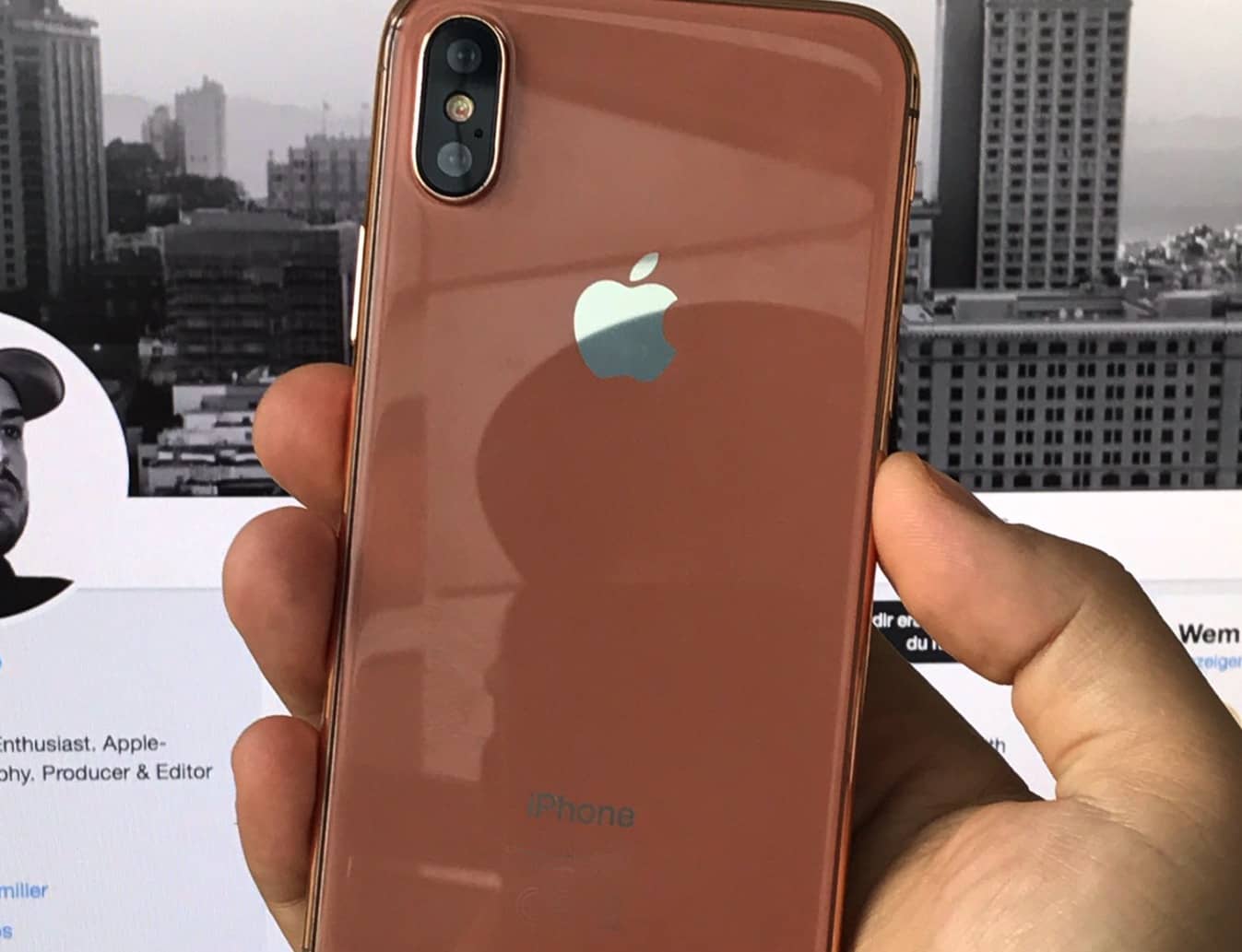
There’s also a little copper streak at the edge of the white section of this year’s invite. It lines up nicely with rumors that blush gold (copper) will be this year’s new iPhone color.
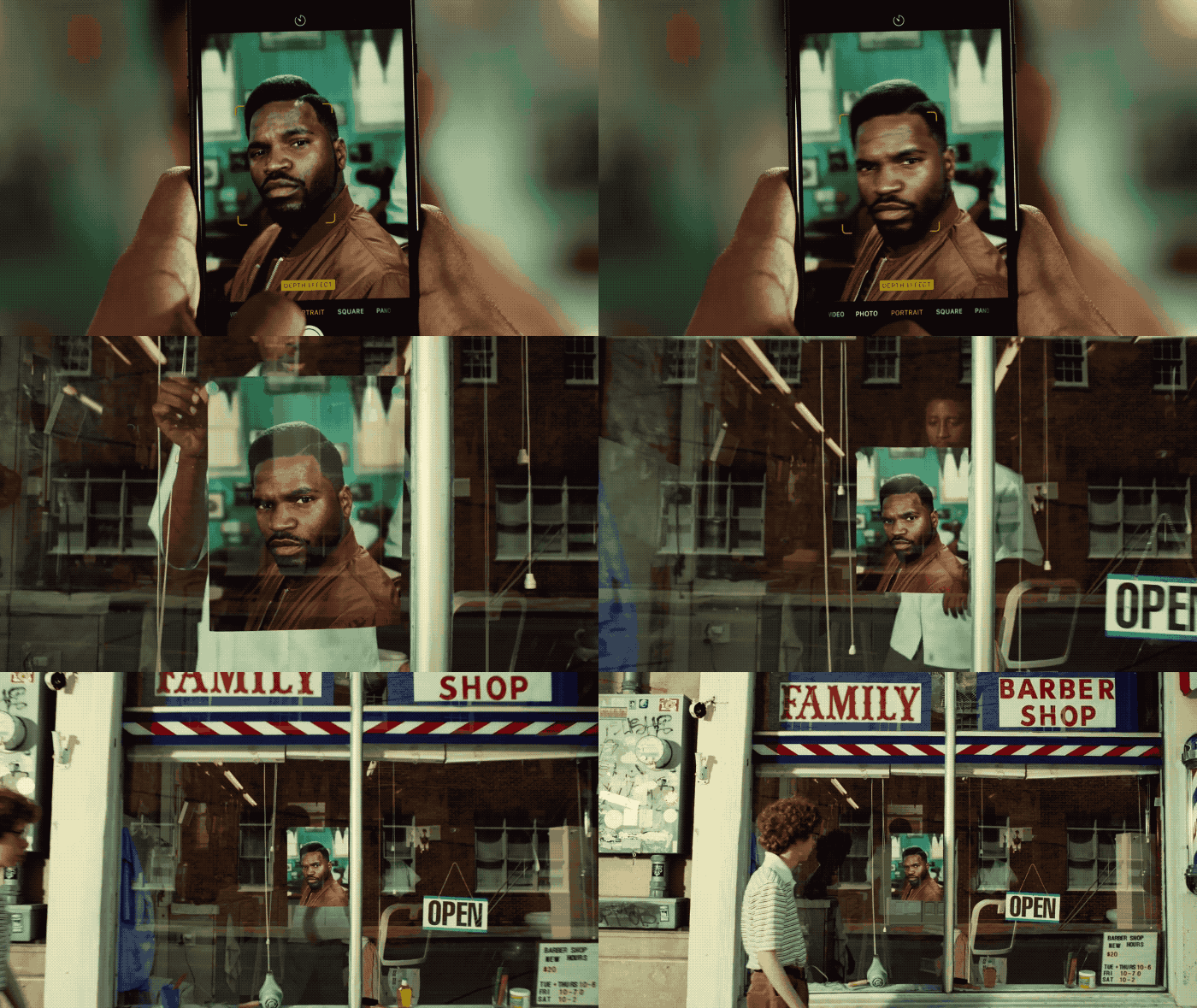
4. Improved Portrait Mode
The colors in the invite are super-blurry. Portrait Mode makes things blurry. Therefore, Apple’s definitely going to introduce an improved Portrait Mode with better blur effects.
5. OLED confirmed
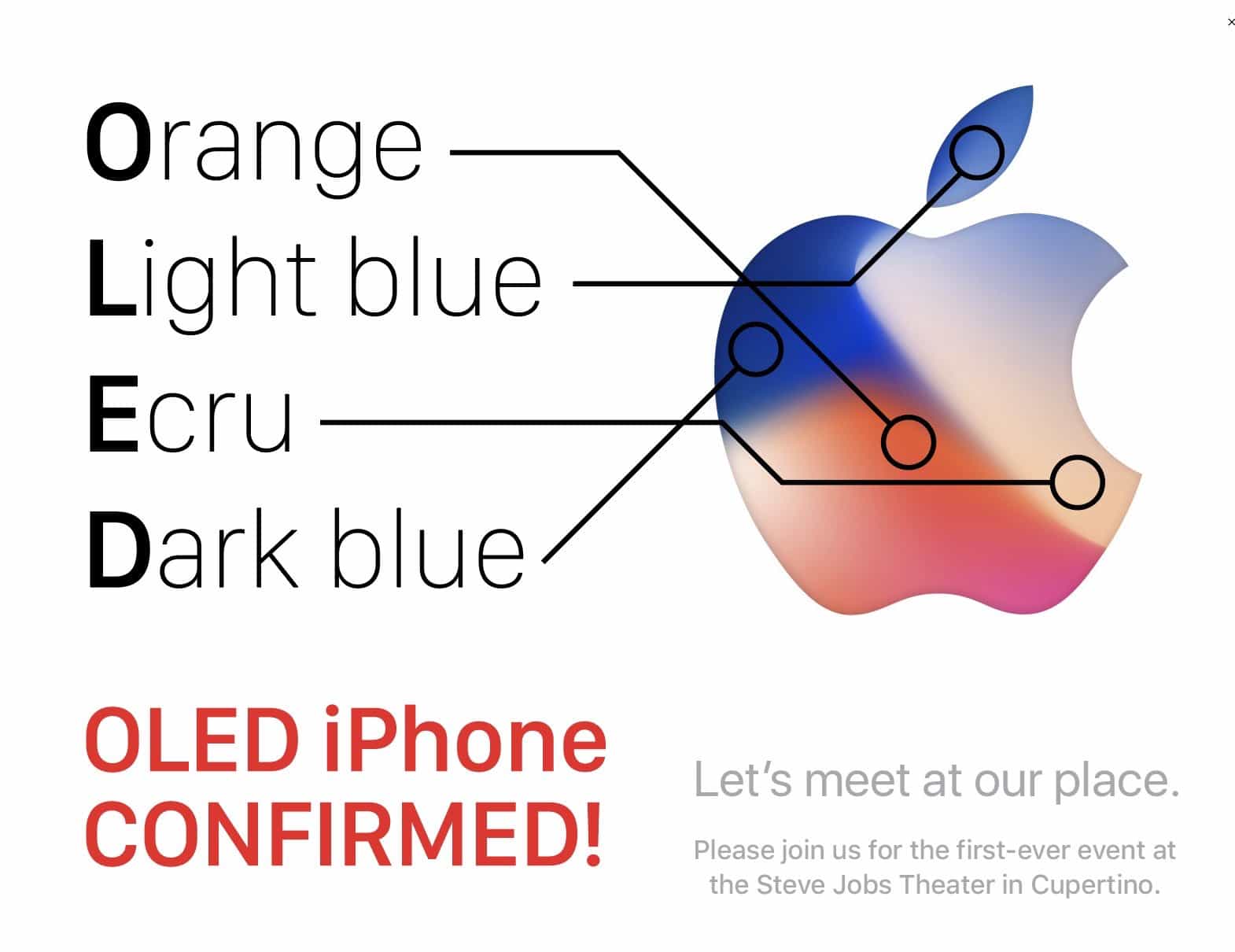
The rumor mill has given us solid evidence that Apple is embracing OLED displays on the iPhone 8. If you need more proof, just look at the colors in the invite — and pull out a thesaurus.
Source: cult of mac










