 NEWS
NEWS
Apple May Launch Galaxy Note 8-Sized iPhone With 6.4-Inch OLED Display Next Year
 09/01/2017
 3337
3337
While a few weeks remain until Apple is expected to unveil the so-called iPhone 8, widely rumored to be its first smartphone with an OLED display, the rumor mill has already turned its attention to next year. 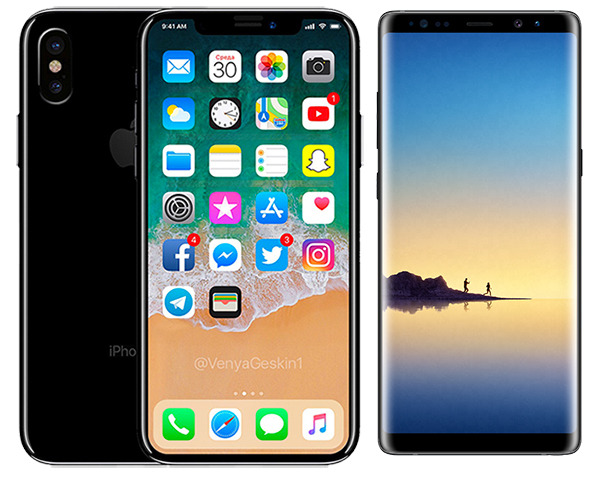
South Korea's ETNews, citing unnamed industry sources, claims Apple is working with Samsung Display and its other suppliers on the development of next-generation OLED displays in 5.85-inch and 6.46-inch sizes.
The report said the displays are expected to be used in new iPhone models released in 2018, although Apple's plans could change.
With a nearly 6.5 inch display, the so-called iPhone 9 would have an even larger screen than the 6.3-inch Galaxy Note 8 introduced earlier this month. Meanwhile, the 5.85-inch version would likely be the same size as the iPhone 8.
With reduced bezels, the overall physical sizes of the 5.85-inch and 6.46-inch iPhones could be similar to the iPhone 7 and iPhone 7 Plus respectively.
In May, South Korean publication The Bell reported that Apple was planning to launch new iPhones with 5.28-inch and 6.46-inch OLED displays next year, but ETNews claims development of the 5.28-inch size has been abandoned.
"This is because consumers have preferred to use a large screen, and technologies such as full-screen or bezel-less have been developed that can enlarge the display while keeping the overall size of the smartphone small," it said.
The bottom line here is a second source lending support to rumors of a 6.4-inch iPhone launching next year. It might seem early in the cycle, but iPhone 8 rumors first surfaced inMarch 2016, nearly a year and a half ago.
Source: macrumors










