
NEWS

Apple iPhone Sales Dip In Q2, But Mac Strong

05/04/2017

4177

Apple reported a surprise fall in iPhone sales for Q2 on Tuesday. The California-based company believes that the drop in sales is because the customers may have held back purchases in anticipation of the 10th-anniversary edition - iPhone 8 which Apple is expected to announce by the end of this year. iPhone 8 is going to Apple's most important product later this year.


Under pressure from shareholders to hand over more of its $250 billion-plus (roughly Rs. 16,03,228 crores) hoard of cash and investments, Apple boosted its capital return programme by $50 billion (roughly Rs. 3,20,648 crores), increased its share repurchase authorization by $35 billion (roughly Rs. 2,24,448 crores) and raised its quarterly dividend by 10.5 percent.
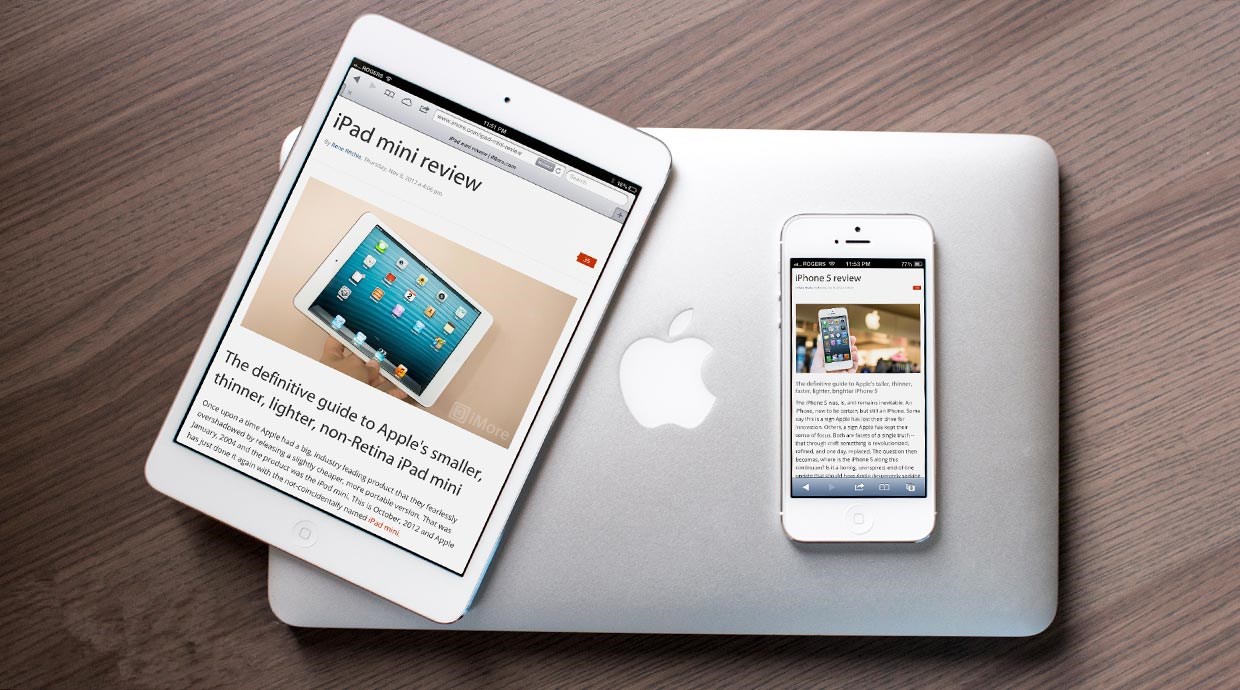

Apple iPhone Sales Dip In Q2, But Mac Strong


Investors were unmoved, sending shares of the world's most valuable listed company down 1.9 percent at $144.65 in after-hours trading. Apple sold 50.76 million iPhones in its fiscal second quarter ended April 1, down from 51.19 million a year earlier.


Analysts on average had estimated iPhone sales of 52.27 million, according to financial data and analytics firm FactSet. Apple Chief Financial Officer Luca Maestri argued the decline was not as bad as it looked, given the peculiarities of how phone sales are calculated.


The company reports what are called "sell-in" figures for the iPhone, a measure of how many units it sells to retailers, rather than "sell-through" figures, which measure how many phones are actually sold to consumers.


Source: indiatoday

Windows
Mac OS
iOS
Linux
3uTools
Win 64-bit For this device
V9.0 2025-11-11
Download
Win 32-bit For this device
V9.0 2025-11-11
Download
3uTools
Intel Chip How to Identify Chip Type
V9.0 2025-12-02
Download
Apple Silicon
V9.0 2025-12-02
Download
How to Identify Chip Type
1.  Click the Apple icon in the top-left corner of the screen and select About This Mac.
2.  Check the Processor or Chip field to determine if it is "Intel" or "Apple".
Please use the 3uTools PC client to install the iOS client:
1、 Install either the Windows or Mac version of 3uTools on your computer
2、 Open the PC client and connect your device to the computer via USB cable
3、 After the connection is successful, wait for the computer to automatically install the mobile app for the device, or locate “Install Mobile App” on the computer and manually click to install.
3uTools
deb file
V3.01 2025-11-20
Download
rpm file
V3.01 2025-11-20
Download
Windows
Windows
iOS
iOS
Android
Android
TV
TV
3uAirPlayer
Win 64-bit For this device
V6.0.2 2025-11-19
Download
Win 32-bit For this device
V6.0.2 2025-11-19
Download
iOS Device Mirroring (No App Required)
1、 Install 3uAirPlayer on the Windows PC
2、 Open Control Center and select Screen Mirroring
3、 From the list, choose your PC to start mirroring
4、 Or connect your iOS device to the PC via USB to begin mirroring
Scan to get "3uAirPlayer" App
3uAirPlayer TV V1.0.18
2025-11-28
TV System Requirements: Android 7.0 or later
Download the TV installation package, copy it to a USB drive, insert it into your TV or set-top box, then select the file from the home screen to install.




