 NEWS
NEWS
iPhones That Charge Over Wi-Fi? Apple Is Working On It
 04/28/2017
 3436
3436
Apple is working on a technology that could dramatically change how you view wireless charging.
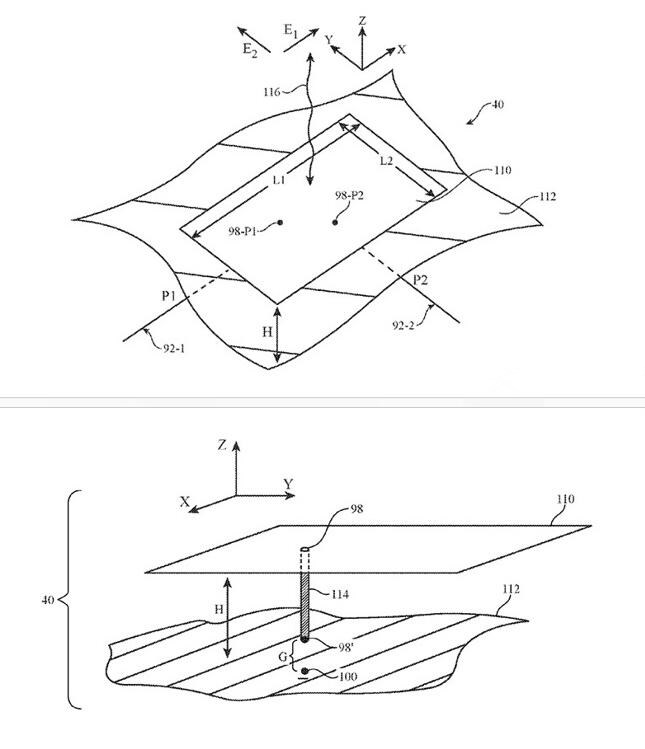
The U.S. Patent and Trademark Office on Thursday (Apr. 27) published an Apple patent application describing a method by which you could charge your iPhone wirelessly with help from the Wi-Fi router in your home. Instead of using a standard wireless charging pad or dock, power to your iPhone would be transferred over the air all over your house.
Wireless charging, of course, is nothing new. Companies as far ranging as Samsung and LG all offer the technology in their handsets. However, Apple has been one of the laggards in that space, and its absence from the wireless charging market has earned it some criticism from those who believe it's a must-have feature for any handset.
Apple is reportedly working on addressing that shortcoming with the iPhone 8 it has planned for later this year. Whether the iPhone 7s and iPhone 7s Plus will offer wireless charging, however, remains to be seen.
In order for Apple's iPhone to take those signals and convert them into energy, the company describes needing a transmitter and receiver that are both equipped with antennas to capture the router's signal. The company would also need to boost wireless charging range by using a variety of technologies, including dual-mode circuitry and dual-frequency patch antennas.
Essentially, Apple is saying in its patent application that it's possible for it to boost wireless signals and convert them into energy, so you can be anywhere in your house and get a charge. Better yet, it would all but eliminate the need to plug your iPhone into the wall.
Source: tomsguide










