
NEWS

Beijing Cyber Regulators to Summon Apple over Live Streaming: Xinhua

04/20/2017

2668

Beijing Cyber Regulators to Summon Apple over Live Streaming: Xinhua


Internet regulators in China's capital plan to summon Apple Inc APPL.O to urge the American firm to tighten its checks on software applications available in its Apple Store, the official Xinhua News Agency reported on Wednesday.
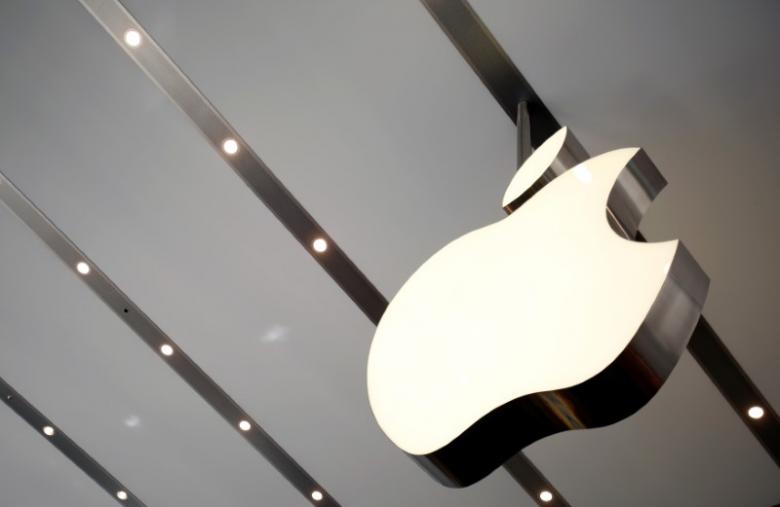

The Beijing Cyberspace Administration, together with the Beijing Public Security Bureau and Beijing Cultural Market Administrative Law Enforcement Team, has already met representatives from Apple about the examination of live streaming apps from its app store, Xinhua said.


The U.S. tech firm is turning to selling more apps and services in China amid falling sales and rising competition from domestic smartphone makers.


Apple confirmed this year that it removed the New York Times Co's (NYT.N) English- and Chinese-language news apps from its iTunes store in China following a request from authorities.


Apple in Beijing could not be reached for comment after normal business hours.


The Beijing Cyberspace Administration and the other two departments separately ordered three domestic live-streaming websites to rectify management loopholes, Xinhua said.


China's fast-growing live-streaming market produced revenues of more than 30 billion yuan ($4.36 billion) last year, according to investment bank China Renaissance Securities, even as regulators have clamped down on sites that provide illegal content, including pornography.


Source: Reuter


Windows
Mac OS
iOS
Linux
3uTools
Win 64-bit For this device
V9.0 2025-11-11
Download
Win 32-bit For this device
V9.0 2025-11-11
Download
3uTools
Intel Chip How to Identify Chip Type
V9.0 2025-12-02
Download
Apple Silicon
V9.0 2025-12-02
Download
How to Identify Chip Type
1.  Click the Apple icon in the top-left corner of the screen and select About This Mac.
2.  Check the Processor or Chip field to determine if it is "Intel" or "Apple".
Please use the 3uTools PC client to install the iOS client:
1、 Install either the Windows or Mac version of 3uTools on your computer
2、 Open the PC client and connect your device to the computer via USB cable
3、 After the connection is successful, wait for the computer to automatically install the mobile app for the device, or locate “Install Mobile App” on the computer and manually click to install.
3uTools
deb file
V3.01 2025-11-20
Download
rpm file
V3.01 2025-11-20
Download
Windows
Windows
iOS
iOS
Android
Android
TV
TV
3uAirPlayer
Win 64-bit For this device
V6.0.2 2025-11-19
Download
Win 32-bit For this device
V6.0.2 2025-11-19
Download
iOS Device Mirroring (No App Required)
1、 Install 3uAirPlayer on the Windows PC
2、 Open Control Center and select Screen Mirroring
3、 From the list, choose your PC to start mirroring
4、 Or connect your iOS device to the PC via USB to begin mirroring
Scan to get "3uAirPlayer" App
3uAirPlayer TV V1.0.18
2025-11-28
TV System Requirements: Android 7.0 or later
Download the TV installation package, copy it to a USB drive, insert it into your TV or set-top box, then select the file from the home screen to install.




