
NEWS

Apple Reveals Mac Is Nearing 100 Million Active Users

04/05/2017

3278

Apple Senior Vice President of Worldwide Marketing Phil Schiller revealed that the company’s operating system is growing in popularity.


In pure numbers, close to 100 million people are active Mac users, a growth rate better than the complete PC industry, according to Shiller. Last year we had a little bit of a setback,” says Schiller, “and then this year, back to growth again — growing faster than the industry. It’s something we plan to keep on doing for a very long time.”
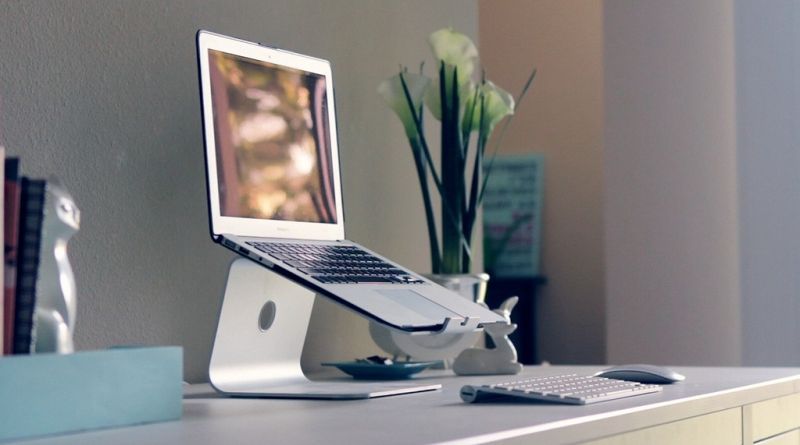

Apple Reveals Mac Is Nearing 100 Million Active Users


He backed his claim with some numbers. Apple now ships computers at a ratio of 80% notebooks to 20% desktop computers, a stat that definitely comes as no surprise. Furthermore, MacBook Pro sales have been strong, with 20 percent growth year-over-year in the latest fiscal quarter.


However, figures Schiller provided show Microsoft’s large desktop lead, which again is no surprise. Although some estimates go as far as saying there are more than 1 billion Windows-powered PCs in use across the globe, Microsoft officially claims there are 400 million active users of Windows 10 itself. That makes Windows 10 alone, not counting other versions of Windows, four times more popular than the Mac.


Apple is also planning a new Mac Pro with a pro display, as well as updated pro iMac models. However, the updated Mac Pro won’t be available this year but the company’s new iMacs should ship later this year.


Source: vanguarddaily

Windows
Mac OS
iOS
Linux
3uTools
Win 64-bit For this device
V9.0 2025-11-11
Download
Win 32-bit For this device
V9.0 2025-11-11
Download
3uTools
Intel Chip How to Identify Chip Type
V9.0 2025-12-02
Download
Apple Silicon
V9.0 2025-12-02
Download
How to Identify Chip Type
1.  Click the Apple icon in the top-left corner of the screen and select About This Mac.
2.  Check the Processor or Chip field to determine if it is "Intel" or "Apple".
Please use the 3uTools PC client to install the iOS client:
1、 Install either the Windows or Mac version of 3uTools on your computer
2、 Open the PC client and connect your device to the computer via USB cable
3、 After the connection is successful, wait for the computer to automatically install the mobile app for the device, or locate “Install Mobile App” on the computer and manually click to install.
3uTools
deb file
V3.01 2025-11-20
Download
rpm file
V3.01 2025-11-20
Download
Windows
Windows
iOS
iOS
Android
Android
TV
TV
3uAirPlayer
Win 64-bit For this device
V6.0.2 2025-11-19
Download
Win 32-bit For this device
V6.0.2 2025-11-19
Download
iOS Device Mirroring (No App Required)
1、 Install 3uAirPlayer on the Windows PC
2、 Open Control Center and select Screen Mirroring
3、 From the list, choose your PC to start mirroring
4、 Or connect your iOS device to the PC via USB to begin mirroring
Scan to get "3uAirPlayer" App
3uAirPlayer TV V1.0.18
2025-11-28
TV System Requirements: Android 7.0 or later
Download the TV installation package, copy it to a USB drive, insert it into your TV or set-top box, then select the file from the home screen to install.




