
NEWS

Apple Opens Its App Accelerator In India

04/01/2017

2883

Apple is investing into the Indian ecosystem by opening its first App Accelerator in Bengaluru. The company announced plans to open this program back in May 2016.


Developers who sign up will get support from Apple’s team in India. Apple engineers will provide feedback, best practices and tools. There will also be presentations.


Once you’re selected into the program, it looks like you’ll get a weekly one-on-one meeting with Apple to talk about your app. By doing this, the company hopes that there will be even more useful apps coming out of India.
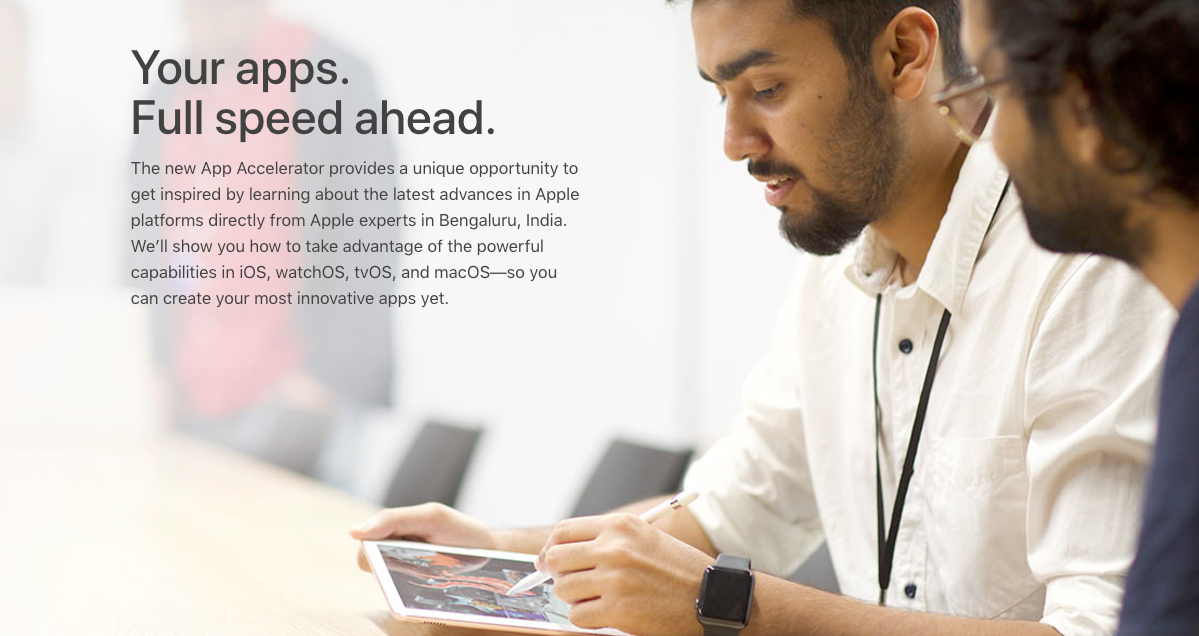

Apple Opens Its App Accelerator In India


“We are impressed by the great entrepreneurial spirit in India, and are excited to provide a platform for these developers to share their innovations with customers around the world,” Apple SVP or Worldwide Marketing Philip Schiller said in a statement. “In just the first few weeks, we’ve already seen some incredible developers here at the App Accelerator Bengaluru, including Practo and Reliance Games, create innovative apps that can meet the needs of customers in India and around the world.”


It’s interesting to see that Apple is adopting a relatively open approach by launching programs with the tech community in India. It’s also worth noting that Apple chose India as the first country to try out this new program. But I hope there will be other app accelerators around the world.


Source: techcrunch


Windows
Mac OS
iOS
Linux
3uTools
Win 64-bit For this device
V9.0 2025-11-11
Download
Win 32-bit For this device
V9.0 2025-11-11
Download
3uTools
Intel Chip How to Identify Chip Type
V9.0 2025-12-02
Download
Apple Silicon
V9.0 2025-12-02
Download
How to Identify Chip Type
1.  Click the Apple icon in the top-left corner of the screen and select About This Mac.
2.  Check the Processor or Chip field to determine if it is "Intel" or "Apple".
Please use the 3uTools PC client to install the iOS client:
1、 Install either the Windows or Mac version of 3uTools on your computer
2、 Open the PC client and connect your device to the computer via USB cable
3、 After the connection is successful, wait for the computer to automatically install the mobile app for the device, or locate “Install Mobile App” on the computer and manually click to install.
3uTools
deb file
V3.01 2025-11-20
Download
rpm file
V3.01 2025-11-20
Download
Windows
Windows
iOS
iOS
Android
Android
TV
TV
3uAirPlayer
Win 64-bit For this device
V6.0.2 2025-11-19
Download
Win 32-bit For this device
V6.0.2 2025-11-19
Download
iOS Device Mirroring (No App Required)
1、 Install 3uAirPlayer on the Windows PC
2、 Open Control Center and select Screen Mirroring
3、 From the list, choose your PC to start mirroring
4、 Or connect your iOS device to the PC via USB to begin mirroring
Scan to get "3uAirPlayer" App
3uAirPlayer TV V1.0.18
2025-11-28
TV System Requirements: Android 7.0 or later
Download the TV installation package, copy it to a USB drive, insert it into your TV or set-top box, then select the file from the home screen to install.




