 NEWS
NEWS
Apple Hires YouTube Vet to Shape Video Strategy
 04/01/2017
 4287
4287
In another sign that Apple is gearing up to make a big push into video, the company has hired former YouTube executive Shiva Rajaraman.
The hire comes as Apple is beginning to launch its own efforts to create original video content for Apple Music subscribers, but the addition of Rajaraman could mean Apple is looking to explore other avenues for its video content too.
Shiva Rajaraman worked at YouTube for eight years as a product manager. During his tenure he was in charge of nearly every individual team at YouTube at different times, according to sources who spoke with The Information.
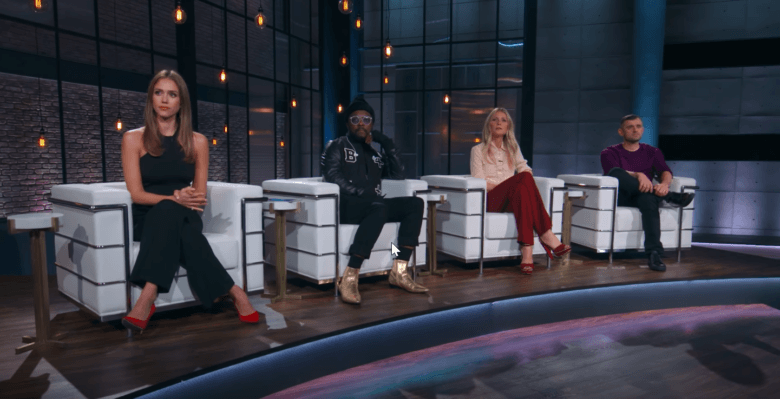
Apple began dabbling with producing original content last year with a Taylor Swift music documentary. The company is currently working on its first ever TV show, Planet of the Apps. Another show called Carpool Karaoke is set to debut on Apple Music this year. The company is also making a show produced by Dr. Dre loosely based on his life.
Rajaraman will allegedly report to Apple media boss Eddy Cue. His main task will be to improve “the look and feel” of Apple Music where all original video content will be distributed. The report also claims he may get involved with the Siri team and Apple Maps, both of which are under Cue’s leadership.
After he left YouTube in 2014, Rajaraman went on to work at Spotify. He worked as Spotify’s VP of product until August of 2016. During his time at Google he took a 7 month departure from the company to work as a senior product manager at Twitter before returning to YouTube.
Source: cult of mac










