 NEWS
NEWS
Android creator Andy Rubin’s Hardware Startup Lost $100M SoftBank Investment Due to Apple Pressure
 03/21/2017
 3921
3921
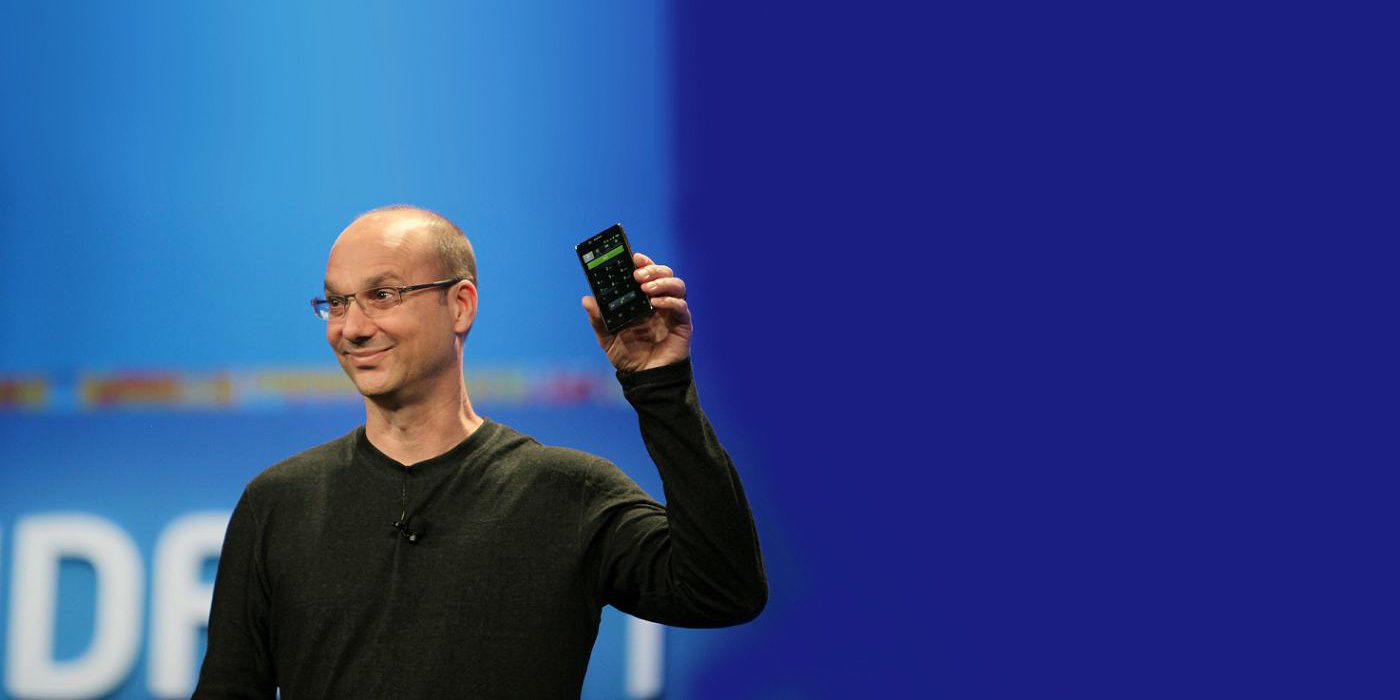
According to a report today out of The Wall Street Journal, SoftBank has pulled out of a deal to provide Essential with $100 million in funding. Essential reportedly plans to launch a premium smartphone to go head-to-head with the iPhone, and was founded by the father of Android, Andy Rubin…
Additionally, Business Insider reports that Essential was nearing completion of a “$100+ million” round of funding “from major investors”, and could announce it soon. Japanese telecom giant SoftBank’s investment of $100 million would have valued the company at around $1 billion, WSJ says.
Interestingly, WSJ says that the deal fell through at the last minute (it was “nearly complete,” the Journal says), largely due to SoftBank’s growing bond with the maker of the iPhone and concerns of potential conflict of interest:
SoftBank Group Corp. scrapped a planned $100 million investment in a smartphone startup founded by the creator of Google’s Android software, partly because of the Japanese investor’s increasingly close relationship with Apple Inc., according to people familiar with the matter.
Additionally, WSJ says that SoftBank planned to help Rubin and co. launch their smartphone in Japan as part of the deal, which didn’t help the company’s worries of souring its relationship with Apple over the investment.
Rubin’s company plans its first market entry sometime this spring or summer. The company is working heavily on other unknown artificial intelligence devices, but the main device for now is said to be a large smartphone, with a bezel-less edge-to-edge screen and a display larger than 5.5-inches.
Source: 9TO5Mac










