 NEWS
NEWS
Developer Alleges Spotting New Apple TV model, Unannounced 'tvOS 11' In Use Logs
 03/17/2017
 5012
5012
Developer Firi Games claims to have seen a single instance of an unreleased Apple TV, running a new version of tvOS —which may be the postulated 4K version of the product thought to be in testing.
First reported by MacRumors, developer Firi Games claims that it has seen a Cupertino IP address using an "AppleTV6,2" running "tvOS 11.0" to play one of their games. Apple's fourth-generation Apple TV with Siri Remote is an "AppleTV5,3."
The device ID, OS version, and IP address could be faked, so the veracity of the report is unverified.
However, a report in February claimed that a new 4K Apple TV is being tested by Apple, and is codenamed "J105." The device is said to debut as soon as this year, is said by Bloomberg's Mark Gurman to feature the higher resolution, and "more vivid colors." Internal hardware designation and product family identifications differ.
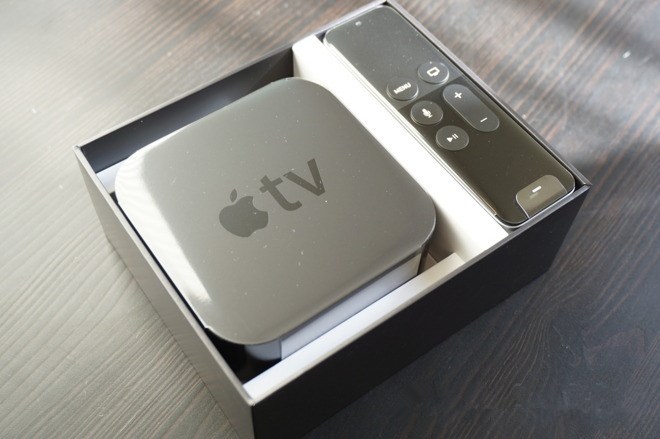
Apple's set-top box has been stuck at 1080p resolution since March 2012, when the third generation of the device was revealed to customers. Presumably, a 4K bump would also include a an upgrade to the A8 processor in the current model to handle the higher resolution —even though the A8 can reportedly handle 4K.
The October 2015 update of the Apple TV to the fourth generation added the aforementioned A8 processor, Siri search, and the ability for the device to run apps rather than rely on pre-installed services. Apple released tvOS 10 in September 2016 for the $149 device, and the latest beta release of tvOS 10.2 was released on Tuesday.
Source: appleinsider










