
NEWS

Apple Is Opening New Stores In Downtown Miami,Cologne And Nanjing

03/16/2017

2918

While Apple’s retail team is currently remodeling all its stores, the company is also opening brand new stores around the world. Apple is opening a flagship store in Downtown Miami, a new store in a historic building in Cologne and a third store in Nanjing.


Last weekend, Apple reopened the 35th remodeled store across 18 states. “Almost 50 percent of the stores in the U.S. were built before the iPhone,” Apple senior market director Enrique Atienza, who is working on Apple stores across North and South America.
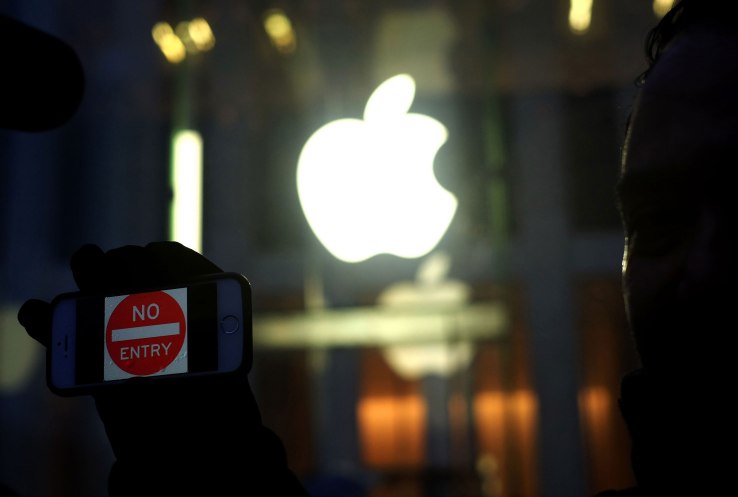

Apple Is Opening New Stores In Downtown Miami,Cologne And Nanjing


For instance, in Indianapolis, here’s a comparison of the old store and the new store in the same mall but in another location.


The Apple Brickell City Centre store in Miami will share the same aesthetic and features as the company’s other flagship stores, such as the Apple Union Square store in San Francisco.


Apple’s Nanjing Jinmao Place store and Apple Schildergasse in Cologne will open on March 25. The building in Cologne is beautiful and it is currently covered in iMessage confetti effect posters.


Source: techcrunch

Windows
Mac OS
iOS
Linux
3uTools
Win 64-bit For this device
V9.0 2025-11-11
Download
Win 32-bit For this device
V9.0 2025-11-11
Download
3uTools
Intel Chip How to Identify Chip Type
V9.0 2025-12-02
Download
Apple Silicon
V9.0 2025-12-02
Download
How to Identify Chip Type
1.  Click the Apple icon in the top-left corner of the screen and select About This Mac.
2.  Check the Processor or Chip field to determine if it is "Intel" or "Apple".
Please use the 3uTools PC client to install the iOS client:
1、 Install either the Windows or Mac version of 3uTools on your computer
2、 Open the PC client and connect your device to the computer via USB cable
3、 After the connection is successful, wait for the computer to automatically install the mobile app for the device, or locate “Install Mobile App” on the computer and manually click to install.
3uTools
deb file
V3.01 2025-11-20
Download
rpm file
V3.01 2025-11-20
Download
Windows
Windows
iOS
iOS
Android
Android
TV
TV
3uAirPlayer
Win 64-bit For this device
V6.0.2 2025-11-19
Download
Win 32-bit For this device
V6.0.2 2025-11-19
Download
iOS Device Mirroring (No App Required)
1、 Install 3uAirPlayer on the Windows PC
2、 Open Control Center and select Screen Mirroring
3、 From the list, choose your PC to start mirroring
4、 Or connect your iOS device to the PC via USB to begin mirroring
Scan to get "3uAirPlayer" App
3uAirPlayer TV V1.0.18
2025-11-28
TV System Requirements: Android 7.0 or later
Download the TV installation package, copy it to a USB drive, insert it into your TV or set-top box, then select the file from the home screen to install.




