 NEWS
NEWS
This Is The iPhone 8 That We Wish Apple Would Create
 03/15/2017
 3322
3322
Apple has yet to say anything official about this year's upcoming iPhones, but that hasn't stopped the fine folks on the Internet from coming up with fantastical ideas as to what the highly anticipated iPhone 8 may have to offer. There have been tons of gorgeous concept designs that give us an idea as to what we could possibly get from Apple later this September, but the latest one to surface just might be one of our favorites.
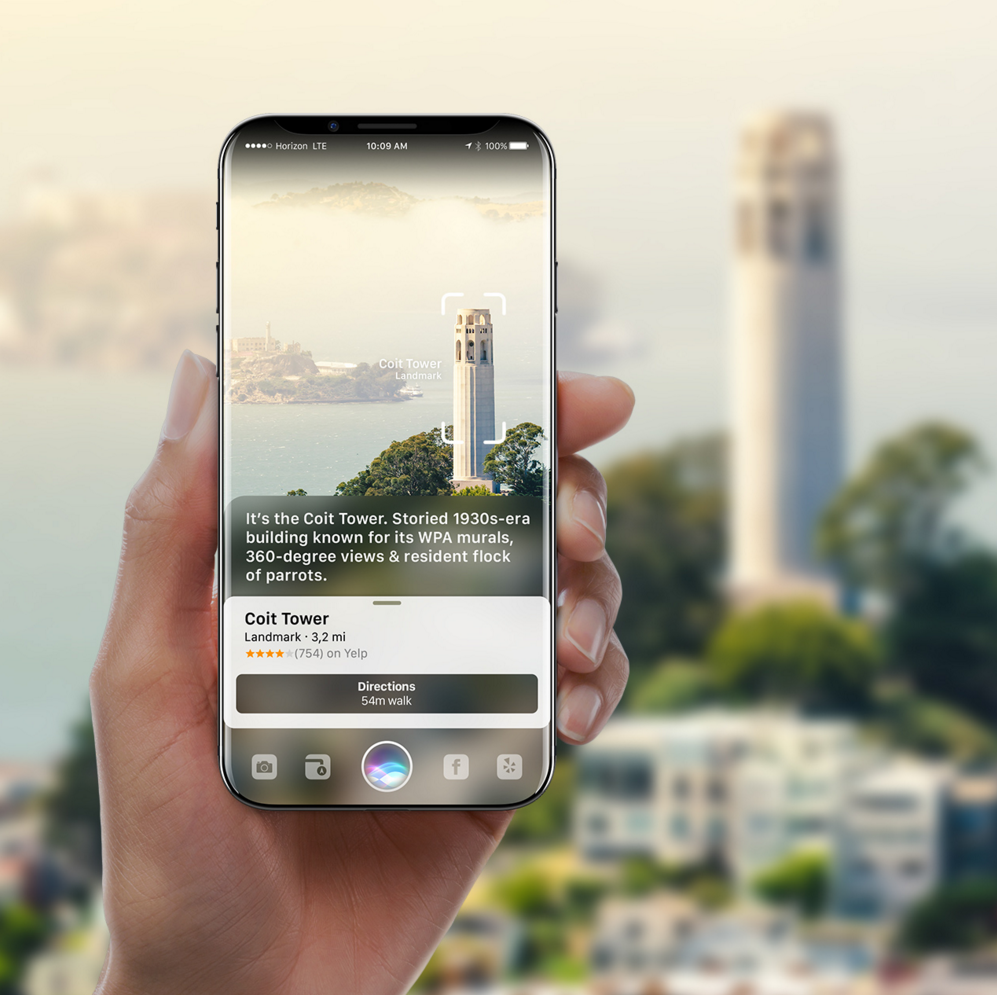
This iPhone 8 concept comes by way of Gabor Balogh, and along with a stunning, bezel-free design, Balogh shows off how Apple may one day be able to incorporate Siri into the world of augmented reality. Balogh's mockups showcase Siri being used to identify landmarks and identify someone's heart rate and body temperature by pointing the iPhone 8 at an object or person, and it's also envisioned that Siri could overlay directions in the real world through visual markings that would be visible through the iPhone's display.
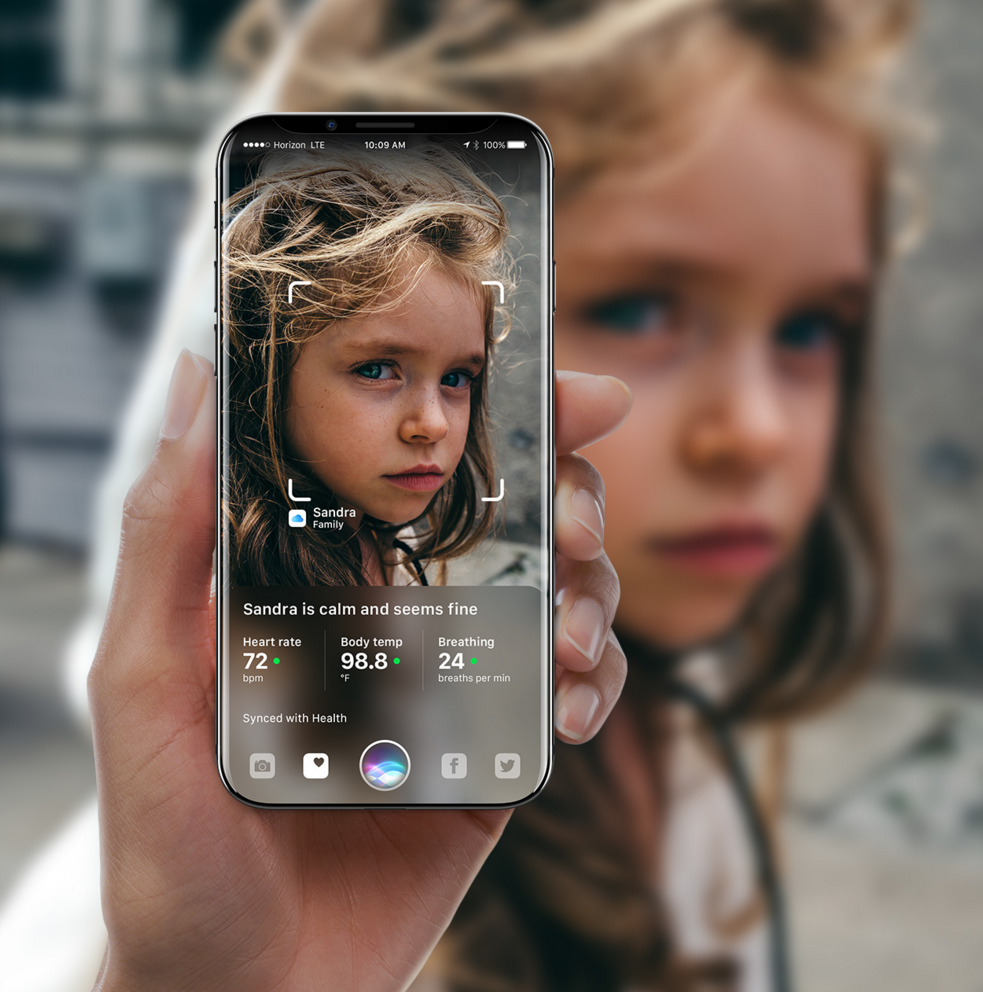
Siri is a big part of this style of the iPhone 8; so much so that a capacitive icon for the virtual assistant would replace the physical home button and feature two additional icons on either side of it that change based on what you're currently doing on the phone.
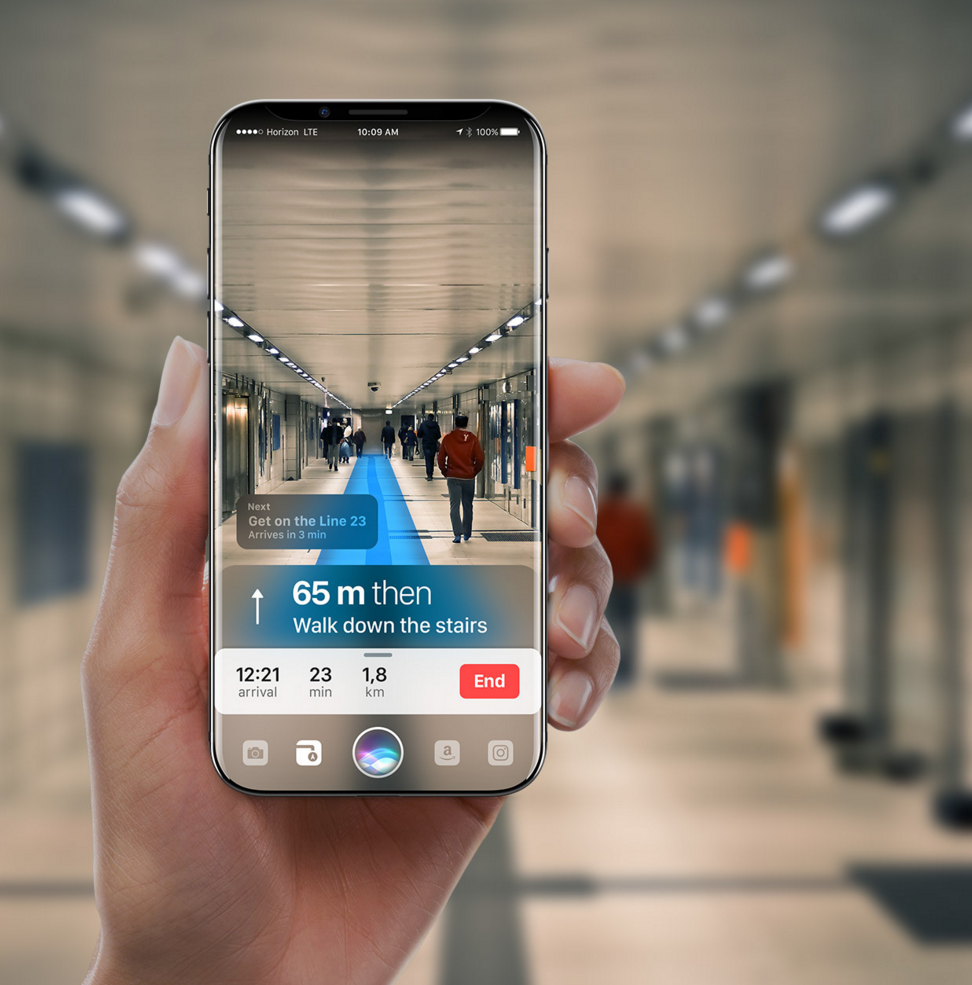
While all of this tech is cool and fun to look at, don't expect Apple to dish out anything along these lines in 2017. iPhones in 2018 and beyond are expected to come equipped with the PowerVR graphics architecture, and this would allow future Apple handsets to kick out crazy augmented and virtual reality experiences. That future tech could allow for some of Balogh's dreams of this Siri AR functionality to come to life one day, but for this year at least, try not to get your hopes up of seeing anything this wild.
Source: phoneareana










