NEWS
Apple Reveals 15 Details About Its New Touchscreen MacBook Pro
 11/02/2026
 185
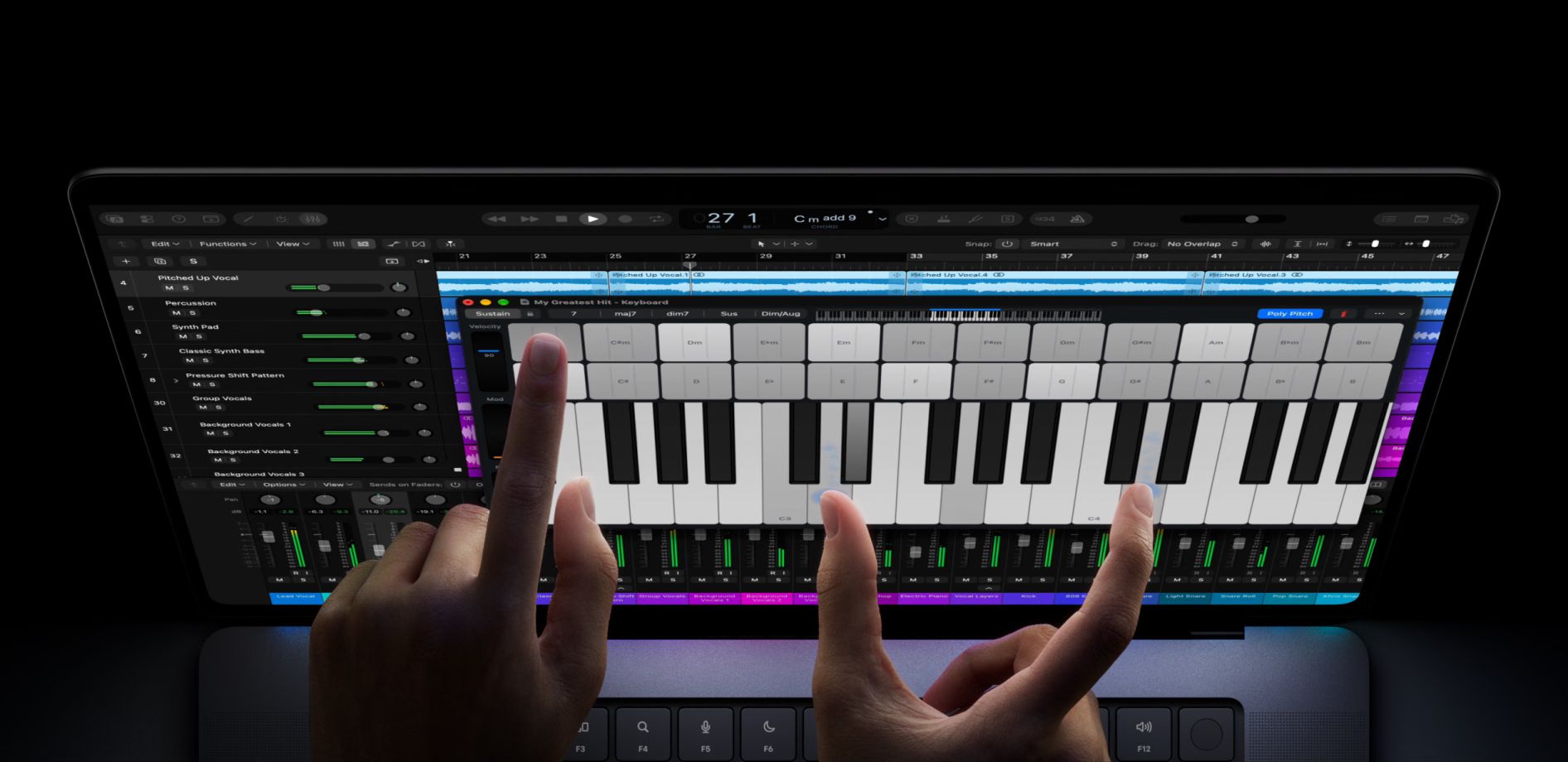
Apple's upcoming touchscreen MacBook Pro marks a major change for the Mac lineup. Following its announcement of 14-inch and 16-inch models featuring PROLED XDR displays, more details have emerged about how touch input will work.
French tech journalist Nicolas Lellouche shared 15 details from Apple's hands-on event, highlighting the new touchscreen experience.
New Touchscreen Gestures
Apple says the keyboard and trackpad will remain the primary input methods, while touch provides an additional way to interact with macOS.
Key touchscreen features include:
-
Swipe up from the bottom to open the Dock.
-
Swipe down from the top to access Spotlight and Siri.
-
Long-press items to open right-click menus.
-
Drag windows to the sides to activate Split View.
-
Tap window controls to expand them for easier interaction.
The display supports up to 10 simultaneous touch points. Apple has also introduced measures to prevent accidental touches when the laptop is closed.
Additional Features
The new MacBook Pro also brings several usability improvements. Its camera is stabilized to reduce movement when users touch the display during video calls. Touch input cannot wake the laptop from sleep, but users can disable touchscreen functionality through system settings.
Another notable addition is Dynamic Island support for Live Activities from iPhone apps, bringing more interactive information to the Mac desktop.
The new models are scheduled to launch on November 6.
3uTools's View
Apple's move to touchscreen MacBooks represents a significant evolution in its laptop strategy. Rather than replacing the keyboard and trackpad, touch input complements traditional controls, offering users greater flexibility.
The combination of touch gestures, Dynamic Island, and PROLED XDR technology could make the MacBook Pro more versatile for both professional and everyday use.