NEWS

iPad 12 Reportedly Set to Get A19 Chip and Apple Intelligence

09/28/2026

161

iPad 12 Reportedly Set to Get A19 Chip and Apple Intelligence


Apple's next entry-level iPad is reportedly getting a significant hardware upgrade, according to details discovered in Apple's software code.


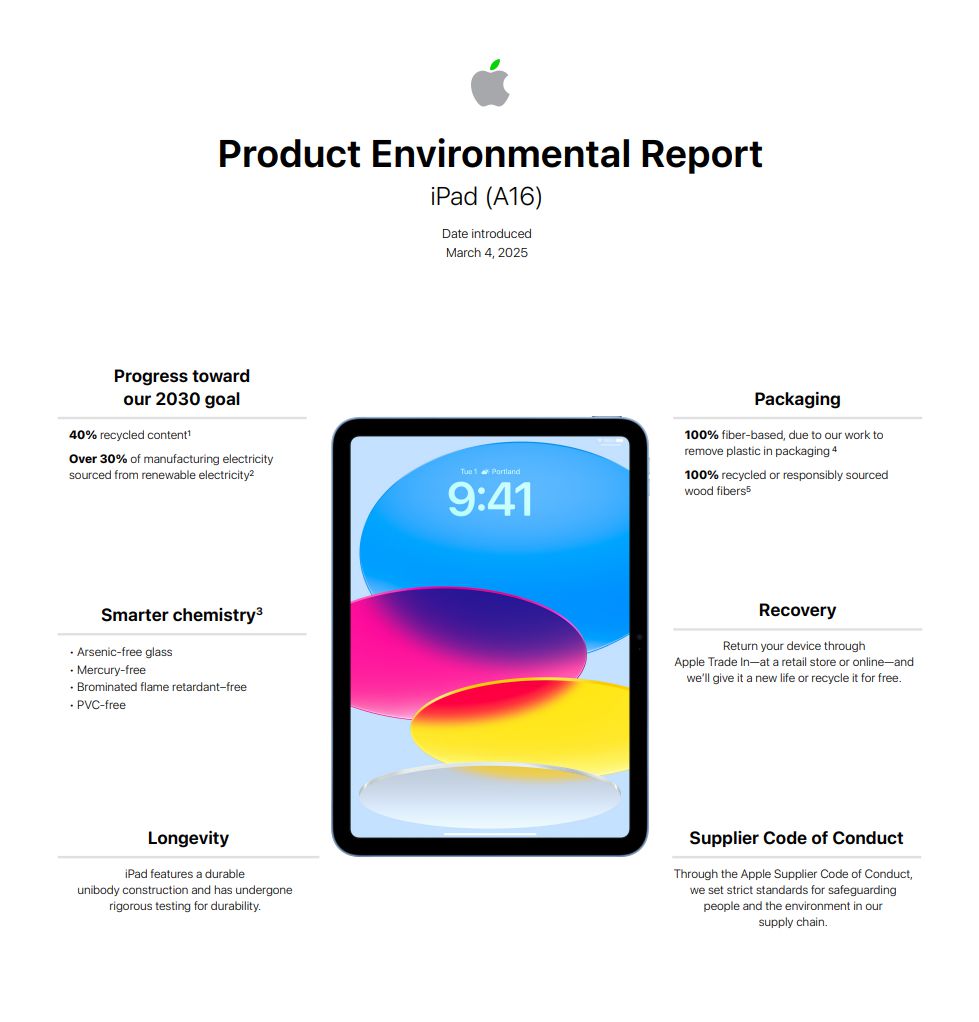
The upcoming 12th-generation iPad is expected to feature an A19 chip and 8GB of RAM, compared with the A16 chip and 6GB of RAM in the current model. The upgrade would also bring Apple Intelligence support to Apple's entry-level iPad for the first time.


The leaked specifications also point to Apple's C1X cellular modem with sub-6GHz 5G support and the N1 networking chip. The N1 chip is expected to enable Wi-Fi 7, Bluetooth 6, and Thread connectivity.


Beyond the internal upgrades, major design changes are not currently expected. Earlier reports suggested that the next entry-level iPad could arrive in spring 2027, although Apple has not announced an official release date.


3uTools's View


The biggest upgrade may not simply be the jump from A16 to A19. With 8GB of RAM and Apple Intelligence support, the iPad 12 could bring Apple's latest AI features to a much broader range of users.


However, these details are based on software-code discoveries and previous reports rather than an official Apple announcement. More information should emerge closer to the expected 2027 launch.




Windows
Mac OS
iOS
Linux
3uTools
Win 64-bit For this device
V9.10 2026-09-24
Download
Win 32-bit For this device
V9.10 2026-09-24
Download
3uTools
Intel Chip How to Identify Chip Type
V9.07 2026-09-20
Download
Apple Silicon
V9.07 2026-09-20
Download
How to Identify Chip Type
1.  Click the Apple icon in the top-left corner of the screen and select About This Mac.
2.  Check the Processor or Chip field to determine if it is "Intel" or "Apple".
Please use the 3uTools PC client to install the iOS client:
1、 Install either the Windows or Mac version of 3uTools on your computer
2、 Open the PC client and connect your device to the computer via USB cable
3、 After the connection is successful, wait for the computer to automatically install the mobile app for the device, or locate “Install Mobile App” on the computer and manually click to install.
3uTools
deb file
V9.02 2026-08-19
Download
rpm file
V9.02 2026-08-19
Download
Windows
Windows
iOS
iOS
Android
Android
TV
TV
3uAirPlayer
Win 64-bit For this device
V6.0.7 2026-08-25
Download
Win 32-bit For this device
V6.0.7 2026-08-25
Download
Scan to get "3uAirPlayer" App
Requires iOS 15.0 or later
Scan to get "3uAirPlayer" App
Requires Android 7.0 and up
3uAirPlayerTV
 
TV System Requirements: Android 7.0 or later
Download the TV installation package, copy it to a USB drive, insert it into your TV or set-top box, then select the file from the home screen to install.