NEWS

AppleCare+ gets a price increase for new Mac and iPad plans

07/16/2026

135

AppleCare+ gets a price increase for new Mac and iPad plans

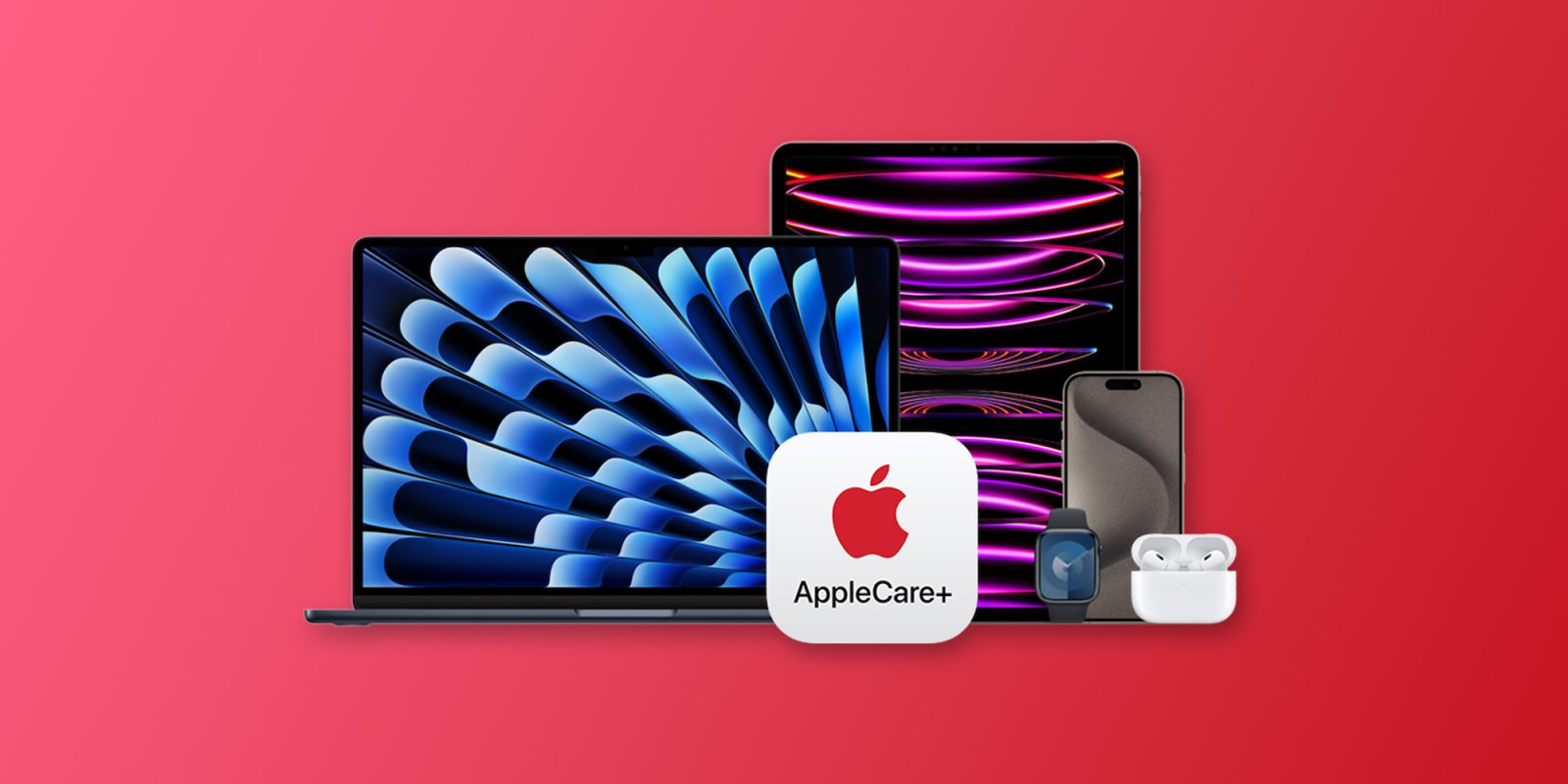
As Bloomberg reports, Apple has increased its monthly and annual AppleCare+ rates for new Mac and iPad customers. Here are the details.

AppleCare+ gets price bumps for new iPads and Macs

AppleCare+ is Apple’s extended warranty and device protection service. It offers additional hardware coverage, technical support, and repairs for accidental damage.

Today, as spotted by Bloomberg, Apple increased AppleCare+ prices for Macs and iPads by 50 cents per month and $5 per year.

In practice, that makes the new prices as follows:

New Macs

  • Mac mini: $4.49/mo. or $44.99/yr.
  • Mac Studio: $6.99/mo. or $69.99/yr.
  • iMac: $6.99/mo. or $69.99/yr.
  • MacBook Neo: $5.99/mo. or $59.99/yr.
  • 13-inch MacBook Air: $7.99/mo. or $79.99/yr.
  • 15-inch MacBook Air: $8.99/mo. or $89.99/yr.
  • 14-inch MacBook Pro: $10.99/mo. or $109.99/yr.
  • 16-inch MacBook Pro: $15.99/mo. or $159.99/yr.
  • Mac Pro: $18.49/mo. or $184.99/yr.

New iPads

  • iPad and iPad mini: $5.99/mo. or $59.99/yr.
  • 11-inch iPad Air (M4): $6.99/mo. or $69.99/yr.
  • 13-inch iPad Air (M4): $7.99/mo. or $79.99/yr.
  • 11-inch iPad Pro (M5): $10.99/mo. or $109.99/yr.
  • 13-inch iPad Pro (M5): $11.99/mo. or $119.99/yr.

It is worth noting that the new prices affect only new sign-ups for Macs and iPads. Current customers will keep paying the old prices, at least for now.

AppleCare One, the multi-device protection plan Apple launched last year, doesn’t appear to be affected by the changes.

Source: 9to5mac

Windows
Mac OS
iOS
Linux
3uTools
Win 64-bit For this device
V9.07 2026-07-15
Download
Win 32-bit For this device
V9.07 2026-07-15
Download
3uTools
Intel Chip How to Identify Chip Type
V9.03 2026-03-27
Download
Apple Silicon
V9.03 2026-03-27
Download
How to Identify Chip Type
1.  Click the Apple icon in the top-left corner of the screen and select About This Mac.
2.  Check the Processor or Chip field to determine if it is "Intel" or "Apple".
Please use the 3uTools PC client to install the iOS client:
1、 Install either the Windows or Mac version of 3uTools on your computer
2、 Open the PC client and connect your device to the computer via USB cable
3、 After the connection is successful, wait for the computer to automatically install the mobile app for the device, or locate “Install Mobile App” on the computer and manually click to install.
3uTools
deb file
V9.01 2026-05-28
Download
rpm file
V9.01 2026-05-28
Download
Windows
Windows
iOS
iOS
Android
Android
TV
TV
3uAirPlayer
Win 64-bit For this device
V6.0.6 2026-06-26
Download
Win 32-bit For this device
V6.0.6 2026-06-26
Download
iOS Device Mirroring (No App Required)
1、 Install 3uAirPlayer on the Windows PC
2、 Open Control Center and select Screen Mirroring
3、 From the list, choose your PC to start mirroring
4、 Or connect your iOS device to the PC via USB to begin mirroring
Scan to get "3uAirPlayer" App
3uAirPlayerTV
 
TV System Requirements: Android 7.0 or later
Download the TV installation package, copy it to a USB drive, insert it into your TV or set-top box, then select the file from the home screen to install.