 NEWS
NEWS
iPhone Ultra Battery Details Allegedly Revealed in New Leak
 07/13/2026
 1040
1040
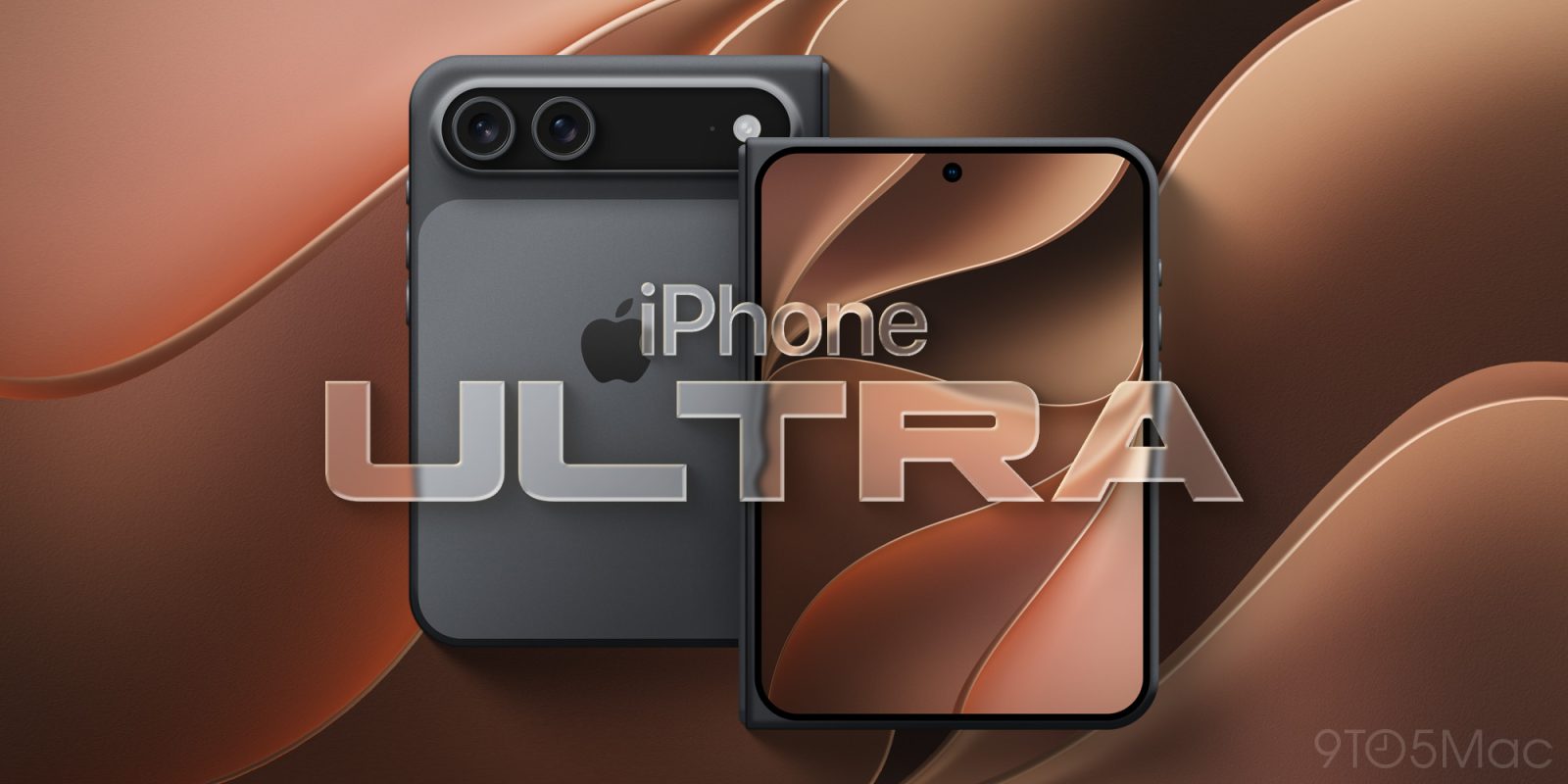
As we approach the official announcement of Apple’s iPhone Ultra in September, more specs continue to leak. A new rumor today claims to reveal exactly how big the foldable iPhone’s battery will be.
The latest iPhone Ultra spec leak
In a post on Weibo today, leaker Digital Chat Station said that Apple’s battery supplier recently submitted a new regulatory filing for two batteries with capacities of 1,921mAh and 2,962mAh, for a total of 4,883mAh.
This suggests the iPhone Ultra will have a two-cell battery design similar to foldables from companies like Samsung and Google. The Samsung Galaxy Z Fold7 has a 4,400mAh total battery capacity, while the Google Pixel 10 Pro Fold clocks in at 5,015mAh. The previous-generation Pixel 9 Pro Fold had a 4,650mAh battery.
With today’s rumor, we have a rough idea of what to expect from the iPhone 18 Pro, iPhone 18 Pro Max, and iPhone Ultra batteries in September:
- iPhone 18 Pro: 4,288mAh (eSIM model) or 4,056mAh (physical SIM model)
- Compared to iPhone 17 Pro: +36mAh (eSIM model) or +68mAh (physical SIM model)
- iPhone 18 Pro Max: 5,567mAh (eSIM model) or 5,391mAh (physical SIM model)
- Compared to iPhone 17 Pro Max: +479mAh (eSIM model) or +568mAh (physical SIM model)
- iPhone Ultra: 4,883mAh
Battery capacity only tells a small part of the story, though. There are many variables at play when it comes to battery life of an iPhone — especially one as fundamentally different as the foldable iPhone Ultra. We’ll have to wait for the iPhone Ultra’s official announcement in September for all the details on battery life.
Source: 9to5mac










