 NEWS
NEWS
Apple Watch Series 12: Here’s What We Know so Far
 05/18/2026
 1454
1454
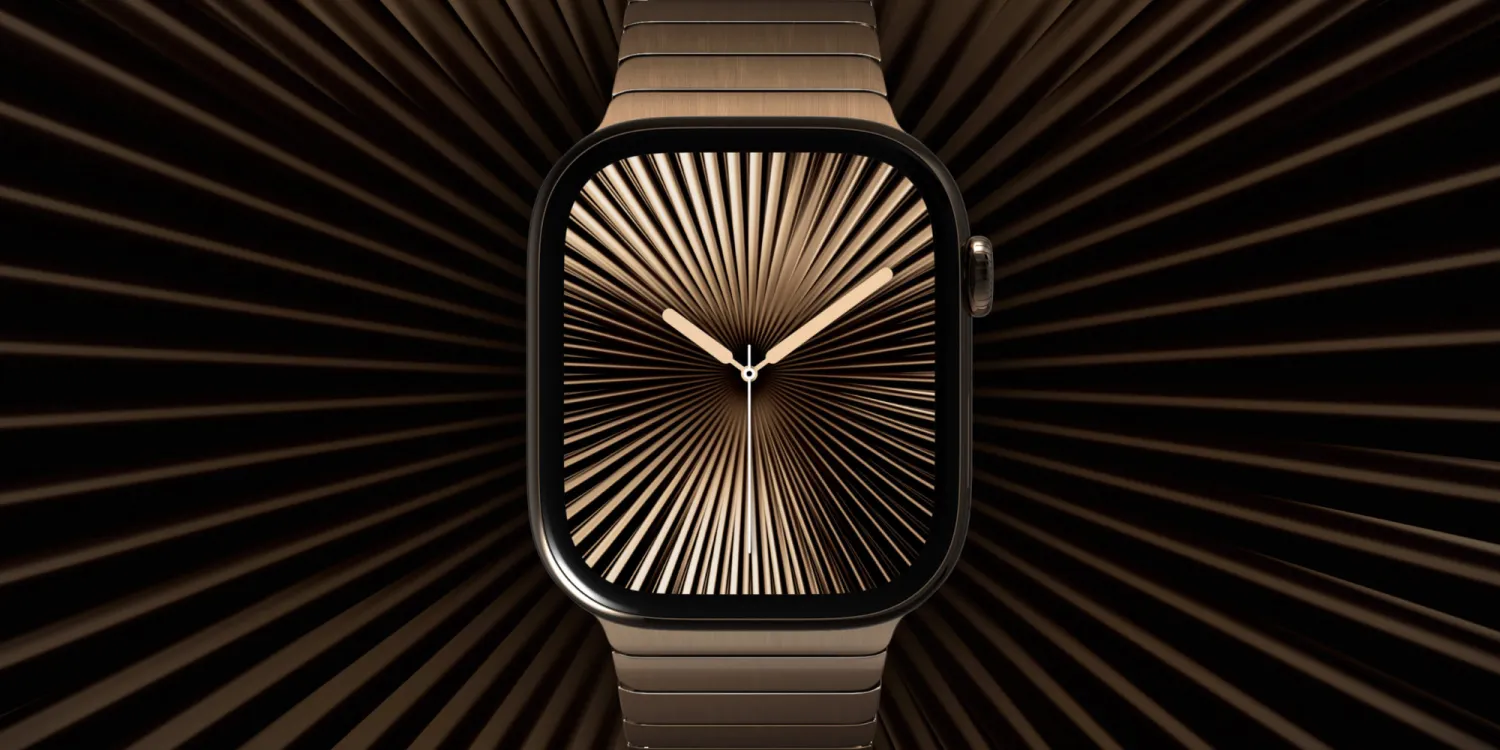
As is the case every year, this September – Apple will be unveiling its next-generation Apple Watch model. Apple Watch Series 12 will likely carry on the same design language as the Apple Watch Series 11, but with a few changes. Let’s dive in.
New chipset
Apple only debuts a truly new chipset in the Apple Watch every 3 years or so. We had the S6 chip in 2020 based on the A13 Bionic, and the S9 chip in 2023 based on the A16 Bionic. Sure, there are chips in between – but in terms of new CPU cores, the S9 was the most recent upgrade.
Now, with the Series 12 – we’re expecting upgraded CPU cores. They’ll likely be based on some 3nm design, similar to the A19 chip – but we don’t quite know for sure.
Either way, if you’re someone who buys one Apple Watch and wants to keep it for a long time, the Series 12 could be worth it for the chipset alone.
Touch ID
One new rumor for the Apple Watch Series 12 has been support for Touch ID. Initially discovered by Macworld through a code leak, it now appears that the feature might not come to fruition.
A critical concern of the company has been the fact that Touch ID could take away from additional battery capacity or health features. Never say never, but it does sound like Touch ID is unlikely for Apple Watch Series 12.
Health features
Rumors have lightly touched on the possibility of a full-on blood pressure monitor, expanded hypertension tracking, and blood glucose monitoring – though there isn’t anything concrete regarding new health features coming to Apple Watch this year.
Wrap up
Apple Watch Series 12 is expected to retain the same design language, display sizes, and general aesthetics as the Apple Watch Series 11. Of course, Apple could always introduce new colors – and there’s always the possibility of new software exclusives.
With the current rumors though, don’t expect anything particularly flashy.
Source: 9to5mac










