NEWS

Apple Publishes Repair Manuals for the iPhone 17e, New MacBooks, iPads, More

03/13/2026

426

Apple Publishes Repair Manuals for the iPhone 17e, New MacBooks, iPads, More

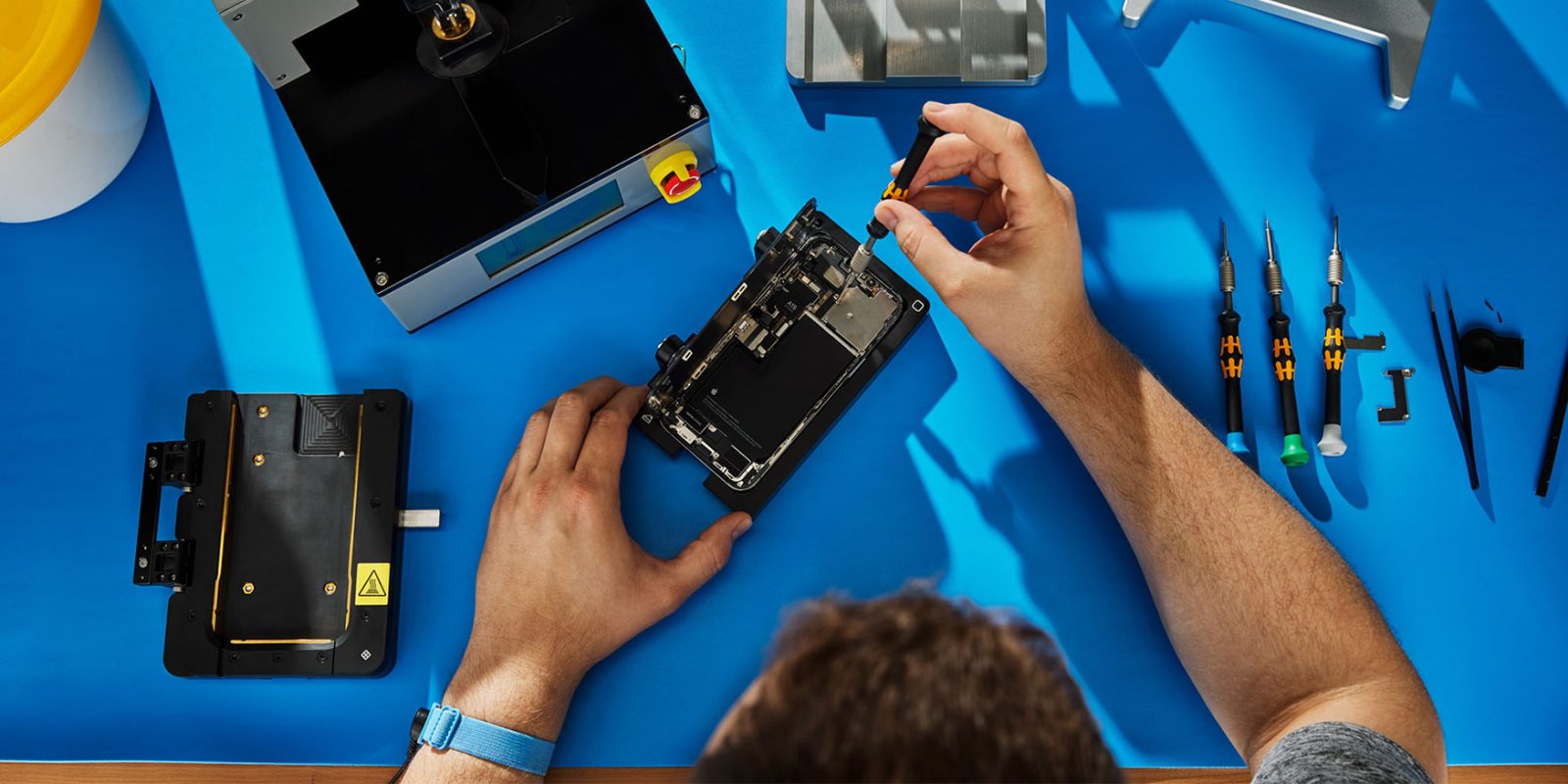
Following today’s launch of several products, Apple updated its Self Service Repair Store with manuals for users looking to repair their devices themselves. Here are the details.

Repair manuals for Apple’s new products now available

Since 2022, Apple has offered the Self Service Repair Store, where users in eligible regions can acquire parts and tools (which they can buy or rent), as well as download official repair manuals for several products.

Today, Apple updated the site with repair manuals for:

  • iPhone 17e
  • iPad Air 11-inch (M4) Wi-Fi
  • iPad Air 11-inch (M4) Wi-Fi + Cellular
  • iPad Air 13-inch (M4) Wi-Fi
  • iPad Air 13-inch (M4) Wi-Fi + Cellular
  • MacBook Air (13-inch, M5)
  • MacBook Air (15-inch, M5)
  • MacBook Neo (13-inch, A18 Pro)
  • MacBook Pro (14-inch, M5 Pro or M5 Max, 2026)
  • MacBook Pro (16-inch, M5 Pro or M5 Max, 2026)
  • Studio Display (2026)
  • Studio Display XDR

As of yet, Apple’s Self Service Repair Store isn’t offering parts and tools for these specific products, but given that the repair manuals and related documents include information such as the orderable parts for each device, those should also become available sooner rather than later.

Source: 9to5mac

Windows
Mac OS
iOS
Linux
3uTools
Win 64-bit For this device
V9.03 2026-03-12
Download
Win 32-bit For this device
V9.03 2026-03-12
Download
3uTools
Intel Chip How to Identify Chip Type
V9.01 2025-12-31
Download
Apple Silicon
V9.01 2025-12-31
Download
How to Identify Chip Type
1.  Click the Apple icon in the top-left corner of the screen and select About This Mac.
2.  Check the Processor or Chip field to determine if it is "Intel" or "Apple".
Please use the 3uTools PC client to install the iOS client:
1、 Install either the Windows or Mac version of 3uTools on your computer
2、 Open the PC client and connect your device to the computer via USB cable
3、 After the connection is successful, wait for the computer to automatically install the mobile app for the device, or locate “Install Mobile App” on the computer and manually click to install.
3uTools
deb file
V3.01 2025-11-20
Download
rpm file
V3.01 2025-11-20
Download
Windows
Windows
iOS
iOS
Android
Android
TV
TV
3uAirPlayer
Win 64-bit For this device
V6.0.3 2026-03-11
Download
Win 32-bit For this device
V6.0.3 2026-03-11
Download
iOS Device Mirroring (No App Required)
1、 Install 3uAirPlayer on the Windows PC
2、 Open Control Center and select Screen Mirroring
3、 From the list, choose your PC to start mirroring
4、 Or connect your iOS device to the PC via USB to begin mirroring
Scan to get "3uAirPlayer" App
3uAirPlayer TV V1.0.18
2025-11-28
TV System Requirements: Android 7.0 or later
Download the TV installation package, copy it to a USB drive, insert it into your TV or set-top box, then select the file from the home screen to install.