NEWS

Apple Releases Beta 3 for iPadOS 26.4, watchOS 26.4, and More

03/03/2026

164

Apple Releases Beta 3 for iPadOS 26.4, watchOS 26.4, and More

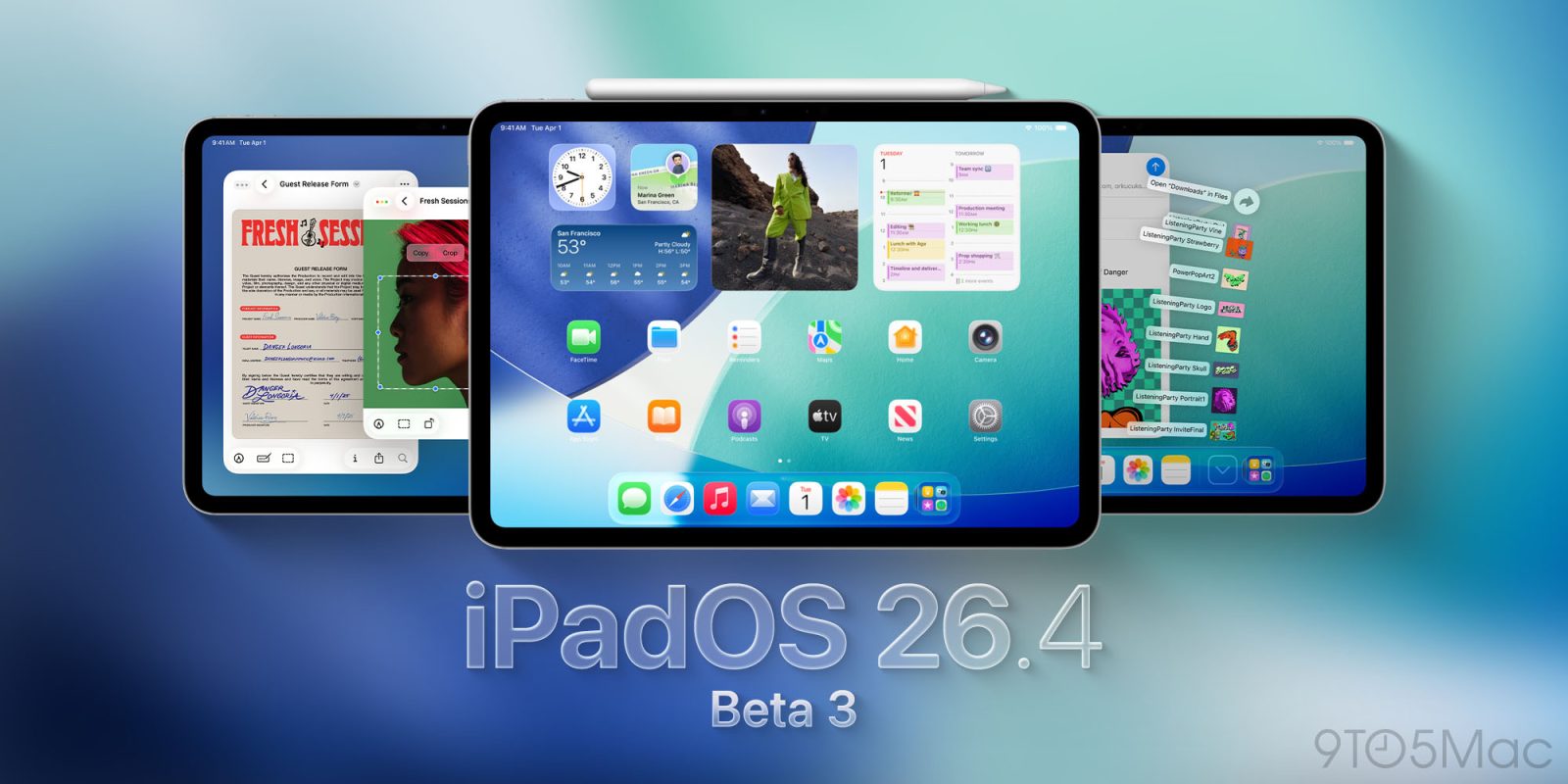
Apple has just released a new lineup of beta software, with developer beta 3 arriving for iPadOS 26.4, watchOS 26.4, visionOS 26.4, and more

Beta 3 for iPadOS 26.4, visionOS 26.4, and more now available

If you’re part of Apple’s developer beta program, the company just shipped new beta updates.

iPadOS 26.4, watchOS 26.4, visionOS 26.4, and more have all received beta 3 versions. They can be installed via the Software Update section in your device’s Settings app.

Last week, beta 2 arrived but with minimal changes across these platforms.

Most of the new features in the 26.4 software cycle so far were available in the very first beta.

For example, iPadOS 26.4 has a bunch of changes in Apple Music, a new video experience in Apple Podcasts, the return of the compact tab bar in Safari, and more.

tvOS 26.4 includes several changes too, like a new subtitle customization option and special audio setting.

The biggest visionOS 26.4 update is support for ‘foveated streaming.’ This could ultimately prove to be a big deal over time. For now though, it depends on third-party apps to support it, so users of the beta won’t notice much difference.

We’ll keep you posted on any additional new features discovered in today’s beta 3 releases.

Source: 9to5mac

Windows
Mac OS
iOS
Linux
3uTools
Win 64-bit For this device
V9.02 2026-02-10
Download
Win 32-bit For this device
V9.02 2026-02-10
Download
3uTools
Intel Chip How to Identify Chip Type
V9.01 2025-12-31
Download
Apple Silicon
V9.01 2025-12-31
Download
How to Identify Chip Type
1.  Click the Apple icon in the top-left corner of the screen and select About This Mac.
2.  Check the Processor or Chip field to determine if it is "Intel" or "Apple".
Please use the 3uTools PC client to install the iOS client:
1、 Install either the Windows or Mac version of 3uTools on your computer
2、 Open the PC client and connect your device to the computer via USB cable
3、 After the connection is successful, wait for the computer to automatically install the mobile app for the device, or locate “Install Mobile App” on the computer and manually click to install.
3uTools
deb file
V3.01 2025-11-20
Download
rpm file
V3.01 2025-11-20
Download
Windows
Windows
iOS
iOS
Android
Android
TV
TV
3uAirPlayer
Win 64-bit For this device
V6.0.2 2025-11-19
Download
Win 32-bit For this device
V6.0.2 2025-11-19
Download
iOS Device Mirroring (No App Required)
1、 Install 3uAirPlayer on the Windows PC
2、 Open Control Center and select Screen Mirroring
3、 From the list, choose your PC to start mirroring
4、 Or connect your iOS device to the PC via USB to begin mirroring
Scan to get "3uAirPlayer" App
3uAirPlayer TV V1.0.18
2025-11-28
TV System Requirements: Android 7.0 or later
Download the TV installation package, copy it to a USB drive, insert it into your TV or set-top box, then select the file from the home screen to install.