 NEWS
NEWS
It Sounds Like Apple Will Continue a Positive CarPlay Trend around iOS 27
 02/10/2026
 3502
3502
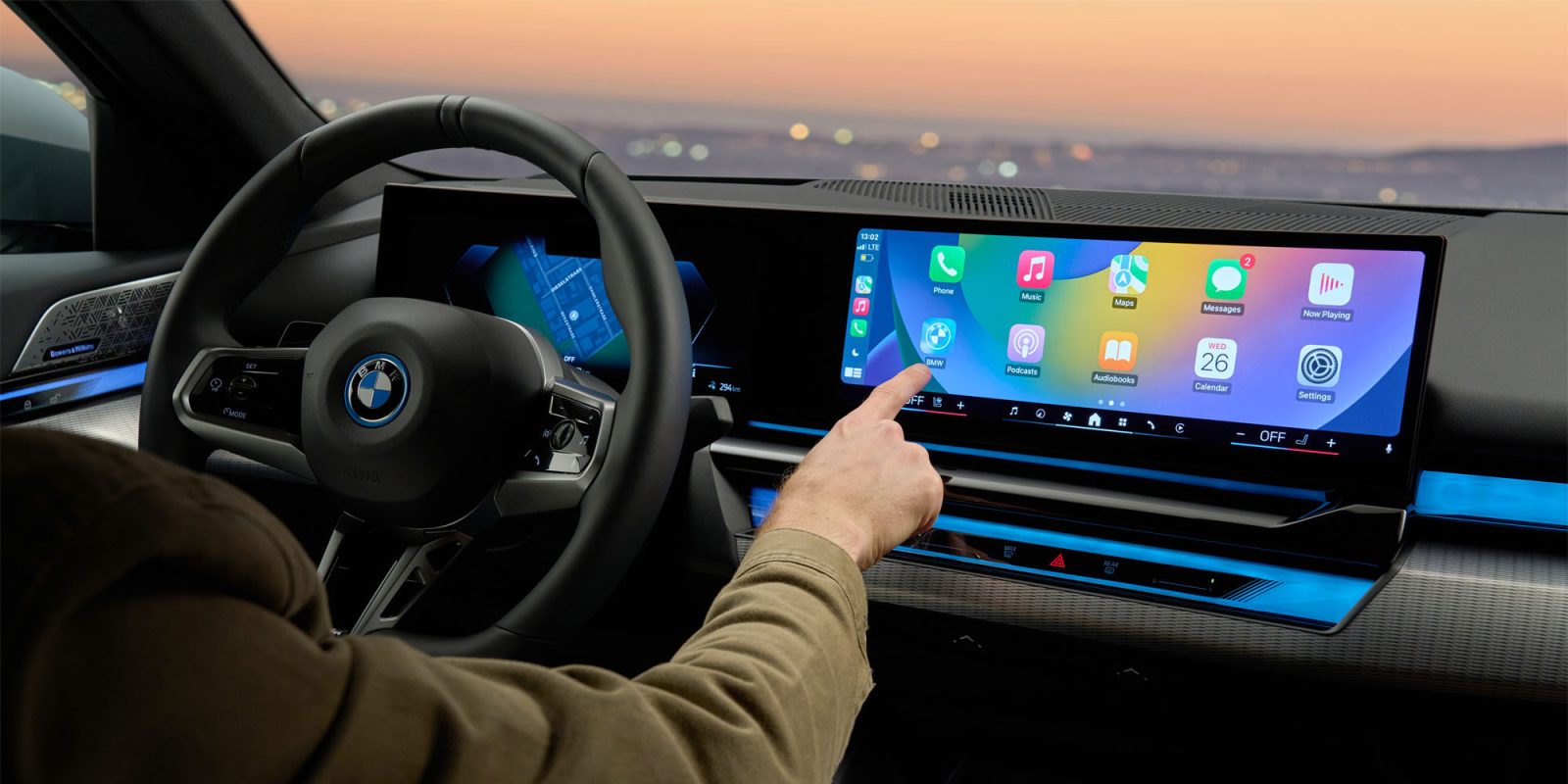
When Apple previewed “next-generation CarPlay” in 2022, it felt like Apple froze development of the CarPlay version actually used by drivers. Eventually, next-gen CarPlay became CarPlay Ultra, and CarPlay for non-Aston Martin drivers rapidly started to see new improvements again. Now it sounds like that trend will continue either before or as part of iOS 27.
Recent CarPlay upgrades
CarPlay in iOS 26 borrows ideas from CarPlay Ultra like widgets and theming, but without requiring a cockpit of displays. Just one screen will do.
Widgets in CarPlay let you do things like display the weather and see information that doesn’t require a dedicated CarPlay app. And while theming is more limited with CarPlay than the iPhone Home Screen, icon appearance options can make icons look more at home in your car.
The current version of CarPlay also adds better handling of AirPods audio routing, modern features for apps like Messages, and much more.
AI chatbots in the car
Looking ahead, Apple has an even bigger CarPlay feature planned. According to Mark Gurman at Bloomberg, Apple plans to allow voice-based chatbots to work with CarPlay.
This will allow drivers to use their preferred AI, like ChatGPT or Gemini, in the car. Siri should also become more capable in iOS 26.4, which may improve the CarPlay experience, but being able to safely use chatbot apps with voice in the car is a great general solution.
Bringing AI chat to CarPlay, separate from Siri’s development, is a great continuation of the positive trend that started with iOS 26. Apple can keep making CarPlay better without taking over every screen in the car.
Hopefully we see AI chatbots added as a supported CarPlay app category during the iOS 26 cycle so drivers don’t have to wait for iOS 27 in September. In the meantime, widgets offer a great workaround. Either way, it’s great to see Apple adapting CarPlay to current needs in the car.
Source: 9to5mac










