 NEWS
NEWS
Apple LG UltraFine 5K Displays Now Shipping March 8
 03/01/2017
 3440
3440
For those irked at the stock recall caused by design defects in LG’s UltraFine 5K displays, Apple is looking to ease the pain with the news that they are closer to re-release than you might think. The previously flawed, now purportedly fixed displays, may be shipped out to customers as soon as March 8.
LG’s Apple-endorsed, Retina resolution monitors were originally released alongside the new line of MacBook Pros in October 2016, but a flaw was quickly discovered in their design. Due to poor shielding, when placed near an active wireless router, the displays would become unusable: flickering to black at around four feet, and going completely black if moved much closer in some cases.
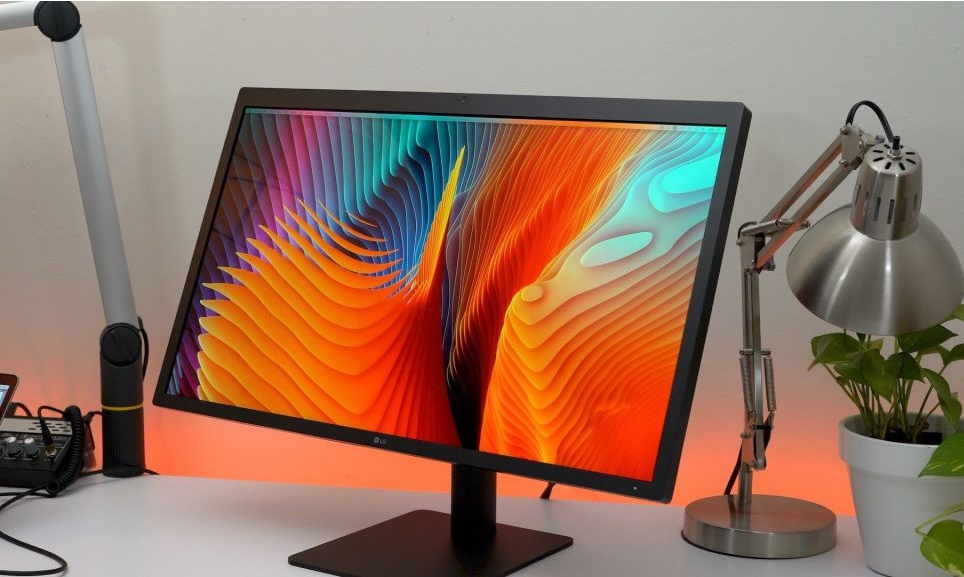
LG confirmed the problem, which originally broke the story, and Apple quickly pulled remaining stock of the monitors from the shelves. However now it seems like the problem may have been rectified, as Apple has pledged that any new deliveries of the LG UltraFine 5K displays will arrive between March 8 and 15 for the fastest delivery option.
That’s not likely to be particularly comforting for those who shelled out for one of the monitors initially, though we’re told that those affected by the issues with the initial batch of displays can contact LG’s support for a fix. While it’s not clear whether that will involve some sort of hardware modification of the monitor itself, the most likely advice will be to move the problematic display away from your router, or vice versa, as that has proved an effective fix for most users.
Source: digitaltrends










