
NEWS

Why Apple Could See 'Very Strong' Demand For The iPhone 8?

02/28/2017

2847

Apple could end up selling at least 10 million more iPhone 8s in 2016 than was previously estimated, according to analysts at Mizuho. Data from Apple suppliers shows that the tech giant could sell 225 million units this year, higher than prior expectations for 213 million handsets, the firm said. If Apple sold 225 million iPhone 8s, that would represent an 11% increase year-over-year. 


Mizuho subsequently raised Apple's stock price target to $150 from $135 while maintaining its Buy rating. Shares of Apple were slightly higher by 0.3% to $137.08 on Monday afternoon. The stock is up 18.35% year to date. 
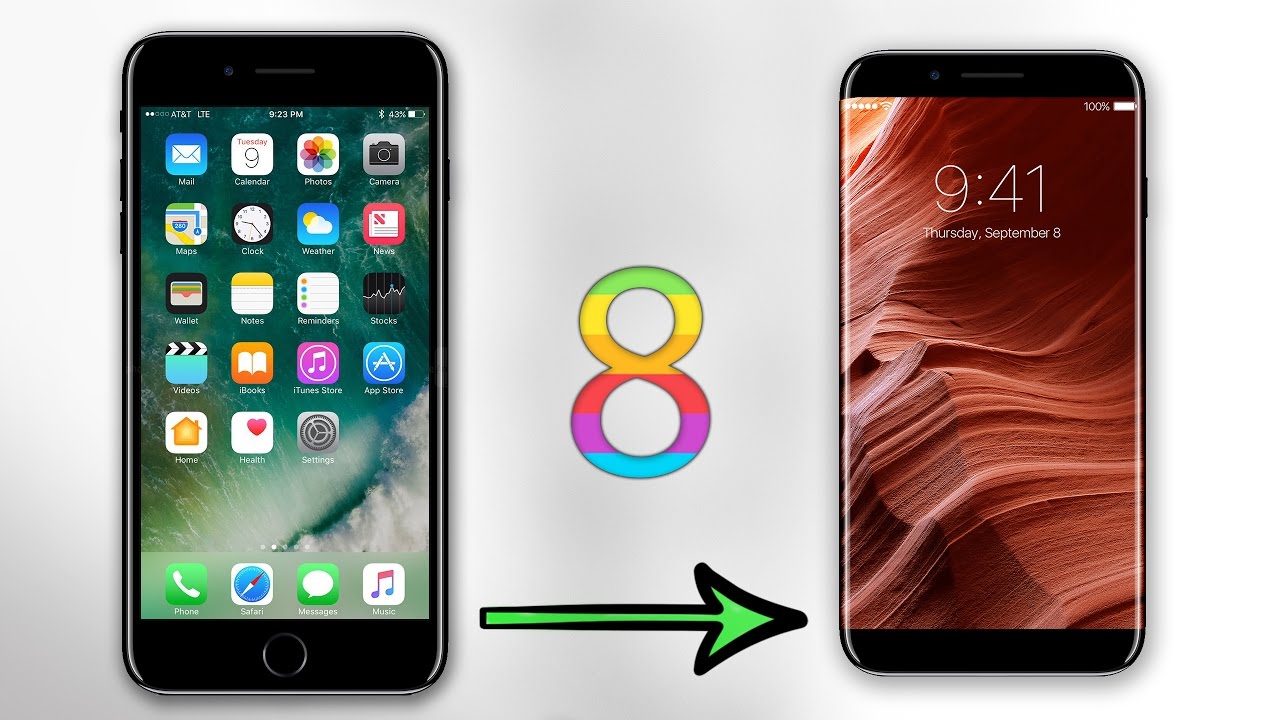

Why Apple Could See 'Very Strong' Demand For The iPhone 8?


In a bull scenario, Apple would sell as many as 240 million iPhone 8s if it experiences "exceptionally strong" demand, Mizuho noted. Part of the positive demand expectations stem from the fact that the iPhone 8 is being released in honor of the legacy smartphone's 10th anniversary, a milestone that many experts say will prompt Apple to introduce several new, advanced features to the upcoming model.


The iPhone 8 is likely to have a bezel-less organic LED display, 3D sensing technology for facial recognition, some augmented reality capabilities, wireless charging and improved dual cameras. The home button could also be removed to make way for virtual buttons. 


Those new features could catalyze iPhone users with aging devices - estimated to be between 500 million and 600 million users - to upgrade to the new iPhone 8, Mizuho said. 


Source: thestreet

Windows
Mac OS
iOS
Linux
3uTools
Win 64-bit For this device
V9.0 2025-11-11
Download
Win 32-bit For this device
V9.0 2025-11-11
Download
3uTools
Intel Chip How to Identify Chip Type
V9.0 2025-12-02
Download
Apple Silicon
V9.0 2025-12-02
Download
How to Identify Chip Type
1.  Click the Apple icon in the top-left corner of the screen and select About This Mac.
2.  Check the Processor or Chip field to determine if it is "Intel" or "Apple".
Please use the 3uTools PC client to install the iOS client:
1、 Install either the Windows or Mac version of 3uTools on your computer
2、 Open the PC client and connect your device to the computer via USB cable
3、 After the connection is successful, wait for the computer to automatically install the mobile app for the device, or locate “Install Mobile App” on the computer and manually click to install.
3uTools
deb file
V3.01 2025-11-20
Download
rpm file
V3.01 2025-11-20
Download
Windows
Windows
iOS
iOS
Android
Android
TV
TV
3uAirPlayer
Win 64-bit For this device
V6.0.2 2025-11-19
Download
Win 32-bit For this device
V6.0.2 2025-11-19
Download
iOS Device Mirroring (No App Required)
1、 Install 3uAirPlayer on the Windows PC
2、 Open Control Center and select Screen Mirroring
3、 From the list, choose your PC to start mirroring
4、 Or connect your iOS device to the PC via USB to begin mirroring
Scan to get "3uAirPlayer" App
3uAirPlayer TV V1.0.18
2025-11-28
TV System Requirements: Android 7.0 or later
Download the TV installation package, copy it to a USB drive, insert it into your TV or set-top box, then select the file from the home screen to install.




