 NEWS
NEWS
Apple Confirms Existence of Cambridge Siri R&D Lab with New Office Sign
 02/23/2017
 3502
3502
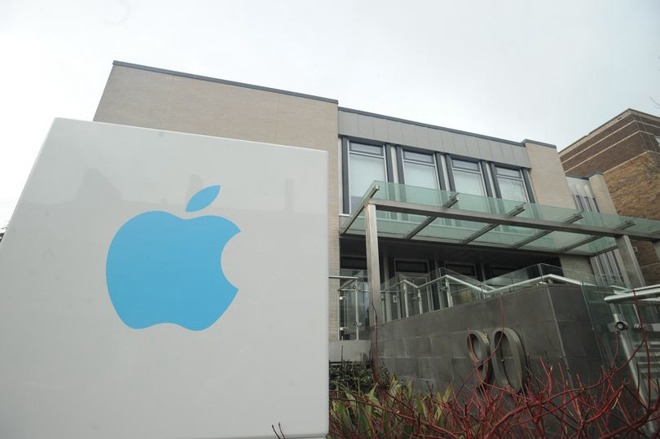
The sign, displaying a light blue Apple logo on a grey background, sits to the left of steps leading to the entrance of 90 Hills Road, reports Cambridge News. The sudden appearance of the sign is the first real confirmation from Apple that it uses the office, though not what kind of work takes place within its walls.
It is believed the office was opened shortly before Apple acquired VocalIQ, a natural language processing firm spun off from the University of Cambridge Dialogue Systems Group, with the purchase thought to have cost Apple around $100 million in October 2015. While VocalIQ has been involved in automotive voice recognition projects with General Motors, its expertise in language processing is likely to have been refocused on improving Siri.
Before Apple's acquisition, VocalIQ's technology was believed to be more accurate than others in recognizing complex queries, scoring over 90 percent in tests compared to the 20 percent scored by Siri and other rival digital assistants.
Apple has continued to work on improving Siri, and in the last few months the company has become more open to collaboration in its artificial intelligence research. In December 2016, Apple lifted restrictions preventing AI researchers from talking to their peers about their findings, and published its first AI research paper, before signing up as a founding member of the Partnership for AI the following month.
The 90 Hills Road office was renovated shortly before Apple moved in, and is thought consist of more than 9,000 square feet of floor space across two floors and a roof deck. More than 30 people are believed to be working at the facility, including former VocalIQ employees.
Source: appleinsider










