 NEWS
NEWS
Apple’s Amazing Quantum Tunneling Patent
 02/13/2017
 3872
3872
Apple loves its innovation, even as the company’s rate of unique changes on its product portfolio has steadily declined over the years. In fact, Apple’s finding it hard to implement even the simplest of upgrades these days. The story of OLED and the iPhone is well known in the smartphone world. Other manufacturers made the move to advanced displays years back and Apple will finally catch up this year. Today, we’ve got a rather interesting patent for you. Take a look below to find out more.
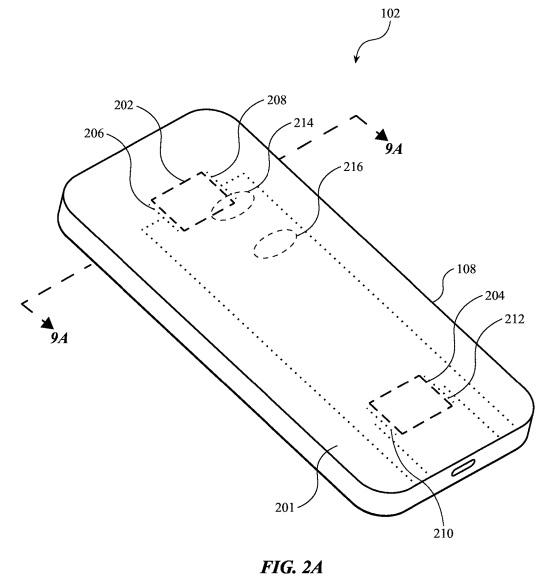
Apple’s Interesting Patent For Smart Materials Will Drastically Alter Gadget Design
When it comes to patents, few get more interesting than what we’ve got for you today. This year, the iPhone 8 and Galaxy S8 will center around a single feature. Both the devices will remove buttons from their screen, making for seamless design and display. In fact, for the iPhone 8, we’ve heard that Apple will take things even further. The smartphone won’t feature side buttons if latest rumors bear fruit. In fact, Apple might switch to optical buttons for the device, especially with the screen rumored to stretch all the way to its sides.
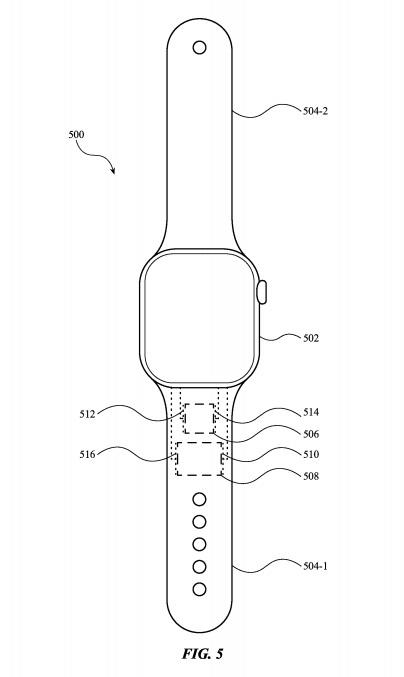
But while these details sound hogwash if you ask us, today we’ve got a very interesting Apple patent. The company’s hard at work developing new materials which will make it on a host of devices. These will range from the iPhone, to the Apple Watch and its bands. The patent describes all new “Quantum Tunneling Touch Sensitive Materials.” To make things easy, it means that future materials which use the technology will host ‘touch zones’. These will be areas on your iPhone case or the device itself which will allow for touch based interaction without using the screen.
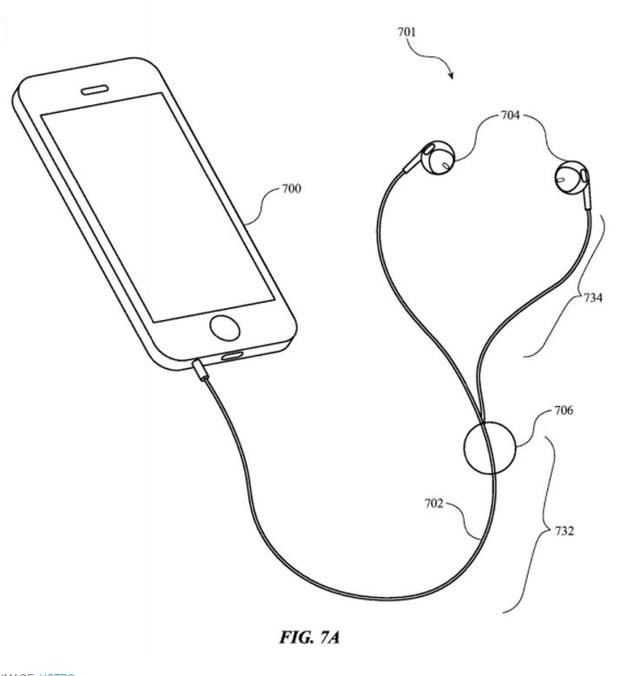
The process affects the resistance of the material its applied on. According to Apple, “An electronic device can sense the resistance across the quantum tunneling material (using sensing circuitry coupled to electrodes that are in contact with quantum tunneling material) and detect whether a user has pressed on the material. . .the back surface of a smartphone may have one or more input regions of touch-sensitive materials, allowing a user to interact with the smartphone in new and interesting ways.”
Source: wccftech










