NEWS

Apple Delays Shipments of UltraFine 5K Monitor While LG Fixes Router Issue

02/10/2017

3040

Apple Delays Shipments of UltraFine 5K Monitor While LG Fixes Router Issue


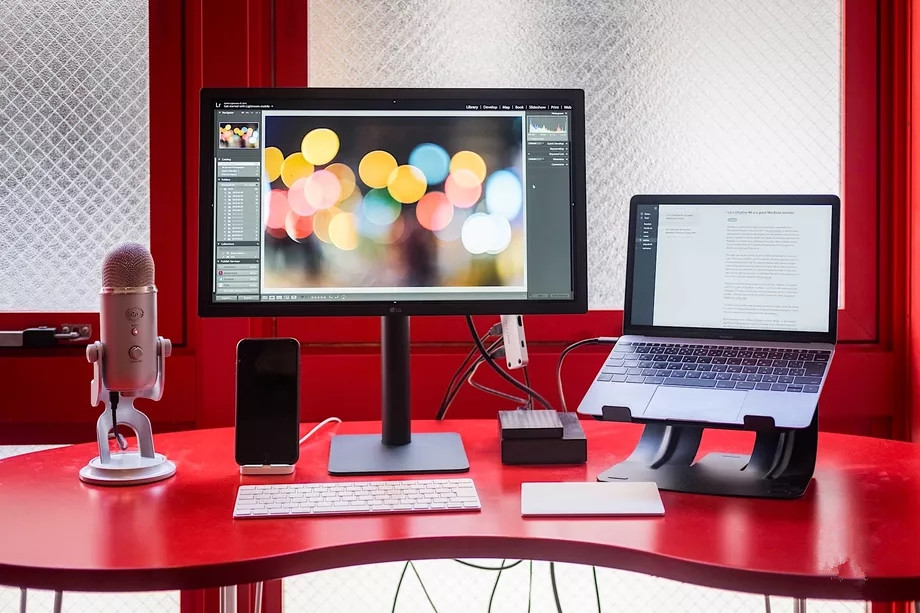
Following LG’s admission that its new UltraFine 5K Display doesn’t play nice with routers, Apple has delayed shipments of the monitor by up to six weeks on its website. The delay extends the wait for the Apple-certified monitor from two weeks, while LG continues to work on a shielding fix for future models to help cut down on electromagnetic interference. The 4K version of the device is still readily available, with a shipping estimate of about two to three days.


The issue was first pointed out by Apple-dedicated news sites and early owners of the display late last month. At the time, the nearly $1,000 peripheral becomes unusable when located within two feet of a router. This was a problem specific to the UltraFine 5K model and not any other LG monitor, including the 4K version in the same product family.


The problem should be fixed thanks to “enhanced shielding” in future models sold. LG says. The company is also currently retrofitting existing models on a case-by-case basis, and owners affected by the interference problem need to contact LG to get the process rolling.


Source: the verge


Windows
Mac OS
iOS
Linux
3uTools
Win 64-bit For this device
V9.0 2025-11-11
Download
Win 32-bit For this device
V9.0 2025-11-11
Download
3uTools
Intel Chip How to Identify Chip Type
V9.0 2025-12-02
Download
Apple Silicon
V9.0 2025-12-02
Download
How to Identify Chip Type
1.  Click the Apple icon in the top-left corner of the screen and select About This Mac.
2.  Check the Processor or Chip field to determine if it is "Intel" or "Apple".
Please use the 3uTools PC client to install the iOS client:
1、 Install either the Windows or Mac version of 3uTools on your computer
2、 Open the PC client and connect your device to the computer via USB cable
3、 After the connection is successful, wait for the computer to automatically install the mobile app for the device, or locate “Install Mobile App” on the computer and manually click to install.
3uTools
deb file
V3.01 2025-11-20
Download
rpm file
V3.01 2025-11-20
Download
Windows
Windows
iOS
iOS
Android
Android
TV
TV
3uAirPlayer
Win 64-bit For this device
V6.0.2 2025-11-19
Download
Win 32-bit For this device
V6.0.2 2025-11-19
Download
iOS Device Mirroring (No App Required)
1、 Install 3uAirPlayer on the Windows PC
2、 Open Control Center and select Screen Mirroring
3、 From the list, choose your PC to start mirroring
4、 Or connect your iOS device to the PC via USB to begin mirroring
Scan to get "3uAirPlayer" App
3uAirPlayer TV V1.0.18
2025-11-28
TV System Requirements: Android 7.0 or later
Download the TV installation package, copy it to a USB drive, insert it into your TV or set-top box, then select the file from the home screen to install.