NEWS

Apple Issues Fourth Developer Beta for MacOS 11.5

06/30/2021

2743

Apple Issues Fourth Developer Beta for MacOS 11.5


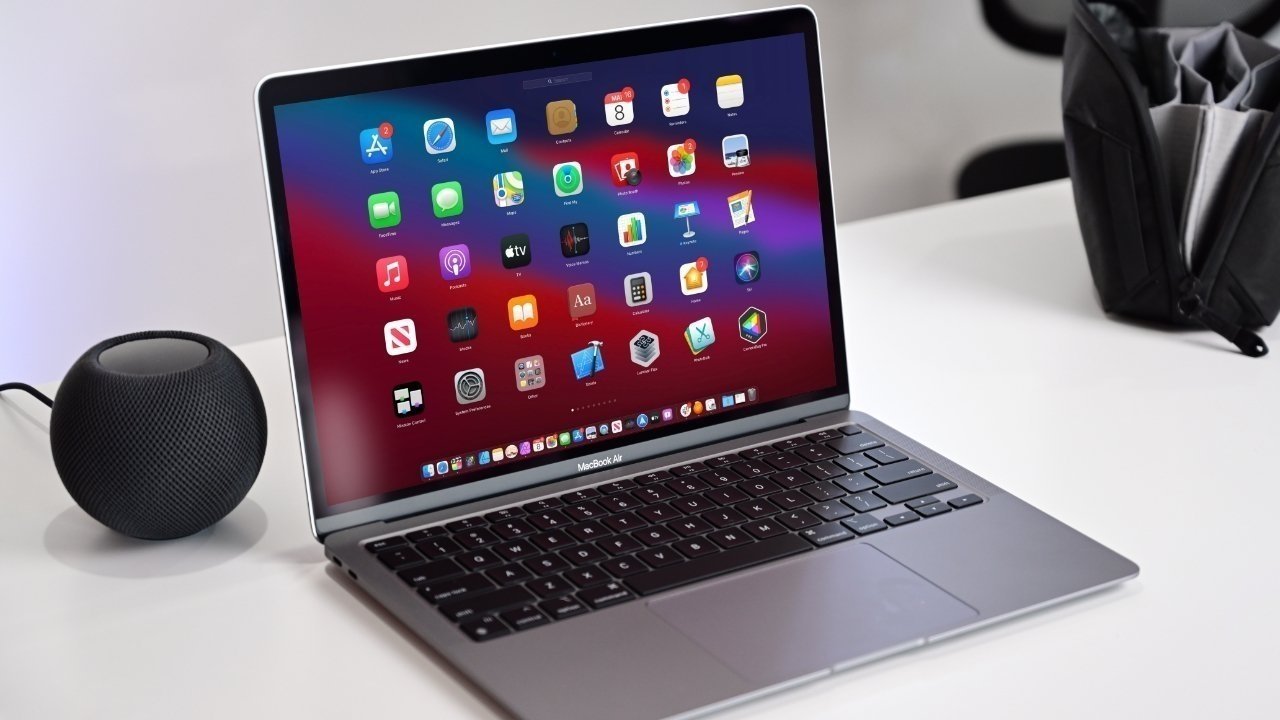
Apple is now on its fourth beta for macOS 11.5, providing developers in its test program a new build of the operating system to try out.


The latest builds can be downloaded by developers in the beta-testing scheme via the Apple Developer Center, or as an over-the-air update for hardware already using earlier beta builds. A public beta version of the releases is expected to start arriving soon, and will be available through the Apple Beta Software Program website.


Apple's third beta for macOS 11.5 was issued on June 14, while the second arrived on June 2. The first developer beta landed on May 19.


At this stage, it seems that the release is a maintenance and compatibility version, with no real new features or changes being made to the operating system. Meanwhile, Apple is actively beta testing macOS Monterey for release this fall.


Both AppleInsider and Apple strongly advise users avoid installing betas on to "mission-critical" or primary devices, due to the potential for data loss or other issues. Instead, the recommendation is to install betas onto secondary or non-essential devices, and to ensure there are sufficient backups of important data before making any major changes.


Source: Appleinsider

Windows
Mac OS
iOS
Linux
3uTools
Win 64-bit For this device
V9.01 2025-12-27
Download
Win 32-bit For this device
V9.01 2025-12-27
Download
3uTools
Intel Chip How to Identify Chip Type
V9.01 2025-12-31
Download
Apple Silicon
V9.01 2025-12-31
Download
How to Identify Chip Type
1.  Click the Apple icon in the top-left corner of the screen and select About This Mac.
2.  Check the Processor or Chip field to determine if it is "Intel" or "Apple".
Please use the 3uTools PC client to install the iOS client:
1、 Install either the Windows or Mac version of 3uTools on your computer
2、 Open the PC client and connect your device to the computer via USB cable
3、 After the connection is successful, wait for the computer to automatically install the mobile app for the device, or locate “Install Mobile App” on the computer and manually click to install.
3uTools
deb file
V3.01 2025-11-20
Download
rpm file
V3.01 2025-11-20
Download
Windows
Windows
iOS
iOS
Android
Android
TV
TV
3uAirPlayer
Win 64-bit For this device
V6.0.2 2025-11-19
Download
Win 32-bit For this device
V6.0.2 2025-11-19
Download
iOS Device Mirroring (No App Required)
1、 Install 3uAirPlayer on the Windows PC
2、 Open Control Center and select Screen Mirroring
3、 From the list, choose your PC to start mirroring
4、 Or connect your iOS device to the PC via USB to begin mirroring
Scan to get "3uAirPlayer" App
3uAirPlayer TV V1.0.18
2025-11-28
TV System Requirements: Android 7.0 or later
Download the TV installation package, copy it to a USB drive, insert it into your TV or set-top box, then select the file from the home screen to install.