 NEWS
NEWS
Filza for iOS 12 / 12.1.2 RootlessJB Jailbreak Released
 02/15/2019
 9435
9435
It seems that the recently released rootlessJB is starting to pick up some momentum. Jailbreaks are typically only as popular as the apps, software, and tweaks which are updated to work in conjunction with them and rootlessJB has taken a big leap forward with the announcement that Filza File Manager has been updated to offer compatibility with it.
The rootlessJB creation could prove to be the wonderful starting point of an iOS 12.x.x – 12.1.2 jailbreak. However, it is currently being offered as an SSH-based jailbreak which isn’t exactly intended for the general public to consume and use.

This is because it doesn’t come with the standard public-facing mechanisms that device owners would typically be used to, such as a usable package manager. It relies on SSH access to transfer files and tweaks to and from the device and doesn’t have all of the necessary safeguards in place.
Still, even with those limitations in place, developersFilza for iOS 12 and 12.1.2 jailbreak IPA released for recently announced RootlessJB. Here are the details on it. are still clearly looking at it as a serious piece of work and a serious possible contender for a public release, as evidenced by the announcement from TIGI software:
Filza File Manager and Apps Manager now work with rootlessJB3 (iOS 12 – 12.1.2). You can download IPA here.
The tweet not only confirms that the Filza File Manager has been updated to work in conjunction with the rootlessJB offering but also provides a direct link that allows anyone visiting to grab the updated IPA file. S0me device owners replying to the thread on Twitter have suggested that the IPA is actually crashing on specific devices, with iPhone 6s running iOS 12.1.2 being one of those hardware/software combinations named. Others are suggesting that everything is working flawlessly and that they can access the root file system via Filza without issue.
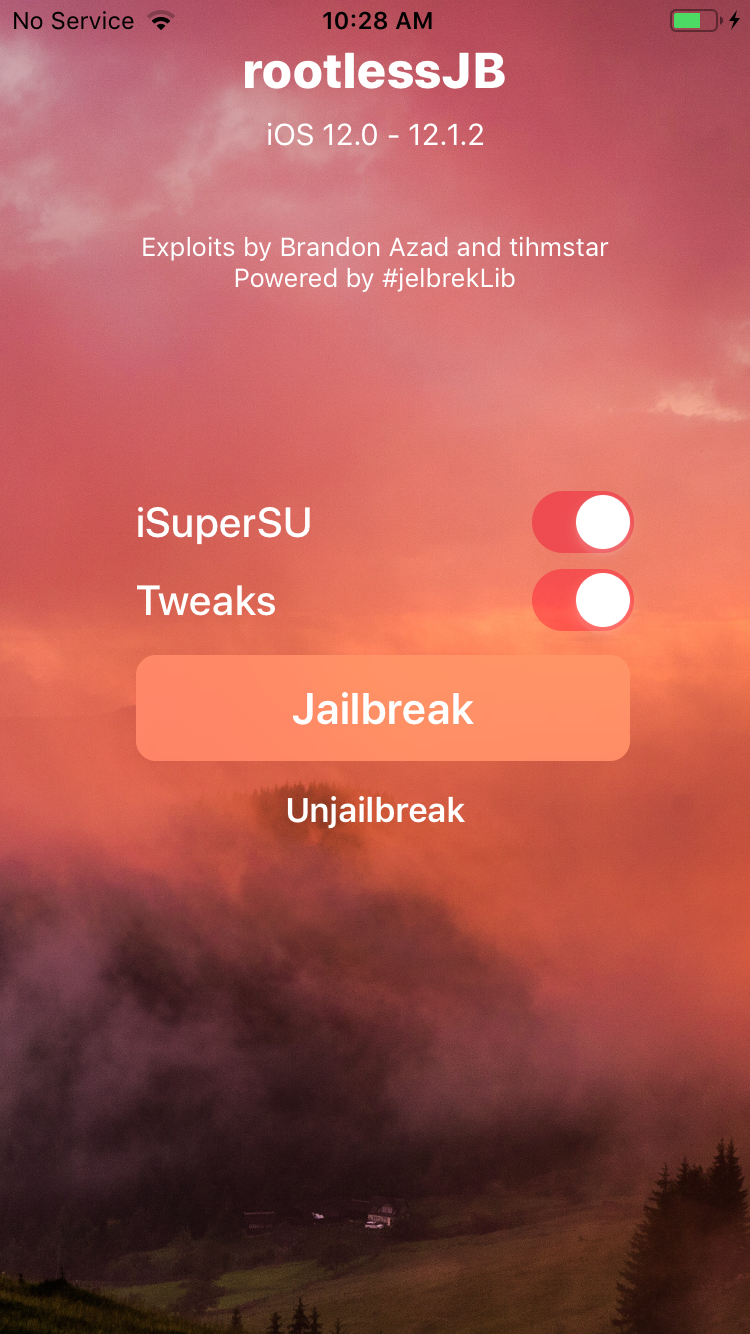
There has also been confirmation that this release is working as expected on iPad models jailbroken with rootlessJB. It’s evident that there is still a lot of work to be invested into the rootlessJB in order to get it ready for a public release but it’s still great to see that other developers are investing time in ensuring that their creations are up and running ready for that hopefully inevitable moment when rootlessJB is deemed ready for public consumption.
Source: redmond pie










