NEWS

Filza File Manager Officially Updated to Support iOS 11

03/20/2018

7256

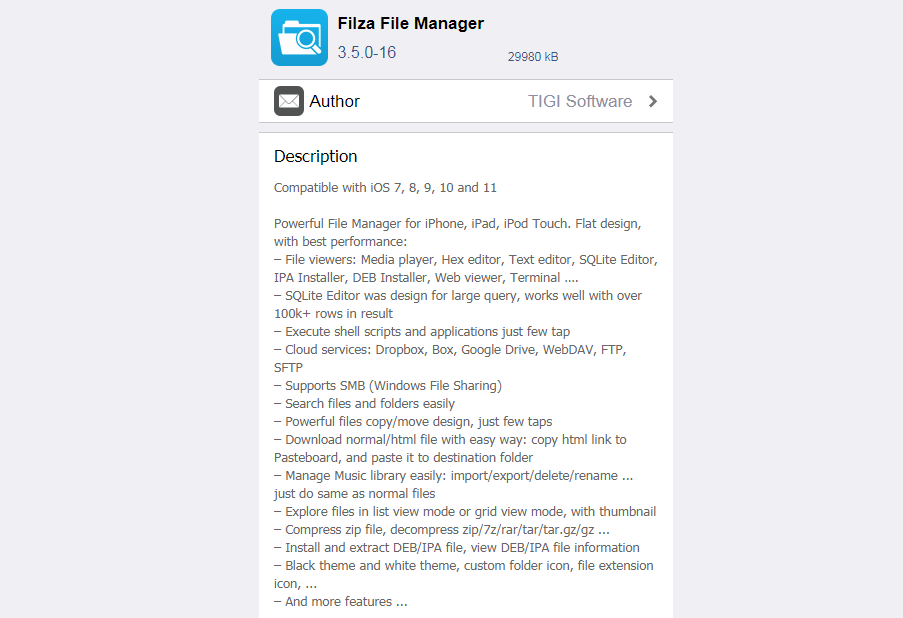
Filza is an iOS app that is designed to give you file level root access to your device without having to jailbreak it. As the device does not have to be jailbroken, it does not void the warranty. You can access all entire folder structure and all the system files. 


Filza iOS app lets even lets you add new files and delete the existing ones. This means you can also install new apps using FilzaJailed app. But, you need to be very careful while using this app. Deleting system files may cause damage to the device. Use this app only when you clearly know what you are doing. This app is also called FilzaEscaped named in various app stores.


Read our previous posts:


Filza File Manager Officially Updated to Support iOS 11


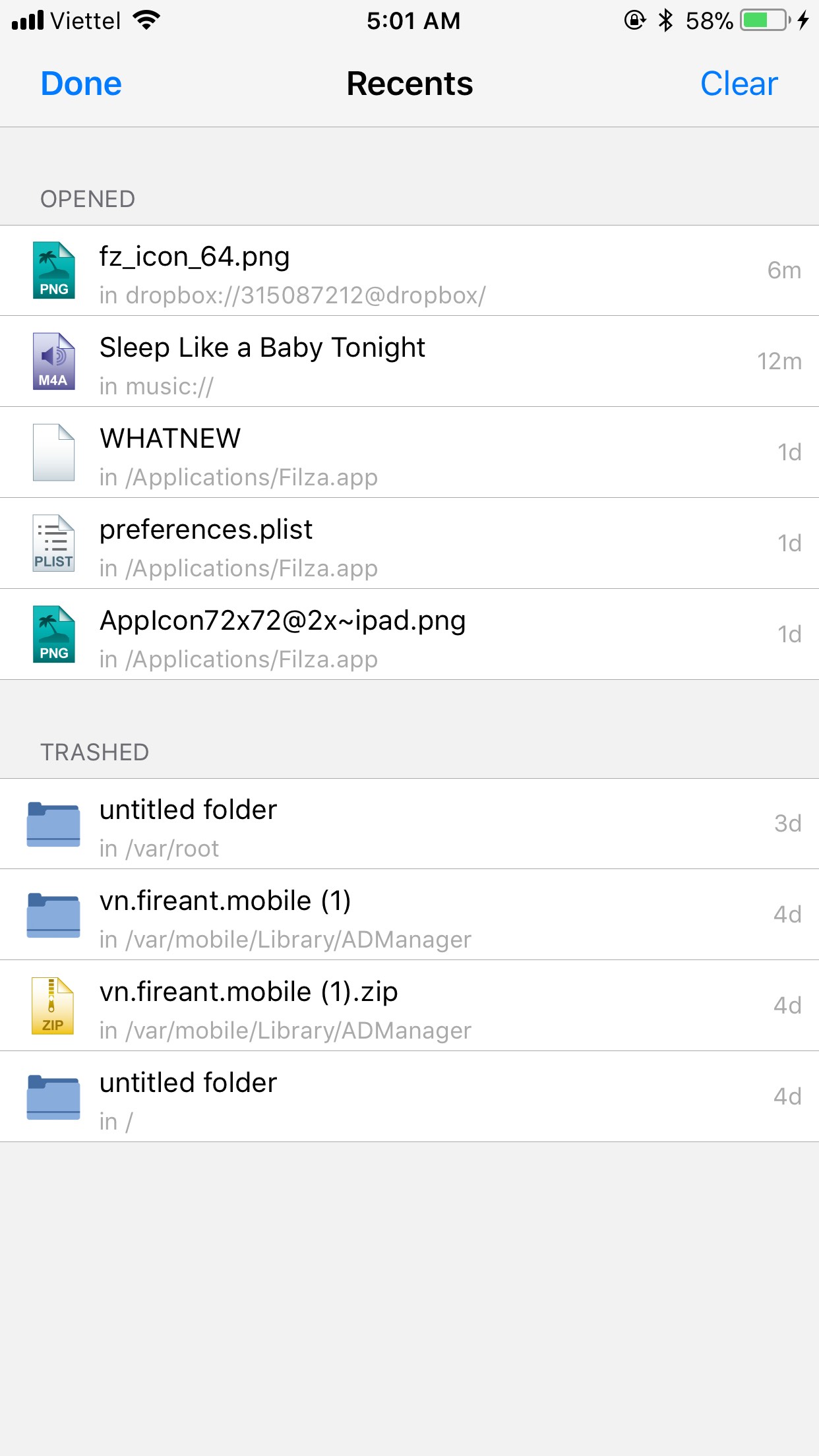
Filza File Manager officially updated to support iOS 11, and it's now available on bigboss, meaning it's now "mainstream" for everyone to download, that makes it the official major iOS 11 update.


Filza File Manager Officially Updated to Support iOS 11

Windows
Mac OS
iOS
Linux
3uTools
Win 64-bit For this device
V9.0 2025-11-11
Download
Win 32-bit For this device
V9.0 2025-11-11
Download
3uTools
Intel Chip How to Identify Chip Type
V9.0 2025-12-02
Download
Apple Chip
V9.0 2025-12-02
Download
How to Identify Chip Type
1.  Click the Apple icon in the top-left corner of the screen and select About This Mac.
2.  Check the Processor or Chip field to determine if it is "Intel" or "Apple".
Please use the 3uTools PC client to install the iOS client:
1、 Install either the Windows or Mac version of 3uTools on your computer
2、 Open the PC client and connect your device to the computer via USB cable
3、 After the connection is successful, wait for the computer to automatically install the mobile app for the device, or locate “Install Mobile App” on the computer and manually click to install.
3uTools
deb file
V3.01 2025-11-20
Download
rpm file
V3.01 2025-11-20
Download
Windows
Windows
iOS
iOS
Android
Android
TV
TV
3uAirPlayer
Win 64-bit For this device
V6.0.2 2025-11-19
Download
Win 32-bit For this device
V6.0.2 2025-11-19
Download
iOS Device Mirroring (No App Required)
1、 Install 3uAirPlayer on the Windows PC
2、 Open Control Center and select Screen Mirroring
3、 From the list, choose your PC to start mirroring
4、 Or connect your iOS device to the PC via USB to begin mirroring
Scan to get "3uAirPlayer" App
3uAirPlayer TV V1.0.18
2025-11-28
TV System Requirements: Android 7.0 or later
Download the TV installation package, copy it to a USB drive, insert it into your TV or set-top box, then select the file from the home screen to install.