 TUTORIALS
iPhone XS, XS Max, Apple Watch Series 4 Now on Sale in More Countries, Check if Yours is on the List
 09/29/2018
 7045
7045
Apple released the iPhone XS and iPhone XS Max last week, bringing it to an initial bevy of countries. Today a further 25 are able to pick up a new iPhone, adding to the 30 that are already able to buy one. With a total of 55 countries now online, Apple continues to show the world how to launch a product in a huge number of markets within a very short space of time.
The iPhone XS and iPhone XS Max, including three different storage sizes for each model, are on sale as of today in these countries following a pre-order process that opened last week: Andorra, Armenia, Bahrain, Bulgaria, Croatia, Cyprus, Czech Republic, Estonia, Georgia, Greece, Greenland, Hungary, Iceland, India, Kazakhstan, Kuwait, Latvia, Liechtenstein, Lithuania, Malta, Monaco, Oman, Poland, Qatar, Romania, Russia, Slovakia, Slovenia, and South Africa.
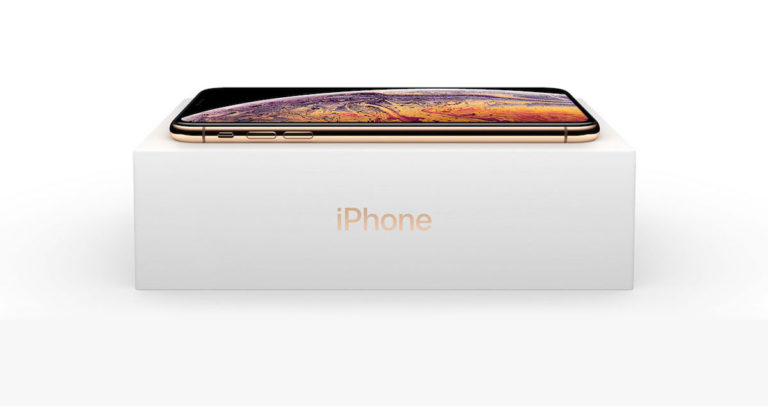
It’s expected that stock levels should be fair, if not stellar, with countries where the phones are already available reporting that devices are generally coming into stock at relatively regular intervals, although there is customarily a delay between the time an online order is made and the time it is shipped. Checking stores for local pickup is definitely the way to go.
On top of the new iPhone availability, the Apple Watch Series 4 is now also available in the following countries: Bahrain, Croatia, Czech Republic, Greece, Guam, Hungary, Iceland, Kazakhstan, Kuwait, Macau, Monaco, Oman, Poland, Qatar, Romania, Russia, Slovakia, and South Africa.
Stocks of Apple Watches are currently extremely restricted in the countries where they became available last week and it will be interesting to see if that spills over into the this week’s additional countries.

Source: redmond pie










