 TUTORIALS
iPhone Xs vs iPhone X: What’s the Difference?
 09/14/2018
 9879
9879
The iPhone Xs and iPhone X might look very similar at first glance. However, in typical Apple fashion, an ‘s’ upgrade is always about major performance and camera improvements, and the same stands true for the iPhone Xs. Plus, with Apple discontinuing the iPhone X, the iPhone Xs is the phone that now most people would consider buying.
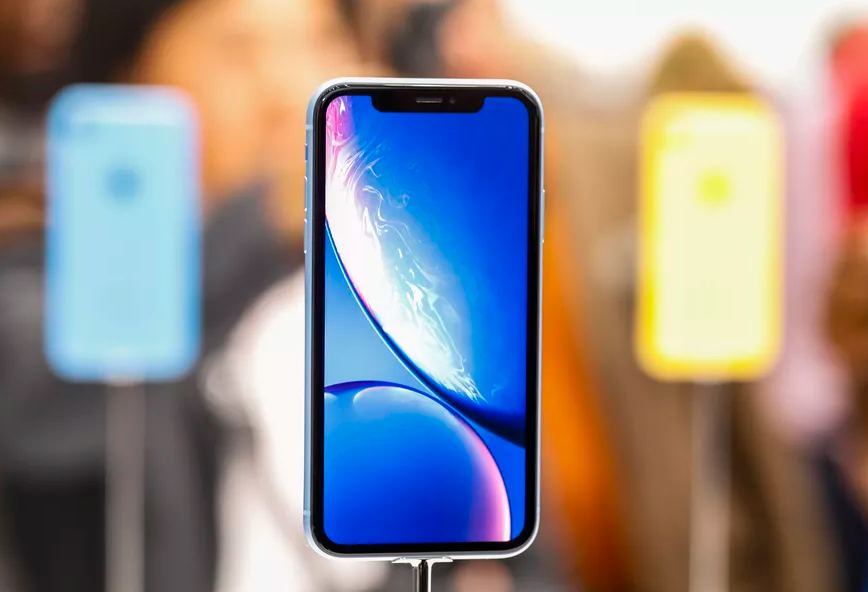
If you are wondering what’s the difference between the iPhone Xs and iPhone X, read our comparison below.
Display
iPhone Xs – 5.8-inch True Tone OLED, 2436 x 1125 pixels (458 ppi), 82.9 percent screen-to-body ratio, HDR10, Dolby Vision
iPhone X – 5.8-inch True Tone OLED, 2436 x 1125 pixels (458 ppi), 82.9 percent screen-to-body ratio, HDR10, Dolby Vision
Design
iPhone Xs – 143.6 x 70.9 x 7.7 mm and 177g, IP68 certified
iPhone X – 143.6 x 70.9 x 7.7 mm and 174g, IP67 certified
Processor
iPhone Xs – A12 Bionic, 7nm chip, 6-core CPU which is 15 percent faster, 50 percent faster 4-core GPU, 8-core Neural engine
iPhone X – A11 Bionic, 10nm chip, 6-core CPU, 4-core GPU, Neural engine
iPhone Storage
iPhone Xs – 64GB, 256GB, 512GB
iPhone X – 64GB, 256GB
Rear Camera
iPhone Xs – Dual 12MP camera setup with f/1.8 and f/2.4 aperture, new sensor with larger 1.4um pixels, OIS for both sensors, Smart HDR, Focus Pixels, Portrait mode with advanced bokeh and Depth control
iPhone X – Dual 12MP camera setup with f/1.8 and f/2.4 aperture, 1.22um pixels for the primary sensor, OIS for both sensors, Auto HDR, Focus Pixels, Portrait mode
Front Camera
iPhone Xs – 7MP TrueDepth Camera, f/2.2 aperture, Retina Flash, Portrait mode with advanced bokeh and Depth control, Smart HDR
iPhone X – 7MP TrueDepth camera, f/2.2 aperture, Retina Flash, Portrait mode, Auto HDR
Face ID
While both phones come with Face ID, the facial unlocking mechanism is faster on the iPhone Xs thanks to the use of a faster camera sensor and more powerful Neural engine and Secure enclave.
Connectivity
iPhone Xs – Dual SIM/eSIM, Gigabit LTE, Wi-Fi ac with MIMO, Bluetooth 5.0, VoLTE, NFC with reader mode
iPhone X – Single SIM, LTE-Advanced, Wi-Fi ac with MIMO, Bluetooth 5.0, VoLTE, NFC with reader mode
Battery Life and Charging
iPhone Xs – Lasts up to 30 minutes longer than the iPhone X
iPhone X – Lasts up to 2 hours longer than the iPhone 7
iPhone Xs – Fast wired charging, 7.5W wireless charging
iPhone X – Fast wired charging, 7.5W wireless charging
Pricing
iPhone Xs – Starts from $999
iPhone X – Used to cost $999
If you want to read more about the new iPhone: The 10 Best iPhone Xs and iPhone Xs Max Features










