 TUTORIALS
When Will Apple Seed iOS 12 Golden Master Update?
 09/10/2018
 6854
6854
After a whopping twelve betas, iOS 12 is primed for a smashing debut. Here’s when Apple will release the GM version of iOS 12.
When will Apple release iOS 12 GM?
Apple has tried its best, as evidenced by the release of twelve beta updates, to make iOS 12 its best mobile operating system so far. According to our tests, the beta versions work perfectly on all compatible devices.
The Cupertino giant will release iOS 12 Golden Master build on September 12 after unveiling the all-new iPhone Xs, iPhone Xs Max and iPhone 9.
For the uninitiated, “Golden Master” is the last tested update that is a preview of a final firmware version. If developers don’t report any serious bugs, Apple releases this update as the final version a few days later.
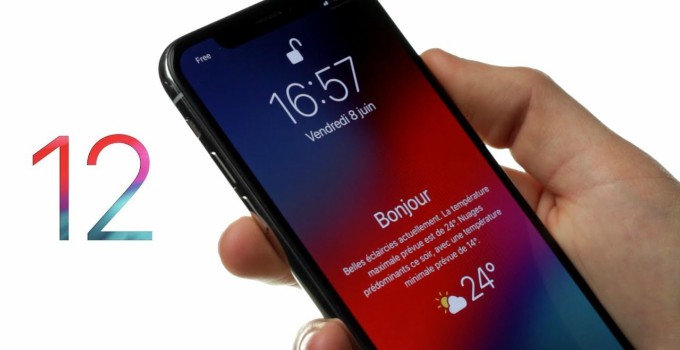
Initially, the firmware will be available for download only to registered developers. However, average users will be able to install it just as well using the leaked OTA Profile.
If you are not satisfied with your current version of iOS 11, you can upgrade your device on September 12 itself.
iOS 12 final version release date
Usually, the company releases the final build of the new version of iOS a week after the launch of the GM build. Considering how the older update schedules went, the final version of iOS 12, that is, 12.0 – will be available for installation on September 19.
Unlike the Golden Master, both users and registered developers will be able to install this update on their devices. As mentioned above, the final version will be an exact copy of the GM build if all goes well.
Since we only have a few days left until this big reveal, you should prep up your devices for an upgrade. You can back up your device on 3uTools before.










