 TUTORIALS
3 Reasons Why There Won’t be An iOS 10 Jailbreak for 32-bit Devices
 09/14/2017
 6670
6670
iOS 10 jailbreak came and went and also left 32-bit iOS devices in the lurch. Here are the top 3 reasons why these devices won’t get a jailbreak on iOS 10 ever.
1. Limited Compatibility
Most of the iOS devices in the 32-bit lineup didn’t receive the iOS 10 firmware update. The only devices that can upgrade to iOS 10 are –
iPad 4
iPhone 5
iPhone 5C
Moreover, iOS 10.3.2 is the last update for these 3 devices. You can’t upgrade them to iOS 10.3.3 or 11 firmware.
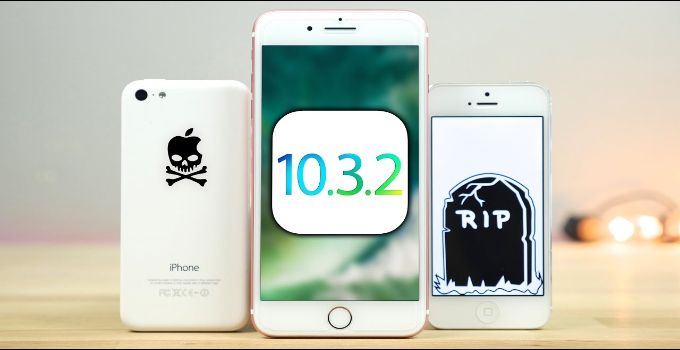
Considering iOS 10 is the last update for these devices, a 32-bit jailbreak becomes even more valuable.
Once we get such a jailbreak, these devices will forever be jailbroken on all firmware versions.
2. 64-bit Exploits
Most exploits such as mach_portal, ziVA, and triple_fetch do, in fact, support 32-bit architecture. However, they still require several patches and need to be reimplemented.
This is indeed very time consuming even though these devices lack the dreaded KPP security mechanism. Therefore, most notable developers are unwilling to burn exploits for 32-bit iDevices.
A developer who can actually pull this off is Tihmstar. He has been turning his attention towards legacy devices of late.
Currently, he is busy working on iOS 8.4.1. Who knows he might develop something for all you 32-bit device owners in the future.
3. Obsoletion of 32-bit Systems
Most of the device manufacturers, including Apple, are now moving away from 32-bit architecture.
There are still many users who own and regularly use these devices. However, their number pales in comparison to the users who currently own 64-bit devices.
A smaller user base means less demand for an iOS 10 jailbreak.
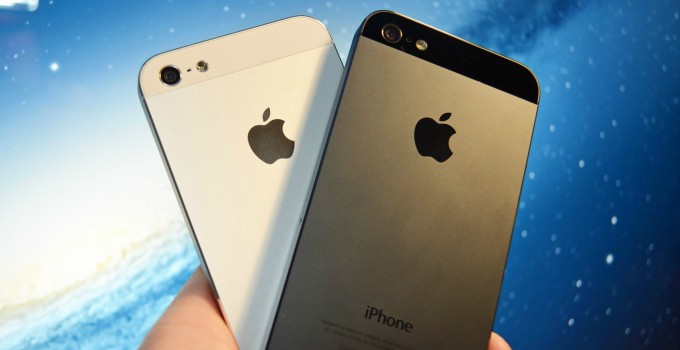
Consequently, most developers are sticking to newer devices that are based on 64-bit architecture.










