 TUTORIALS
Here are 6 Screenshots Shows the Benefits of Jailbreaking iOS 10 – iOS 10.2
 07/11/2017
 7612
7612
Jailbreaking your iOS device opens the doors to endless customization capabilities. You can change the system font, theme the app icons, add new features to stock and third-party apps and much more.
Just recently, we showcased the top 10 reasons for jailbreaking iOS 10. Today, we’re doing a similar series, but this time it’s spiced up with animated GIFs to show you the top 6 benefits of jailbreaking iOS 10.
1. Dark Mode
While iOS 10.3 beta did not get the rumored dark mode feature, you can still enjoy it on your iOS 10 device with a jailbreak tweak called Eclipse 4. This tweak enables Dark Mode for all your installed iOS apps, allowing you to use your iPhone at night without straining your eyes.
2. Themes
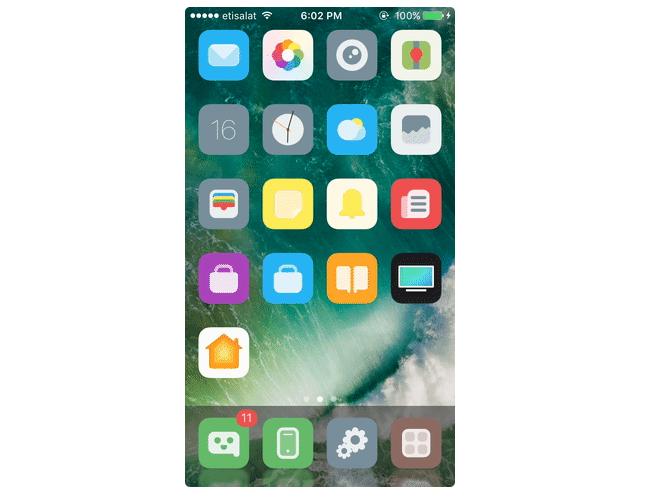
One of the best reasons for jailbreaking is that you can install themes that bring a fresh new look to your iOS device . The Cydia store is filled with tons of themes and tweaks that allow you to customize your iOS device the way you want.
3. Fancy Animations
Cylinder is a jailbreak tweak that animates your app icons as you navigation from one page of the Home screen to another. On the other hand, Harbor brings a macOS inspired dock to your iPhone and plays a nice animation as you swipe across the app icons on the dock.
4. Get Picture-in-Picture on iPhone
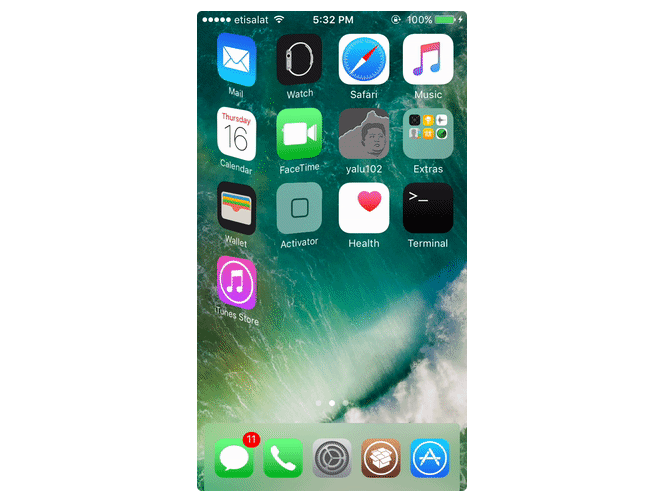
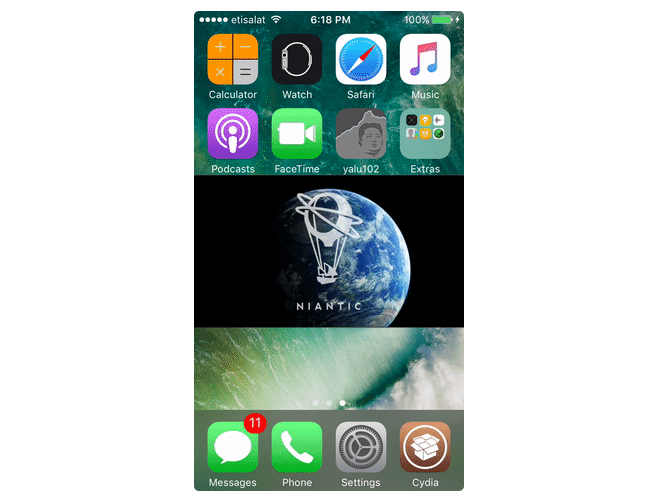
Picture-in-Picture is an exclusive feature available for certain iPad models, but if you jailbreak, you can get it right on your on your iPhone with a tweak called VideoPane. It allows you to position the floating video on any side of the screen, enlarge or shrink its size and watch it while you’re within another app.
5. Apple Watch Home Screen on iPhone
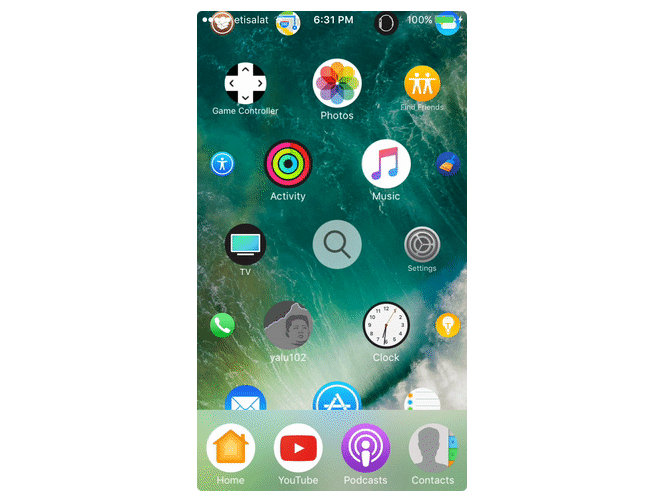
If you’ve ever used an Apple Watch, you’ll know that the Home screen features circular app icons that are spread around the screen. You can zoom in and out of the icons and tap on any one of them to open with a circular animation. Aeternum Hives is a jailbreak tweak that brings the Apple Watch Home screen to your iPhone and it does a great job at it.
6. Clear Storage Space
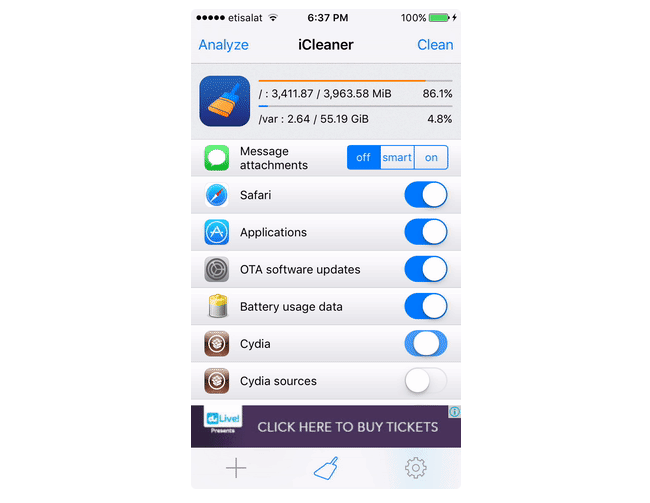
Over time, your iPhone gets filled with junk files that add up to take a considerable portion of the storage space. Luckily, there is a jailbreak tweak called iCleaner that removes all the unused files and junk files with the tap of a button.
These are some of the benefits of jailbreaking iOS 10. This is just the tip of the iceberg as you can do a lot more when jailbroken. You can check out the top jailbreak tweaks for iOS 10 to find out what other cool things you can do when you jailbreak.
Source: iphonehacks










