 NEWS
NEWS
Redditor Turns Busted Macbook Pro into a Clever Mac + Ipad Hybrid
 09/05/2019
 2826
2826
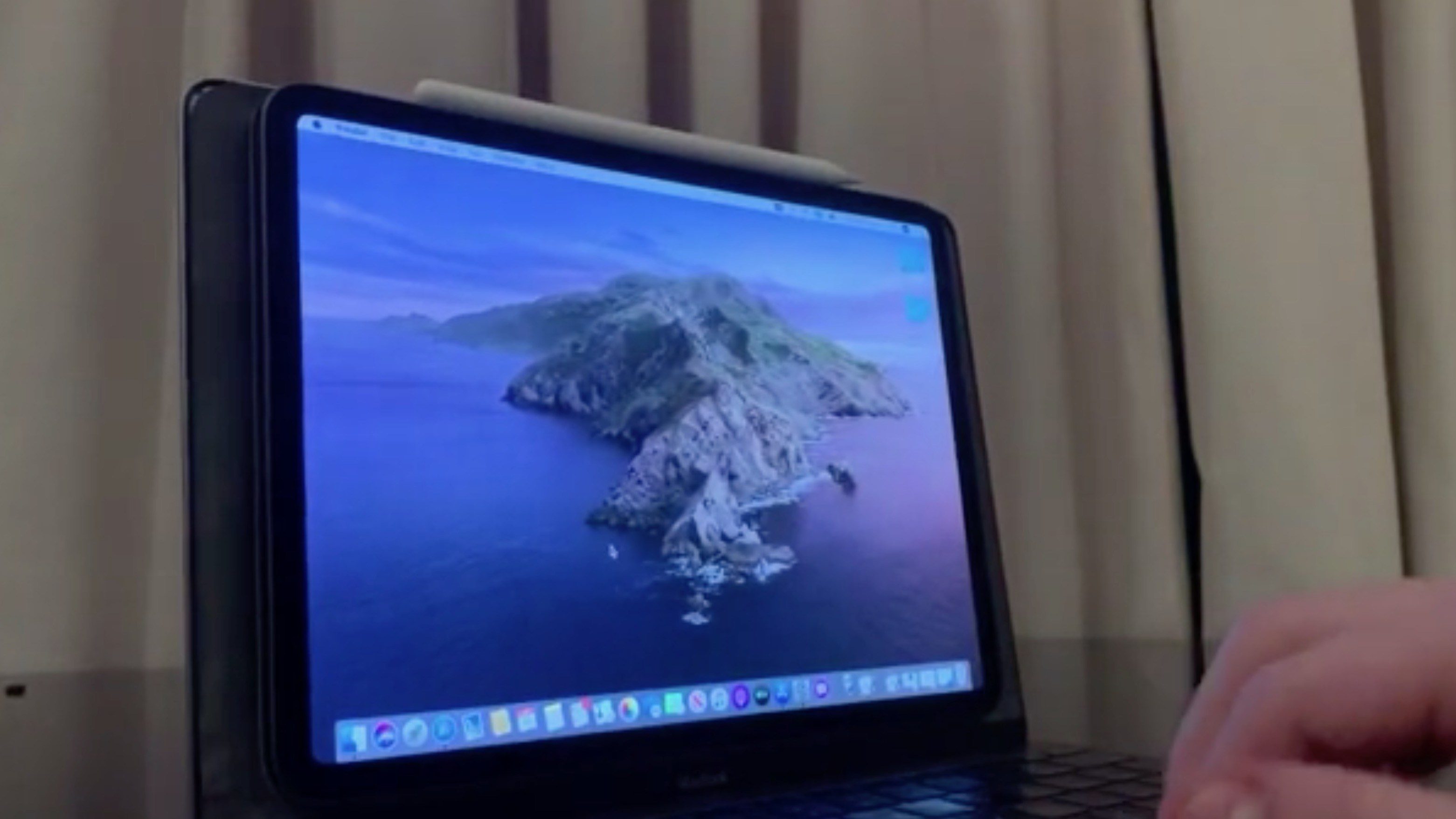
One of the most useful new features in macOS Catalina is something called Sidecar, which turns your iPad into an external display for your Mac. A Redditor has taken things to the next level, using a MacBook Pro with a broken display and turning it into a unique Mac/iPad hybrid using Sidecar.
The Reddit user, Andrew, explains that he attached a “magnetic iPad case in-place of the Retina display” and is using a combination of hardware and software tweaks to create hybrid experience. The MacBook Pro itself was still functional, with the display being what was broken.
Here’s how Andrew describes the process:
The method involved defusing the broken LCD screen and backlight from the upper portion of the MacBook’s clamshell, modifying the Retina display driver, attaching a magnetic iPad case in-place of the Retina display and putting everything back together.
In regards to software, I’m using Catalina’s ’Sidecar’ to wirelessly (Bluetooth) mirror the once-existent Retina display and ‘keyboard maestro’ to establish the initial connection to the iPad upon booting up. Not in the video below is a demonstration of 1keyboard being used to re-route the Macbook’s keyboard as an input device for the iPad when Sidecar is disabled.
This is a pretty clever setup; and the video here offers a good look at just how practical it is. You can even see Andrew use an Apple Pencil to draw on the MacBook + iPad hybrid display. The iPad itself is also easily removable and can be taken on the go just like normal.
What do you think of this setup? Would you be interested in an hybrid MacBook Pro + iPad Pro device from itself? Let us know down in the comments.
Source: 9to5mac










