 NEWS
NEWS
Triple-Lens Rear Cameras Rumored for Next iPad Pro Range, Dual-Lens for New Entry-Level iPad
 08/13/2019
 3108
3108
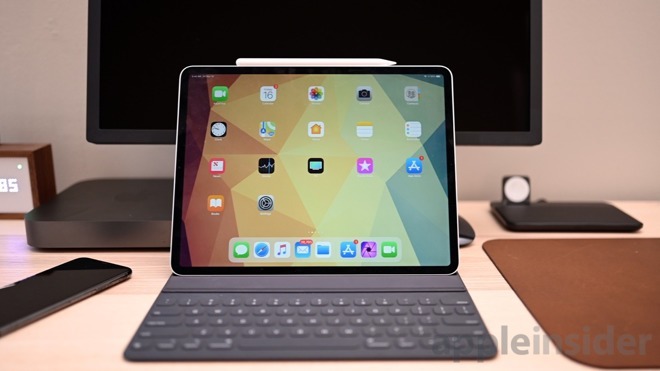
Japanese blog Mac Otakara cited a Chinese supply source over the weekend claiming the fourth-generation 11-inch and 12.9-inch iPad Pro devices will get the same multi-sensor array widely rumored to be coming to Apple's next iPhone range this year.
Meanwhile, Apple's rumored new version of its entry-level iPad – a device with a slightly bigger 10.2-inch screen than the existing 9.7-inch model – will inherit the dual lens setup currently seen in the iPhone XS and iPhone XS Max.
The new iPads will launch in October, claims Mac Otakara's source, who also said that diagrams of related accessories are "floating around," but they declined to specify whether they are Apple accessories or third-party ones.
Apple hasn't used dual-lens rear camera modules in any iPad, let alone triple-lens arrays, so bringing the multi-sensor systems to three new models in the same year would be a first for the company.
In a February research note, respected Apple analyst Ming-Chi Kuo said Apple plans to release two new iPad Pro models, a 10.2-inch iPad, and a refreshed iPad mini this year. A month later, Apple released an upgraded iPad mini in March alongside a new 10.5-inch iPad Air.
Apple hasn't updated its third-generation iPad Pro lineup since October 2018 and its 9.7-inch entry-level iPad since March 2018, so we can reliably expect both to get some sort of refresh soon. Whether they will have the sort of multi-sensor cameras that are usually the preserve of smartphones is a different matter.
Rumors suggest Apple's next-generation 6.5-inch and 5.8-inch OLED iPhones will feature triple-lens rear cameras (with wide-angle, super wide-angle, and telephoto lenses), while the successor to the iPhone XR will feature a dual-lens camera with a wide-angle lens and a telephoto lens.
Source: MacRumors










