 NEWS
NEWS
Apple Releasing Sixth (And Hopefully Final) iOS 12.4 Beta
 07/10/2019
 2343
2343
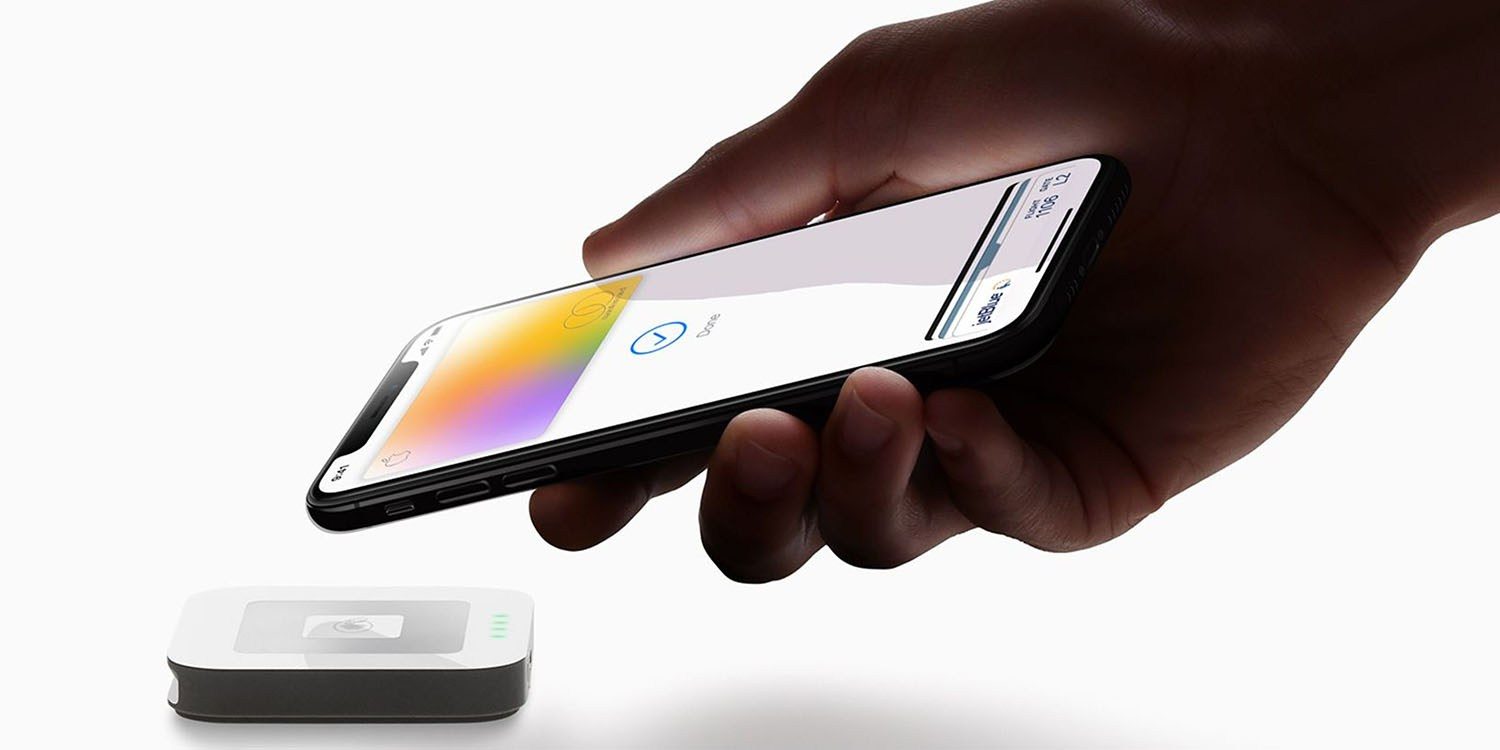
Apple Card is coming this summer, and we expect the new credit card from Apple to be supported in iOS 12.4. Apple hasn’t been more specific about the exact launch date for US customers, but the company has been releasing developer beta versions of iOS 12.4 without Apple Card included for several weeks. Apple will release the sixth developer beta version of the upcoming software update later today, hopefully marking the final pre-release seed before the update is ready for prime time.
The previous beta version of iOS 12.4 appeared over two weeks ago on June 24th, suggesting a potential Apple Card release sometime in mid to late July. Apple is also running major developer and public beta versions of the iOS 13 software update coming to iPhones later this fall. Apple typically releases major iPhone software updates in September which should leave us with a July or August release for Apple Card.
Bloomberg reported last month that Apple has expanded internal Apple Card testing to include retail employees, vastly growing the test group beyond corporate staff. Apple is also running a developer beta version of watchOS 5.3 (beta 5 is out today) which will likely also work with Apple Card in the Wallet app.
Curious what Apple’s other software versions will do for your iPhone, iPad, Apple Watch, Apple TV, and Mac? Catch up on 9to5Mac’s coverage below:
Hands-on with 200+ iOS 13 changes and features [Video]
Hands-on with 50 new iPadOS 13 changes and features [Video]
Previewing CarPlay in iOS 13: Light mode, new and improved apps, more
watchOS 6 Guide
tvOS 13 Guide
Hands-on: macOS Catalina top features [Video]
Source: 9to5mac









