 NEWS
NEWS
Apple Releases Fourth Developer Beta of iOS 12.2
 03/05/2019
 2751
2751
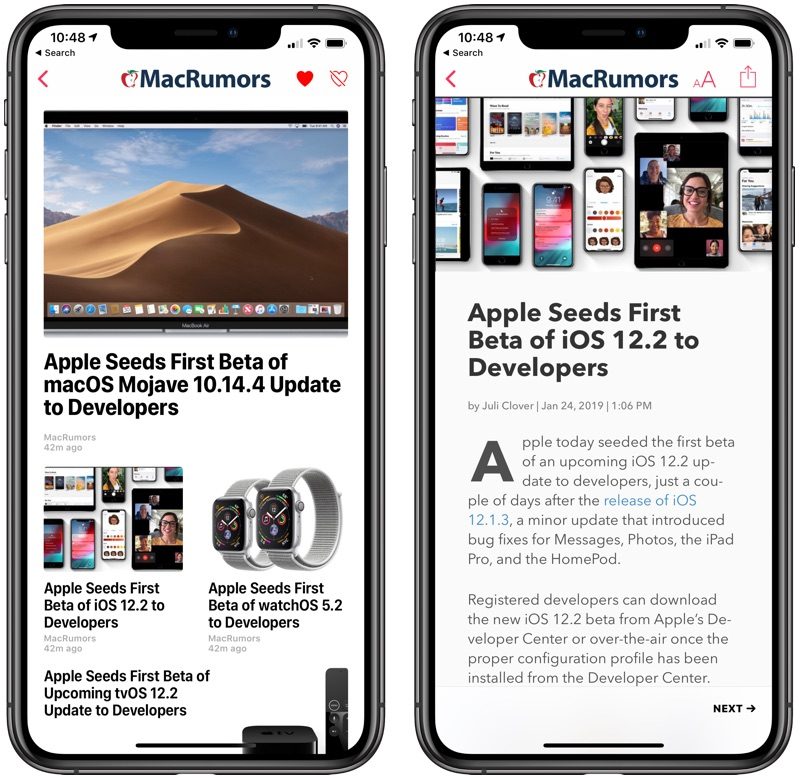
Apple seeded the fourth beta of an upcoming iOS 12.2 update to developers for testing purposes, two weeks after seeding the third beta of iOS 12.2 and a month after the release of iOS 12.1.4.
Registered developers can download the new iOS 12.2 beta from Apple's Developer Center or over-the-air once the proper configuration profile has been installed from the Developer Center.
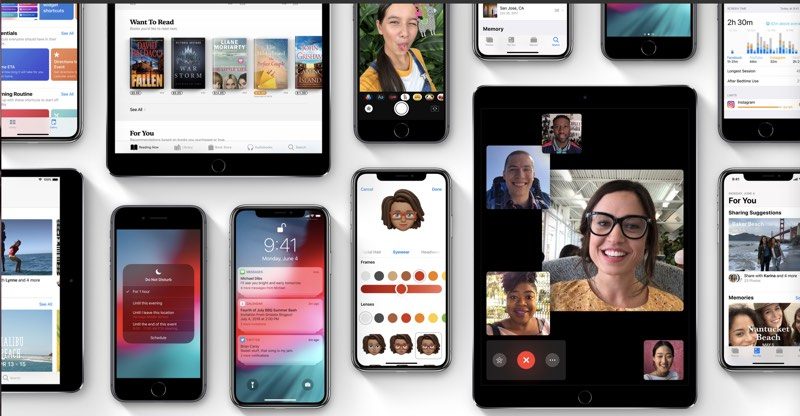
iOS 12.2 expands Apple News to Canada for the first time, with Canadian iPhone and iPad users able to read news stories in English, French, or both. Apple says that during the beta, content will be more limited than it will be when the update is released.
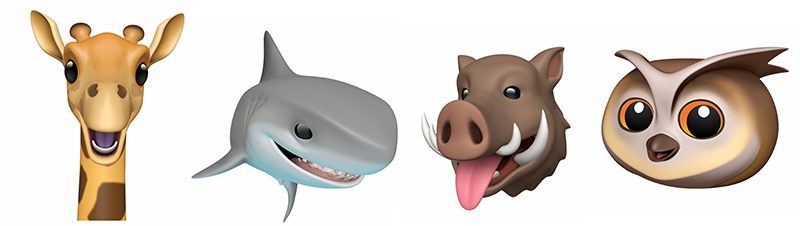
There are four new Animoji included the iOS 12.2 beta, including a boar, a shark, a giraffe, and an owl. Animoji can be used within the Messages and FaceTime apps.
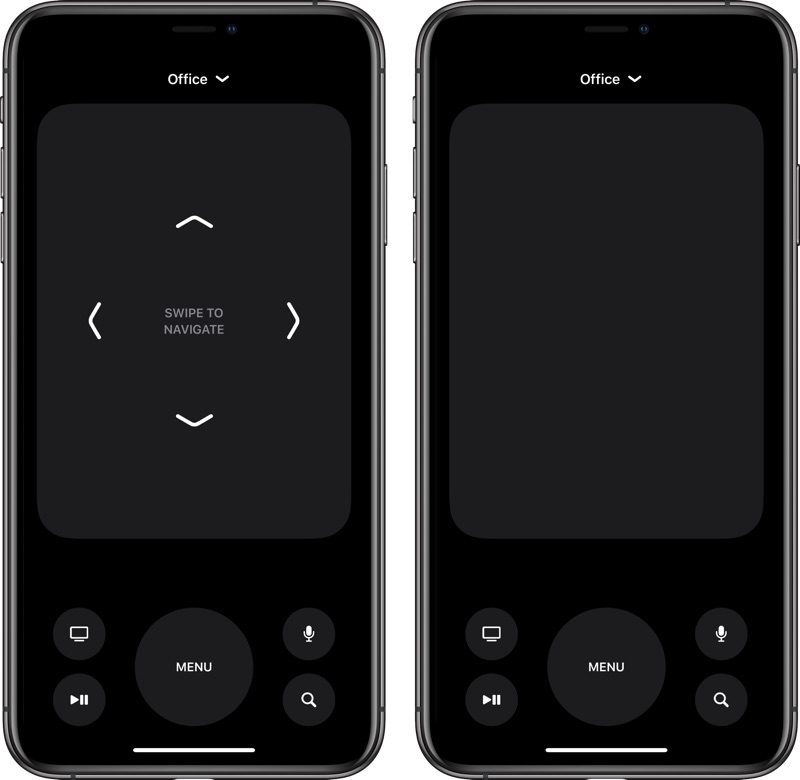
The software introduces support for AirPlay 2 and HomeKit on third-party TVs in light of recent AirPlay 2 announcements, with a new option for limiting TV access joining the speaker access option in the Home app. There's also a redesigned TV remote in Control Center, and when paired with tvOS 12.2, you can ask Siri to play specific TV shows, movies, and music on your HomeKit devices like the Apple TV.
For some AT&T users, there's a new "5G E" icon for the cellular signal, replacing the standard LTE icon. This is a bit misleading of AT&T, because the iPhone does not support 5G, nor is the network AT&T calls 5G E actual 5G. Instead, it's an upgraded version of LTE, with more info available here.
The Wallet app's interface has been streamlined and tweaked, there's a new interface for Apple Pay Cash, and the Downtime feature in Screen Time now allows you to customize by day. Apple has also made minor changes to some icons, including the AirPlay icon, and introduced new Safari features, with a full list available in our iOS 12.2 tidbits post.
Apple is improving Safari's privacy in iOS 12.2 through a new Motion & Orientation toggle located under Settings > Safari > Privacy > Security, which is disabled by default. The setting needs to be enabled on to allow websites to display content that relies on motion data from the accelerometer and gyroscope in the iPhone and iPad.
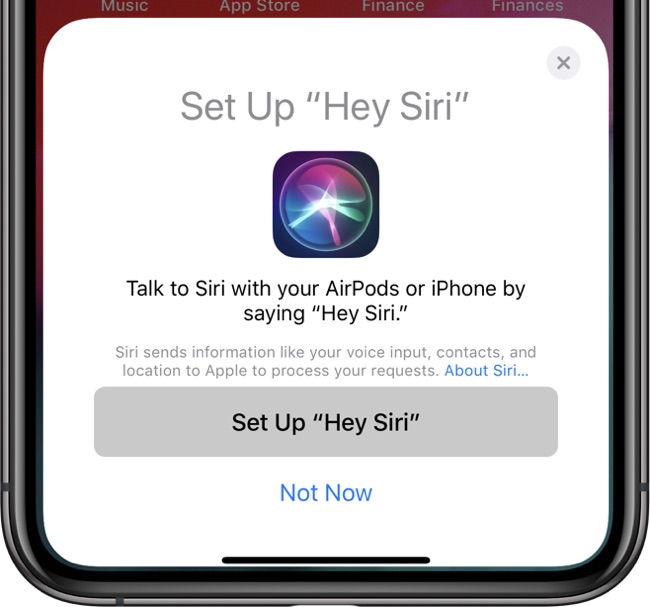
iOS 12.2 confirms that Apple is planning to release second-generation AirPods with "Hey Siri" support, thanks to a hidden "Hey Siri" AirPods setup screen in the beta. The inclusion of the AirPods setup option in the beta indicates that Apple could perhaps be planning to release new AirPods when iOS 12.2 is released.
The update also features hints of an upcoming Apple News subscription service, which could see a Texture-like magazine service added to Apple News. The iOS 12.2 update is likely to see several rounds of beta testing before it launches to the public.
Everything new in iOS 12.2 beta 4
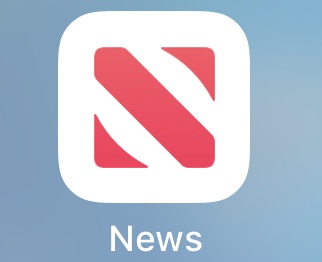
- Apple News - Apple has introduced a new icon for Apple News with a simpler design featuring a stylized red N on a field of white.
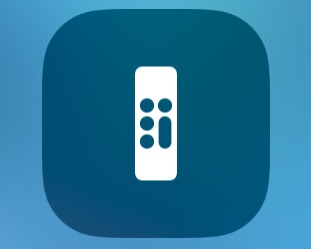
- Control Center Remote icon - The Remote icon in Control Center now resembles a remote instead of using an Apple TV logo.
Update: Apple has also made the fourth beta of iOS 12.2 available to public beta testers.
Source: macrumors









