 NEWS
NEWS
Apple Takes Three Spots on Adweek’s 25 Best Ads of 2018 List
 12/14/2018
 3121
3121
Apple’s television advertisements have earned three places on Adweek’s 25 Best Ads of 2018 annual list, which highlights the best media ads ranging from print to film. Apple’s highest spot ranking on the list, #2, was for its Spike Jonze directed-critically acclaimed ‘Welcome Home’ ad.
This isn’t the first time the company has seen massive celebration over the HomePod advert, with Adweek previously conducting a highly featured behind-the-scenes video.
The company took 19th place for its ‘Unlock’ advertisement, which featured a high school girl yielding special ‘unlock’ powers with just a glance. Of course, the ad demonstrated iPhone X Face ID functionality.
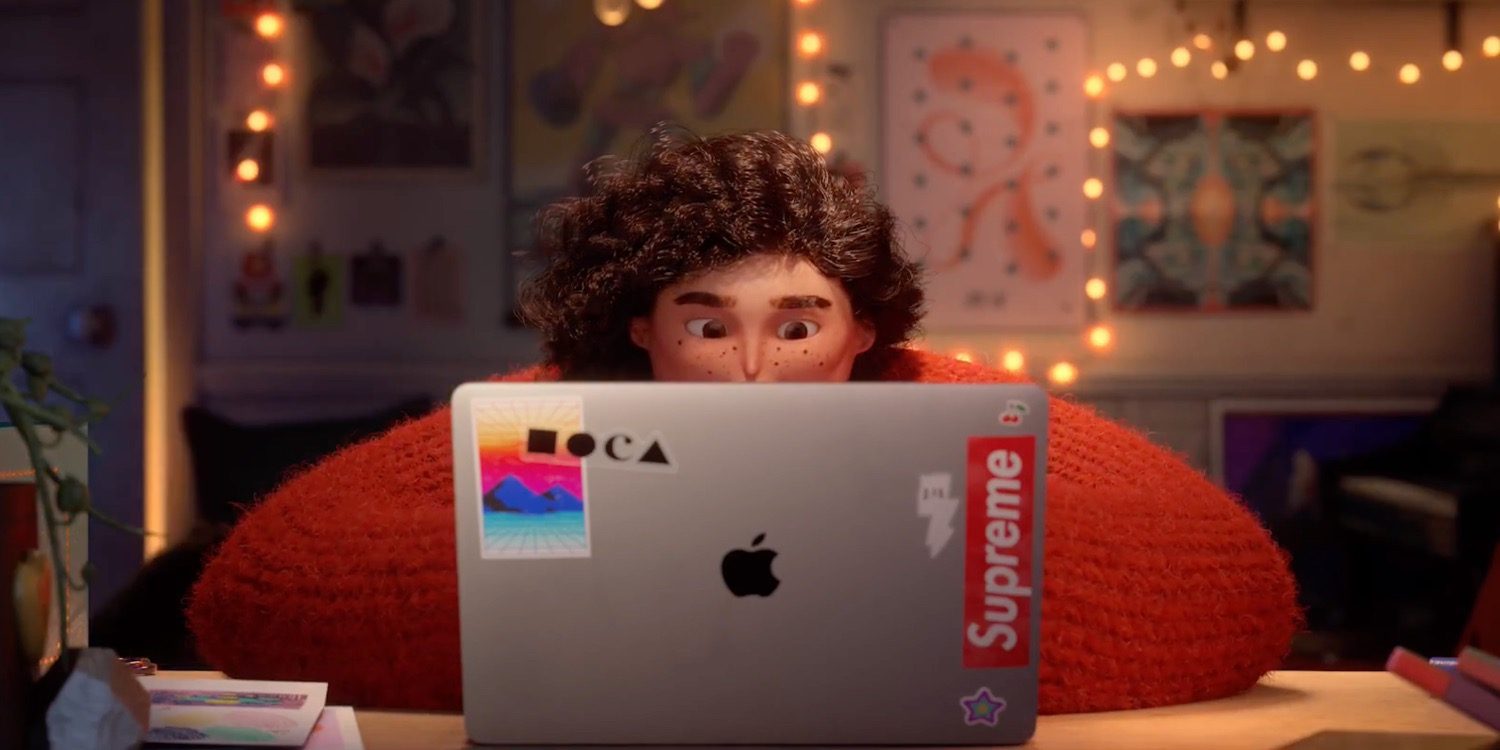
Apple also took 9th place for its recently released ‘Share your Gifts’ holiday animation commercial, which was even called out by Adweek in November for being exceptional ad other should mimic for its “morals”. Here’s an excerpt from Adweek in November discussing the short film.
We don’t learn what Sofia was making—but we do learn the lesson that sharing your creations, while sometimes terrifying, is vital […]
According to the ad’s creators, research has shown that 7 out of 10 people feel they’re not creative or not living up to their creative potential. Will this ad help liberate more creatives from their own self-doubts and fears? Perhaps, but if nothing else, it will at least remind the viewers that creating without sharing is like buying a wonderful present—and then locking it away.
Apple’s advertising accomplishments aren’t unprecedented. In March, Apple took top honors at the ADC Awards for its ‘Barbers’ ad. Check out each of the advertisements below.
Source: 9to5mac










