 NEWS
NEWS
Apple Activates Mac App Store Analytics in App Store Connect
 12/14/2018
 2703
2703
Developers on Thursday received a powerful new tool to track customer engagement in macOS Mojave, as Apple activated Mac App Store analytics in App Store Connect.
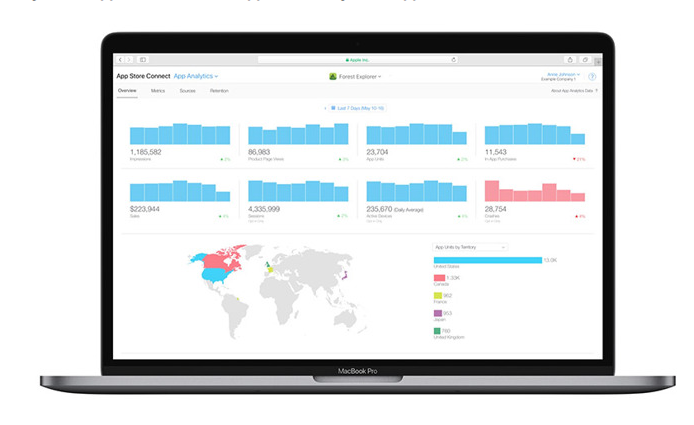
Announced in a post to Apple's official developer website, the new capability grants developers a detailed overview of Mac App Store activity. The insights are crucial to gauging the effectiveness of marketing campaigns, tracking customer interest, monitoring the performance of updates and more.
Analytics include the number of times an app was seen on the App Store, product page views and downloads by new customers. Sales numbers for in-app purchases and paying users are also available for developer perusal, Apple says, as are other unspecified metrics. The analytics platform is expected to boast a suite of tools similar to those available to iOS developers.
Previously, App Store Connect was limited to iOS and tvOS app data.
Today's addition is another cog in App Store Connect's quickly growing feature set. Apple introduced the in-house analytics system as a replacement for the aging iTunes Connect in June, making a number of user interface and backend enhancements to the platform in a bid to streamline the process of submitting and managing apps.
Existing as both a web interface and iOS app, App Store Connect is a one-stop shop that lets developers deploy new apps and updates, create product pages with screenshots and previews, and enable in-app purchases. The service integrates pre-launch testing via TestFlight and incorporates dynamic tools for managing app submissions, distribution, pricing and more.
Source: appleinsider










