 NEWS
NEWS
Qualcomm Asks China to Ban the iPhone XS and XR
 12/14/2018
 2814
2814
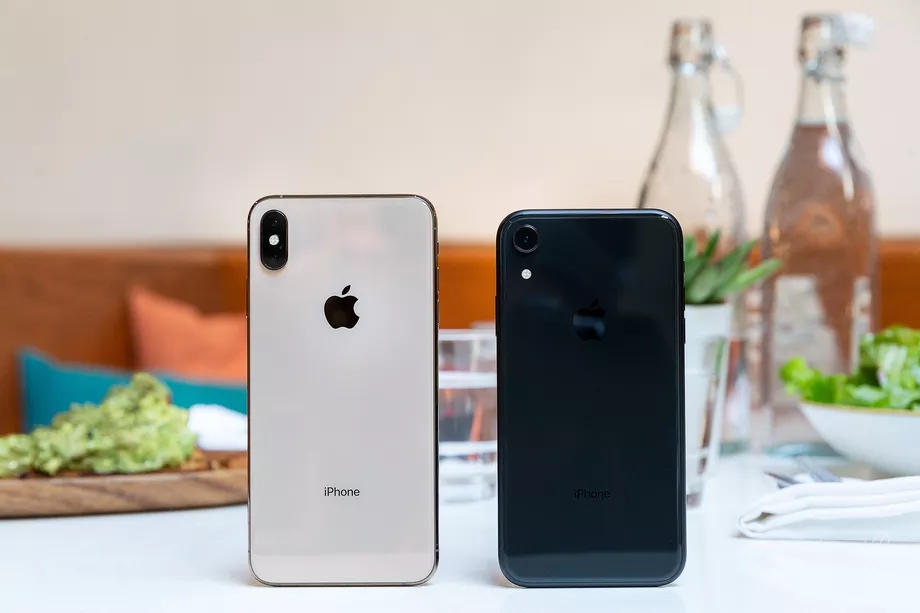
Qualcomm is trying to get the latest iPhones banned from China after a win in court earlier this week delivered a preliminary ban on Apple’s older phones. According to the Financial Times, Qualcomm has now asked Chinese courts to issue an injunction that bans Apple from selling the iPhone XS, XS Max, and XR within the country due to the same case of possible patent infringement.
The new filing will escalate the companies’ legal conflict in China, where Apple has so far ignored a court-ordered sales ban. Apple claims the ban only applied to phones running iOS 11 and earlier. Since its phones have now been updated to iOS 12, Apple believes they can remain on sale, and so it has continued to sell them.
According to the Financial Times, the Chinese court’s order doesn’t specifically mention any version of Apple’s operating system. That doesn’t necessarily mean Apple is wrong, but it does mean that there’s more to be hashed out. Apple didn’t immediately respond to a request for comment.
Qualcomm was able to win an initial ban on the iPhone 6S, 6S Plus, 7, 7 Plus, 8, 8 Plus, and X by indicating to a court that it was likely to win a patent infringement case. Apple seems to be arguing that even if Qualcomm does win, those patents wouldn’t be infringed by its newest operating system, which means the sales ban isn’t being violated.
The Financial Times says this added pressure from Qualcomm is really meant to nudge Apple toward settlement talks. The two companies are in an extended legal battle across the globe, and Qualcomm has largely appeared to be on the losing side. Not only is Apple after it, but many governments have gone after Qualcomm for alleged anti-competitive behavior, similar to what Apple is suing over. In several countries, Qualcomm has already lost.
Source: the verge










